

Viewers decide fast. The first seconds either pull them in or push them away. That choice depends on clear intent, strong visuals, and sound that supports the message.
Teams in the Bay Area produce at a fast clip, and expectations run high. Many brands work with Corporate Video Production Services, including companies like Luma Creative in San Francisco, to align story, crew, and schedule. Whether you hire a partner or build in house, the same rules apply.
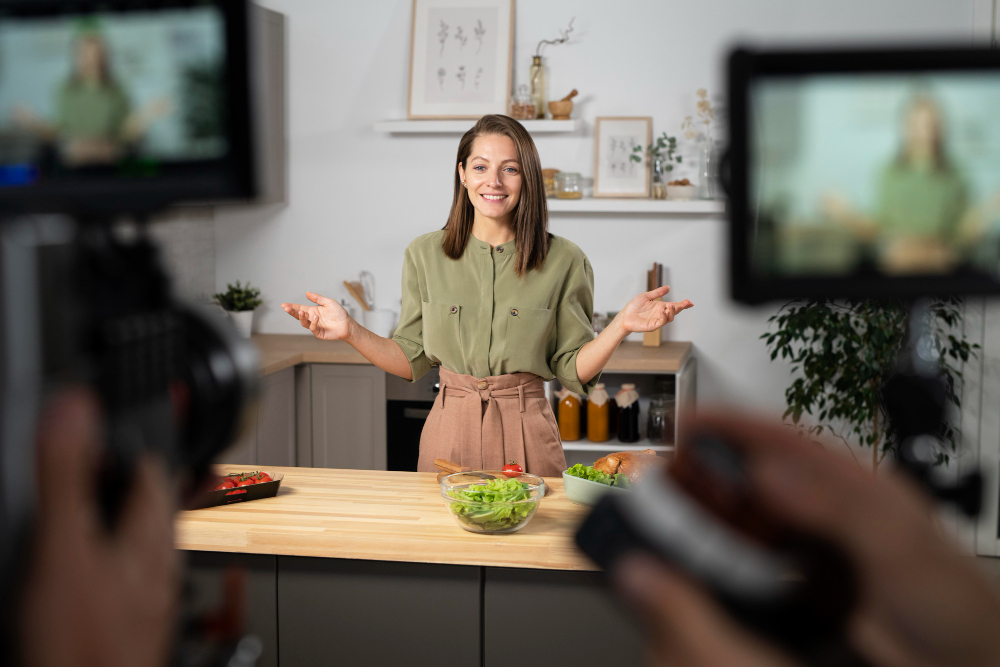
Photo by Donald Tong
Start With One Sentence And One Viewer
Write the promise of the video as a single sentence, then write it again in simpler words. Read those lines aloud until they sound natural. If they feel vague, the video will feel vague.
Choose one viewer to design for, then write a short profile on a single page. Note their job, context, and pain point. Keep it real, not idealized. When hard choices emerge later, use this page to decide.
List the action you want from the viewer after they watch. Make it small and concrete, such as booking a demo or sharing the clip internally. This target keeps scenes tight and avoids drift.
Build A Story That Fits Your Brand Voice
Pick a simple story spine, not a complicated plot. A clean arc works well, such as problem, approach, and result. Use real details from customer life, not corporate slogans.
Match tone to brand voice, then lock your vocabulary. If your brand prefers plain speech, keep it that way. If your brand uses dry humor, place it lightly and never at the customer’s expense.
Create three proof points that can appear on screen or through dialogue. These can be data moments, short quotes, or onscreen graphics. Each should connect to that one sentence promise you wrote.
Plan Visuals, Sound, And Pace Together
Treat picture and audio like partners, not separate tracks. Choose a visual system early, such as close faces, hands at work, or wide team shots. Use it to guide locations, lenses, and lighting.
Design sound before the shoot, not during the edit. Decide where music carries mood and where silence lets a point land. Record room tone at every location to smooth cuts later.
Set a pace rule for the edit before shooting. For example, hold talking shots under six seconds unless the emotion benefits from a longer take. This simple constraint prevents a sluggish cut.
Write An Honest Script And A Practical Board
Scripts for brand videos should read like people speak. Short lines beat long lines, and concrete nouns beat jargon. Invite one subject matter expert to review for accuracy, not style.
Translate script beats into a board that shows framing, subject action, and text on screen. A rough board is fine, but it must be complete. Your crew will move faster when shots are clear.
Keep a timing estimate beside each beat. Add a column for cutaways to cover jump cuts and tighten rhythm. This sheet will save your edit when a great interview runs long.
Prepare Interview And On-Set Workflows
Interviews benefit from a pre call that sets expectations and calms nerves. Share the goal, the shape of the story, and the time window. Ask for short, active answers with concrete examples.
On set, protect sound quality first, then light and frame. A quiet room or a solid lav mic choice prevents endless repair work later. Good sound carries authority, even in short web clips.
Organize assets on the day. Log the best takes. Photograph scene setups and lights. Clear notes prevent missed shots, speed the assembly, and help reshoots match without guesswork.
Edit For Clarity, Not Just Style
Open with the strongest proof that supports the promise. If a voice line hits hard, lead with it over music and title. Cut the first wide shot if it stalls momentum.
Use text on screen to anchor terms and numbers. Keep lines short and legible, and place them where eyes already travel. Avoid visual clutter that competes with faces or hands.
Check comprehension with a cold viewer who matches your profile. Ask what the video promised, what it proved, and what they remember. Their answers should align with your one sentence promise.
- Keep your first cut under your target length by fifteen percent.
- Remove any shot that repeats information already clear.
- Replace general claims with a concrete example.
- Leave room for platform trims and captions.
Design For Platforms, Access, And Measurement
Plan for captions from the start, then bake the need into framing. Captions cover muted playback and improve accessibility. They also help viewers keep pace with technical terms.
Export platform-ready aspect ratios from the same master timeline. Square, vertical, and widescreen cuts should share the same spine. This reduces version chaos and protects message integrity.
Choose two or three metrics before release and track them by platform. Play rate, watch time, and completion rate reveal real behavior. Compare against the same audience and the same style of video to avoid mixed signals.
Research on attention and media fatigue supports short, focused structures and clear goals. See the National Institutes of Health overview on attention and cognitive load for useful context, which can guide length and pacing choices for different audiences.
When To Bring In A Production Partner
You can handle simple shoots with a small team and rented gear. Bring in a partner when logistics, multiple locations, or live streaming enter the plan. External crews reduce risk and keep your team focused on message and approvals.
In the Bay Area, many companies partner with production teams that know local permits, crews, and sound stages. That knowledge saves time and protects budget. A seasoned producer will flag risks early and propose clear tradeoffs.
When you evaluate partners, look for past work in your industry, not only beautiful frames. Ask how they handle pre production, on set workflow, and delivery formats. Strong answers will reference scheduling, coverage, and clear reporting rather than vague claims.
Public sector media guides also offer practical checklists for production planning and accessibility. The U.S. General Services Administration publishes helpful guidance on video accessibility and captioning that brands can adapt for public releases. This resource supports consistent practices across teams and vendors.
Bring The Message To Life On Release Day
Treat release as part of production, not an afterthought. Prepare thumbnails, captions, and copy that use the same vocabulary as the video. Align the first three seconds of the cut with the still image and headline.
Give your sales or field teams a short usage note that explains where the video fits. Tell them when to share, what problem it solves, and which persona responds. Internal clarity boosts the odds that the right people see the work.
Archive source files with readable names and store rights paperwork beside them. Next year’s update will move faster, and legal reviews will be smoother. A tidy archive protects your brand and your schedule.
A short, disciplined process builds videos that people watch and remember. Start with one sentence, one viewer, and one action. Plan visuals and sound together, then cut for clarity and truth.

