

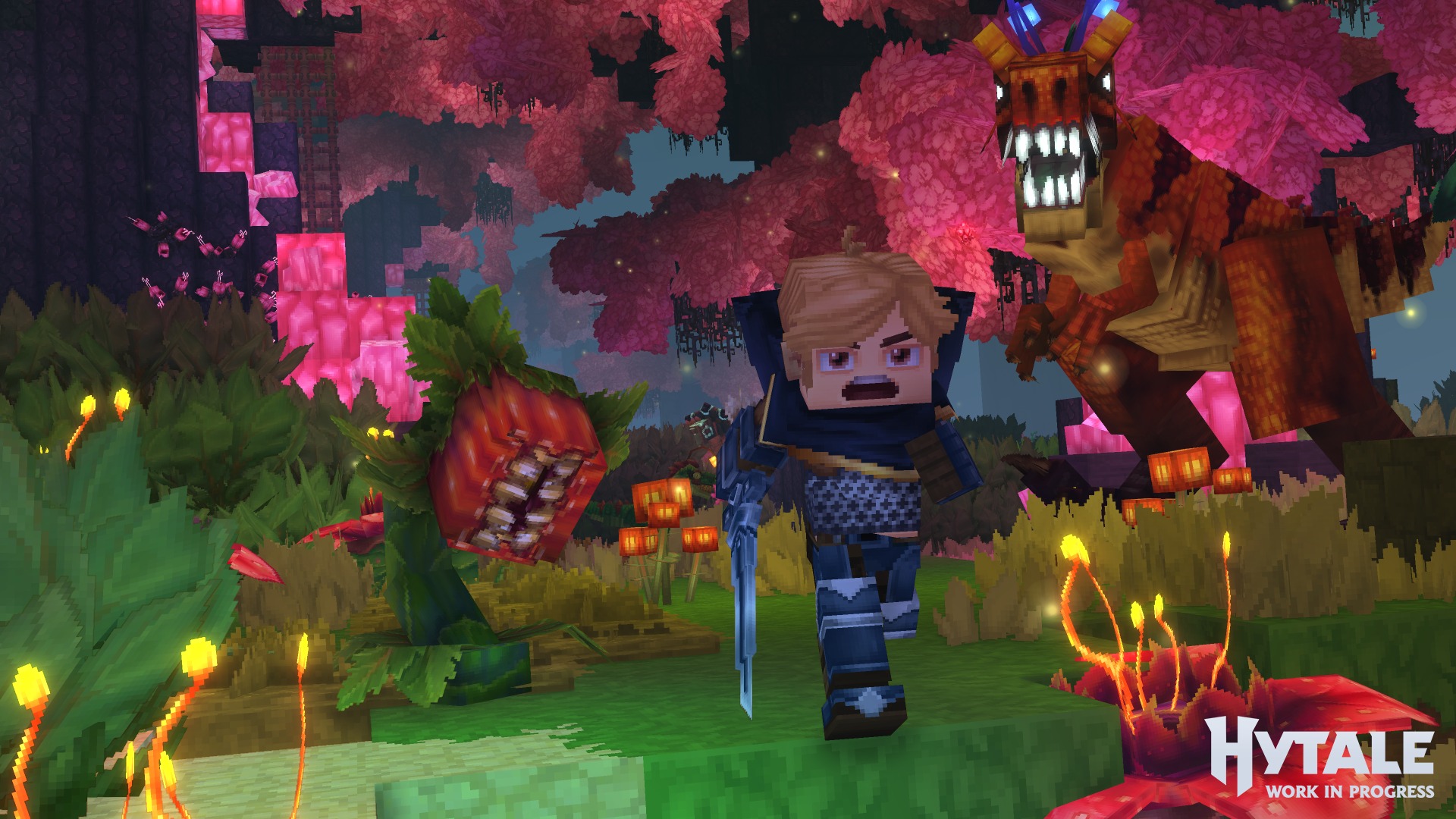
Hypixel’s Hytale has finally launched in Early Access, and if you’re figuring out how to play online with friends, you’re not alone. From building and combat to creative tools and mod support, there is already a lot to explore, and much of it is designed to be played together. Hytale’s multiplayer works across both game modes, but inviting players, joining worlds, or keeping a server running takes a bit of getting used to. So, here’s how Hytale’s multiplayer works and how to play online with friends.
Hytale: How to Play With Friends in Online Multiplayer Mode
If you want to play Hytale with friends, you can either invite them into your world for a single session or host a server that stays online independently of your session. To play Hytale online with friends, you need to enable the multiplayer option, generate a world code, and share it with those you want to join. Running a dedicated server, however, will need you to go through a few extra steps to get everything set up (more on that later).
Also, keep in mind that Hytale’s invite system needs you to share your IP address, so only share it with people you know and trust. When you start a new world in Hytale, it launches as a solo experience by default. You can invite other players at any time using the in-game Online Play menu. To invite your friends in Hytale, all you need to do is:
- Press the Esc key to open the main menu
- Select Online Play
- Turn Allow other players to join to On
- Click Save to confirm the change
- A world code will appear. Copy this code and share it with your friends
You can also enable a password for extra security. If you turn on the password option, click “Save” again to generate a new code and password. On the other hand, to join someone else’s world, you will need a world code from the host. From there, simply:
- Open the main menu and select Servers
- Choose Join via code
- Enter the invitation code and the password if one is required
- Select Connect to join the world
As long as the host is online and active in the world, you will be able to play together in real time. As we mentioned earlier, Hytale also supports dedicated servers, but Hypixel Studios does not currently run any official ones. Instead, you can either rent a server from a third-party provider or set one up yourself. For anyone planning on hosting a dedicated server on their own, Hypixel’s official documentation covers everything you need to know to get started.
For more gaming news and guides, be sure to check out our gaming page!

