

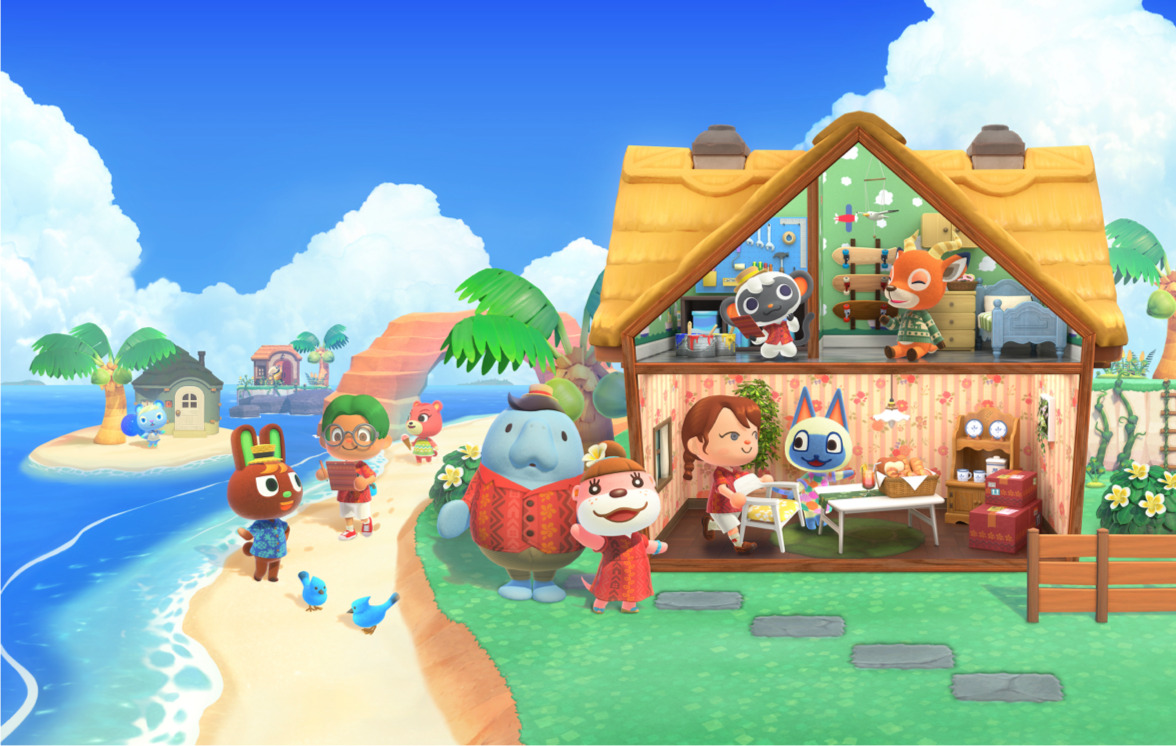
If you’ve started decorating vacation homes in Animal Crossing: New Horizons’ Happy Home Paradise DLC, you might be wondering how to go back and tweak your first designs. The Happy Home Paradise DLC opens up a whole new side of island life, letting you create vacation homes for your favorite villagers. You travel to a tropical archipelago to design and build vacation homes and facilities, and as you complete more projects, you unlock new tools and techniques to customize further both interiors and exteriors, including roofs, siding, doors, and even outdoor settings like weather and season. So, if you have worked on a few homes and want to revisit past designs, here’s how to edit vacation homes in Animal Crossing: New Horizons and unlock all the decorating options available.
Animal Crossing: New Horizons: How to Edit Vacation Homes
To edit vacation homes in Animal Crossing: New Horizons’ Happy Home Paradise DLC, you first need to have completed at least two homes and met Lottie. After installing the DLC and upgrading your Resident Services and campsite, Tom Nook will call you to visit him and a visitor at the airport. There, Nook will introduce you to Lottie and ask if you want to help design homes. Once you say yes, the “I want to go to work” option with Orville will become available, and he will fly you to the resort archipelago.
On the islands, you’ll work for Paradise Planning alongside Lottie, Niko, and Wardell, designing vacation homes for villagers and special characters. After building a couple of homes, Lottie will explain how to revisit old projects. You can then head to Niko at his boat on the docks and he will pull up a map or a list of all the tenants you’ve worked with.
To remodel a vacation home, speak to the villager, choose “how is your home”, then select “let’s talk remodeling” and after confirming, you’ll enter remodeling mode. You can start in the yard and move inside once the villager gives permission, placing, moving, or removing furniture as you like.
From there, you’re free to go back to any of your previous homes and make changes to layouts, furniture, or decorations as much as you want. As you continue designing homes in Happy Home Paradise, you’ll unlock new decorating techniques such as polishing furniture, adding partitions and counters, or even creating second floors, all of which can eventually be used on your main island.
Here’s a list of all features you’ll be able to unlock as you design more homes:
- Polishing furniture – unlocked on your 4th renovation.
- DIY items and workbenches – unlocked after your 5th remodel.
- Facilities like the school, café, and restaurant – unlock as you complete more homes.
- Partitions, countertops, pillars, lighting, second floors, and soundscapes – gradually unlock with more remodels.
- Visiting other players’ designs – available after 13 remodels (Nintendo Switch Online required).
- Full catalog access and redesigning homes on your main island – unlocked after 25–30 homes.
Each new technique can eventually be used on your own island, letting you bring the vacation home creativity back to your own village.
For more gaming news and guides, be sure to check out our gaming page!

