

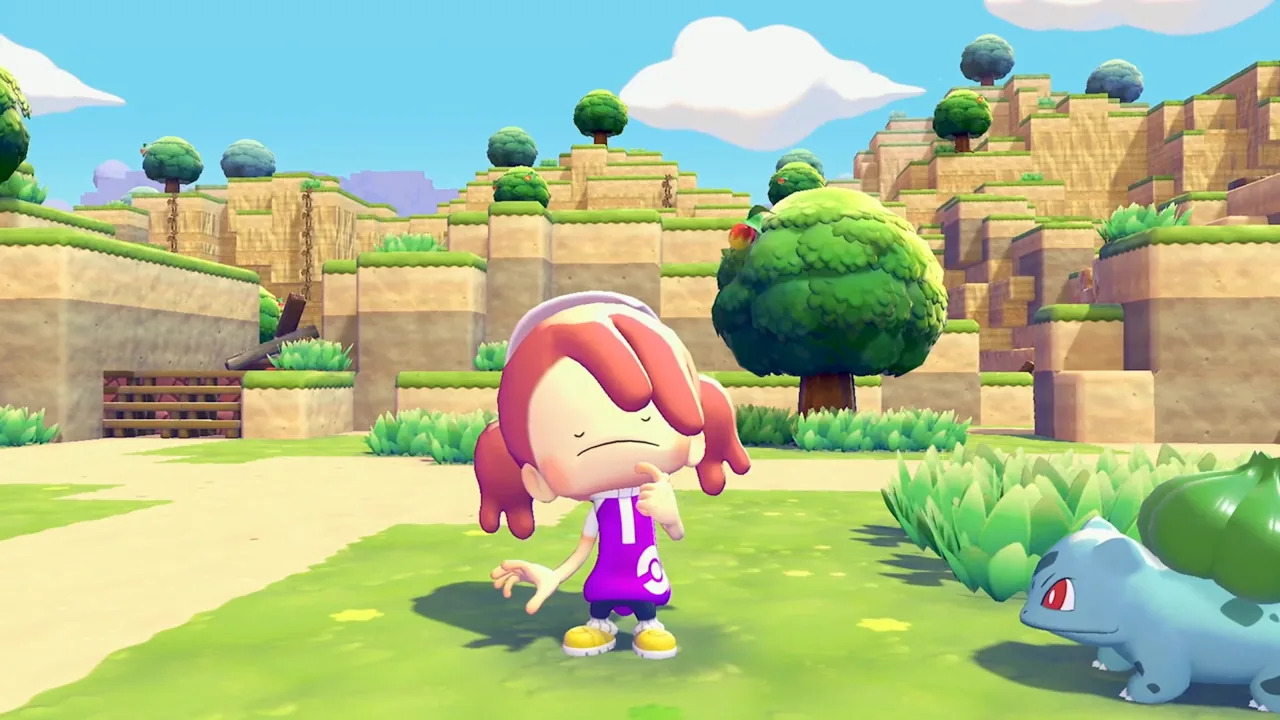
Looking for Cloud Island codes in Pokémon Pokopia? Building and decorating your island is already a big part of Pokopia, and Cloud Islands take things a step further by letting you actually visit other players’ islands and see how they’ve arranged their spaces. In a nutshell, Cloud Islands are shared, view-only islands you can visit using simple codes.
Alongside player-made islands, you can also check out and visit Developer Islands, which are basically Cloud Islands created by the game devs and usually feature more polished layouts, unique furniture combinations, and fully built-out habitats. You can jump into any of these islands by simply entering a code, which might sound quite familiar to anyone who’s played Fortnite and used the game’s Creative Island codes. So, here are all Cloud Island codes in Pokémon Pokopia and how you can use them to explore different builds.
Pokémon Pokopia: Full List of Cloud Island Codes and How to Use Them
Before you can start hopping between islands in Pokémon Pokopia, you’ll need a special item called the Mysterious Goggles. To obtain the Mysterious Goggles, you’ll need to reach Environment Level 3 in your starting area, then purchase the goggles from the PC Shop for 100 Life Coins. Once you’ve got the goggles, equip them from your inventory and select the “Use” option when asked.
This will bring up a code entry screen, where you can enter a Cloud Island code to instantly travel to that island. You can use the same process for visiting both friends’ islands and official ones. However, keep in mind that you’ll need an active Nintendo Switch Online subscription to access Cloud Islands. With that out of the way, here are all the currently available Cloud Island codes in Pokémon Pokopia that you can visit right now:
Pokemon Information Bureau Cloud Island
Code: PXQC G03S
Created by the devs themselves, this official Cloud Island is a great example of how Pokémon Pokopia’s systems come together in an actual build. Instead of sticking to a single theme, it features carefully planned layouts, creative habitats, and small design touches you can easily take inspiration from for your own island.
Hidetaka Kano’s Island
Code: QBRK 7FVM
As the name suggests, this island comes from Hidetaka Kano, known from Pokopia’s Japanese commercials. It’s smaller but very stylish, with a more focused, character-driven design and a glass house setup tucked underneath the main build.
Rino Sashihara’s Island
Code: MGL4 83P4
This is another featured creator island from one of the game’s promotional collaborators. It goes all in on a distinct visual style, so it’s less about practicality and more about showing how far you can push themed design in a tight space.
Color Peach Island
Code: 0XGP 4N31
This one is split into four sections, each with a different theme. The whole island is colourful, structured, and easy to move through, with each zone giving you a slightly different design idea to take away.
IKEA Island (Limited-Time)
Code: 0SJ8 5TRX
A collaboration island created with IKEA designers, Pokopia’s IKEA Island showcases interior-style room designs and layout ideas rather than open-world landscaping. As you might expect from a collab, the island won’t stick around forever and is only available for a limited time, closing on 30th June, 2026.
After you’re done exploring and gathering design ideas, you can return from a Cloud Island by simply opening the main menu, pressing the “-” button, and selecting Return Home. Confirm to exit Virtual Mode, and you’ll be taken straight back to your own island.
And that does it for our Pokémon Pokopia’s Cloud Island codes guide. For more gaming news and guides, be sure to check out our gaming page!

