

Competition among brands has intensified in today’s fast-paced digital era. Everyone is embracing tools that amplify their message more efficiently. With brands vying to capture audience attention and connect with consumers in the market more effectively, many compare Simfa vs Invideo. Both creative options promise to produce such results. However, which one truly gives them the competitive edge?
In this Simfa vs Invideo comparison, we will scrutinize these apps. By doing this, users can determine which tool drives better engagement and translates to achieving a greater chance of conversion.
Simfa vs Invideo: Head-to-Head Comparison
- Key Features
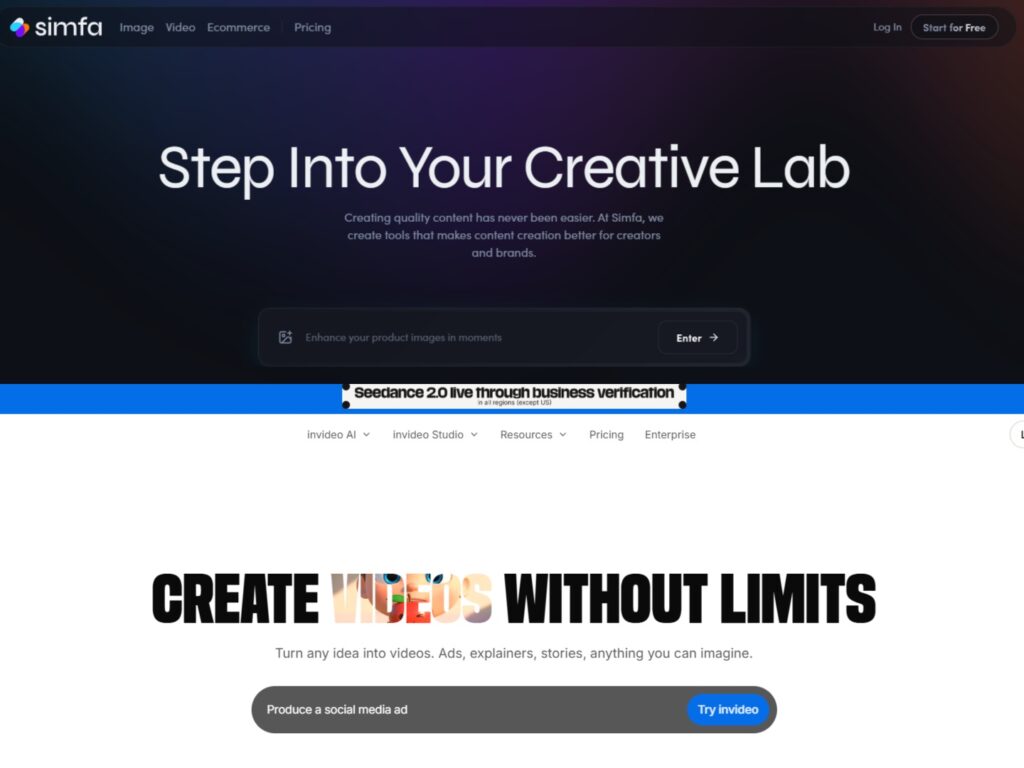
In terms of offerings, Simfa and Invideo both provide several creative tools. More specifically, Simfa delivers features such as face swaps, outfit swaps, color grading, an artificial intelligence (AI) image generator, product enhancer, and image upscaler. Meanwhile, Invideo contains multimedia tools, including but not limited to an AI video generator, an AI thumbnail maker, and voice-related features. It is worth noting that the latter is centered around video workflows, while the former emphasizes image and video content creation.
- User Experience
Even with most brands having professionals in their teams, ease of use remains a consideration. It ensures that anyone in the group can perform a task without a steep learning curve. Accordingly, Simfa features an intuitive interface and AI-assisted automations. It does so with speed without taking away a user’s creative control. On the other hand, Invideo also has a simple layout that is easy to navigate. However, it often relies on text prompts and light manual input. This particular method can require time to be effective in writing prompts that deliver brand-ready results. Nonetheless, both have existing templates that brands can use for instant outputs.
- Privacy and Security
Brands have confidential information to protect. That is why privacy and security matter to them. Both Simfa and Invideo collect personal data and store media to operate and improve their services. Nonetheless, both apps also allow users to control and delete their data.
- Pricing
One of the primary reasons why brands use these online tools is to reduce costs. Both tools provide free tier packages. However, the difference in affordability lies in the monthly subscription deals. Simfa’s offerings come in at $15 a month for the Starter Package, $23 per month for the Plus Package, and $99 a month for the Simfa+ Package. In contrast, Invideo is noticeably more costly, with its package prices ranging from $25 per month to $200 a month.
Quick Comparison Table
| SIMFA | INVIDEO | WINNER | |
| Key Features | Image + Video | Video-First | SIMFA |
| User Experience | Easy, AI-Assisted | Prompt-Based | SIMFA |
| Privacy and Security | Data Control Available | Data Control Available | TIE |
| Pricing | $15 – $99 | $25- $200 | SIMFA |
The Faceoff: Simfa vs Invideo
In the ultimate showdown of Simfa vs Invideo, both apps prove to be impressive on their own merits. Since Invideo came a few years earlier, it has been able to develop more tools and features for turning ideas into content. However, in a way, its focus is centered on a specific type of media. And this may not fully accommodate the broader needs of modern brands.
Meanwhile, Simfa was created with brands in mind. It offers a more versatile approach to content creation. With AI-driven automation, high-quality results in a few clicks, and more affordable packages, this toolkit clearly holds the edge as the more well-rounded solution. Rather than going with options that are more niche in their creative scope, brands may benefit more from an app like Simfa. It not only streamlines workflow but also elevates every piece of brand content.

