

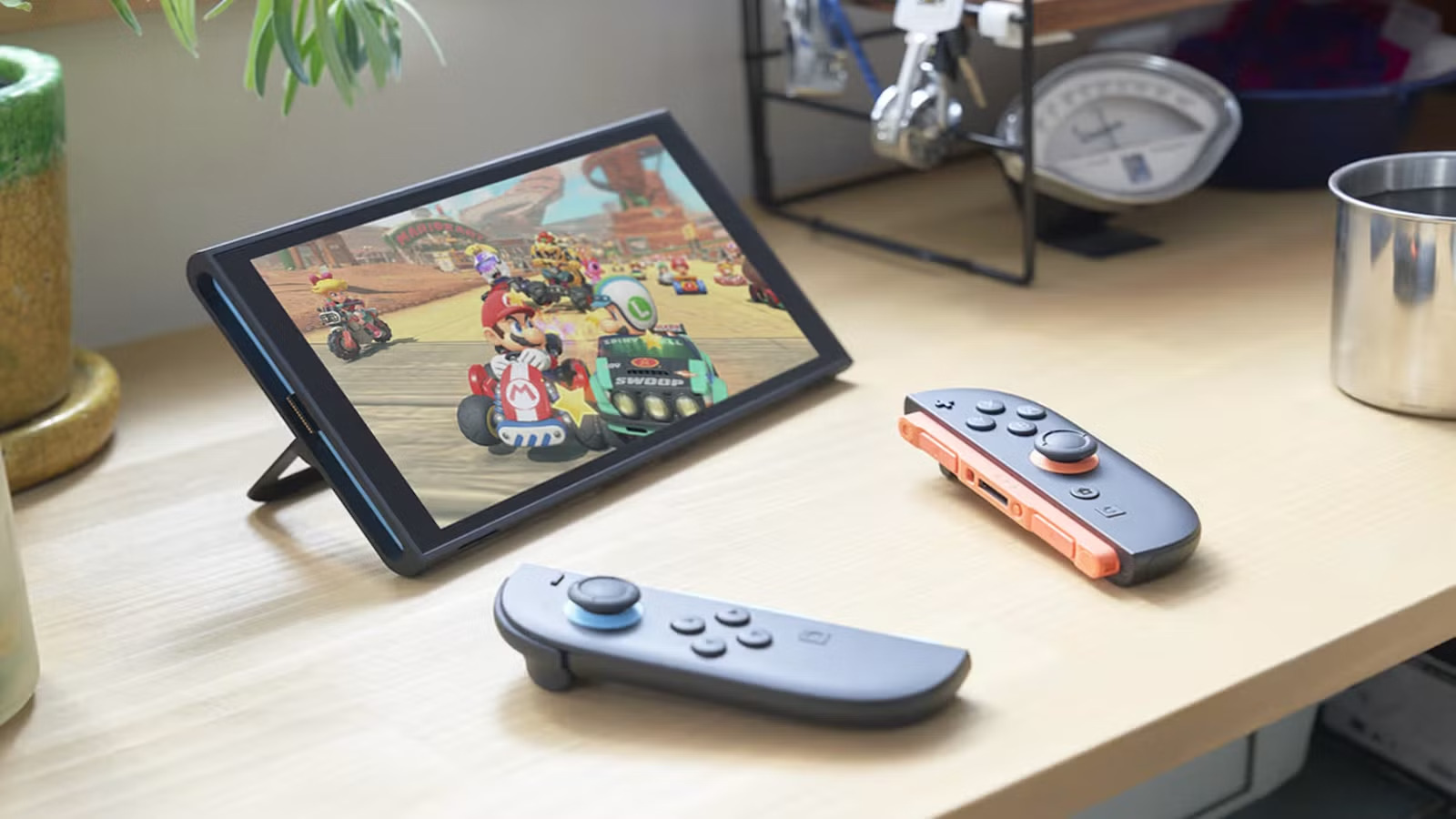
If you’re just starting a digital game collection on your Nintendo Switch 2, redeeming game codes is one of the quickest and most popular ways to add new titles to your library. Anyone who has bought and redeemed digital game codes on PlayStation, Xbox, or PC before will already know exactly how it works, and it’s no different on the Switch 2.
You can redeem a download code, aka a game code, on the Switch 2 directly through the Nintendo eShop on your console or via a browser on your phone or computer. Either way, the game will be linked to your Nintendo Account, thus making it available across all your devices. So to help you get started, here’s a simple step-by-step guide on how to redeem game codes on the Nintendo eShop.
Nintendo Switch 2: How To Redeem Game Codes on Nintendo eShop
To redeem a game code on Nintendo Switch 2, you’ll need the 16-character download code included with your purchase. Also, your Nintendo Switch 2 must also be connected to the internet, and you’ll need a Nintendo Account that’s registered in a country or region where the Nintendo eShop is available.
If you’re away from your console, you can still redeem the same code online using a web browser, as the purchase is tied to your Nintendo Account. Here’s how to redeem a game code on Nintendo Switch 2:
- First, connect your Nintendo Switch 2 console to the internet.
- Then, from the HOME Menu, select the Nintendo eShop icon to open the store.
- When prompted, choose the Nintendo Account you want to use.
- Once inside the eShop, select Redeem Code from the menu on the left.
- Enter your 16-character Nintendo Switch download code using the on-screen keyboard.
- Lastly, hit Confirm to complete the process.
Some retailer game cards include both a control number and a download code. Make sure you enter the download code, not the control number. Once your redemption is confirmed, the game will begin downloading automatically. The game’s icon will appear on the HOME Menu with a progress bar that will disappear once the download finishes. Moreover, if your console supports virtual game cards, the game will launch automatically after the download is complete.
If you see a message saying the code has already been used, it means the game code has already been redeemed and can’t be used again. For more gaming news and guides, be sure to check out our gaming page!

