

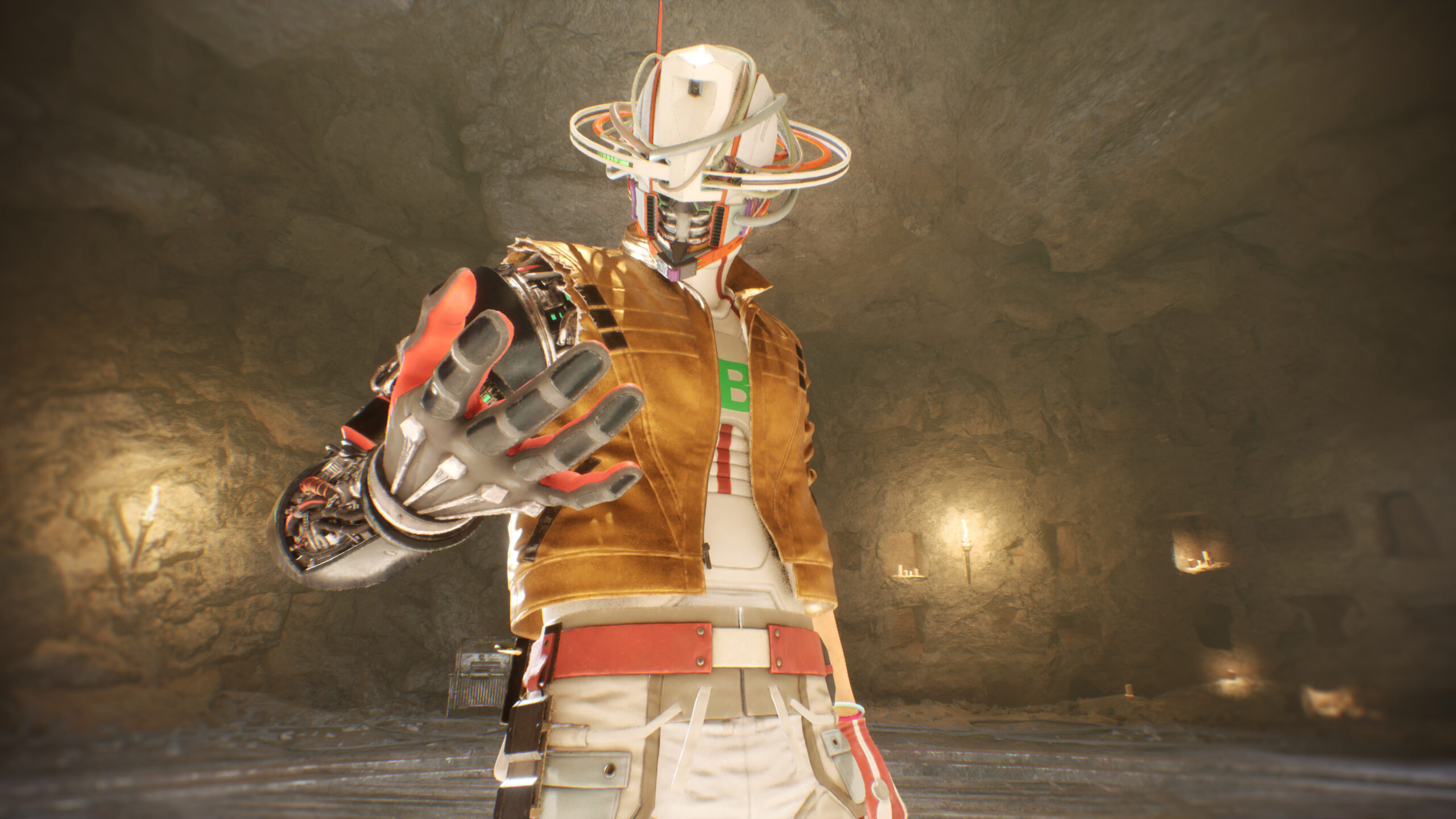
Dying in a boss fight and replaying a long stretch is never fun, so knowing how to save your game in Romeo is a Deadman can spare you a frustrating reset. As you chase space-time fugitives across fractured dimensions, slash through foes and piece together the mystery surrounding Juliet, it’s easy to get caught up in the action and forget to save your game. While the game has dedicated save points throughout missions and, eventually, aboard your ship, they aren’t always exactly where you need them. So, if you want to stay in control of your run, here’s how to save your game in Romeo is a Deadman.
Romeo is a Deadman: How to Save Your Game
To save your game in Romeo is a Deadman during missions, you need to find large, floating plus-sign icons that resemble television screens. They act as the game’s dedicated save points and are located throughout levels, usually after combat-heavy sections or near important objectives. When you see one, simply walk up to it, interact with it, select a save slot, and confirm.
Your progress will be saved as soon as you interact with a save point, so it’s a good idea to use these whenever you see them, especially before pushing into unfamiliar territory. Romeo is a Deadman has over a dozen save slots and you can overwrite the same slot whenever you like or rotate between multiple saves if you prefer backups.
You can also save your game aboard the ship in Romeo is a Deadman, but you will first need to obtain access to Romeo’s quarters. When you first begin the game, there will be no active save points aboard the ship, and you’ll need to unlock Romeo’s quarters before the save icon on the southern hallway wall can be used.
Once unlocked, Romeo’s quarters will act as a permanent save location and you can return to the ship between missions to manually save your progress. However, if you are defeated during a boss fight, the game may send you back to your last manual save rather than a nearby checkpoint, and you may have to replay a long stretch of the mission.
For more gaming news and guides, be sure to check out our gaming page!

