

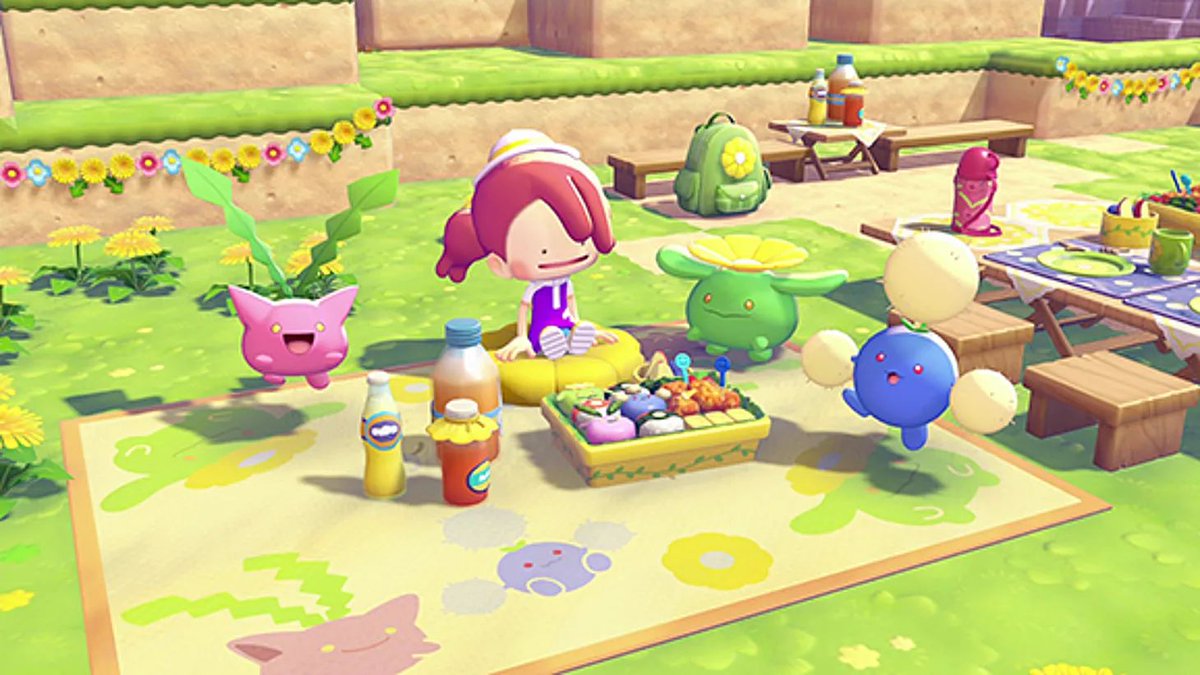
Everything’s more fun with friends, and Pokémon Pokopia gives you plenty of ways to share the adventure. Like most multiplayer games, Pokopia lets you team up to explore, build, and share your worlds. You can drop by a friend’s island to see their Pokémon and habitats, team up on a Cloud Island to create something new, or roam freely in Palette Town, where you can meet other players, trade, and take part in shared activities. If that wasn’t enough, hanging out with friends lets you discover Pokémon that don’t appear on your own island, swap tips, or simply enjoy exploring each other’s creations. With so much to do side by side, here’s how you can play Pokémon Pokopia with friends.
Pokémon Pokopia: How to play with friends
To play Pokémon Pokopia with friends, you first need to reach Environment Level 2 in Withered Wasteland. Additionally, if you want to play online, you’ll also need an active Nintendo Switch Online subscription. When you’re ready to jump in, head over to any Pokémon Center PC and pick the Link Play icon with the Ditto emblem. From there, you’ll see all the multiplayer options, including GameShare, which is only available in Palette Town.
There are three main ways to play Pokémon Pokopia with friends: you can visit or host friends in-game, collaborate on a Cloud Island, or explore and interact with others in Palette Town.
To invite or visit a friend, select Invite Others to Visit to host or Visit a Friend to join someone else. Choose Local or Online, confirm your settings, and press the Plus button. Hosting generates a Link Code that you can share with friends, while visiting requires entering your friend’s code. Once connected, you can explore their island, check out Pokémon and habitats, and interact based on the selected mode.
Cloud Islands in Pokémon Pokopia let up to four players build and explore together, even if the host is offline. To create or join a Cloud Island, select Link Play at a PC. You can generate a random island or use a Magic Number to start a specific world, similar to a Minecraft seed. Any habitats or recipes you discover in a Cloud Island are yours to keep, but Pokémon you encounter will not register in your main game.
If you want to get the most out of Pokémon Pokopia’s multiplayer, head to Palette Town. After repairing the bridge from Withered Wasteland, you and your friends can enter through the Pokémon Center or cross the bridge together. In Palette Town, all Moves and items are available unless Spectator Mode is on. You can terraform, craft, complete group challenges, and build and play together in real time with your friends.
For more gaming news and guides, be sure to check out our gaming page!

