


Background removal is a task that’s often underestimated. People are quick to advise others to just Photoshop it. But it’s not exactly that straightforward. Using the background eraser means extensive manual effort. Clicking the magic eraser only works well with solid colors. Relying on the quick action leaves jagged edges. While the latest version includes AI features, using Photoshop still entails technical expertise. But not everyone knows how. That’s why AI tools for background removal are truly vital.
They’re more than just convenience features. Design teams. Photographers. Marketers. Online sellers. Every content creator now includes AI tools for background removal as part of everyday workflows. But not all options approach background removal and what comes after the same way.
Taking this into consideration, this guide lists the top picks that throw bad cutouts and hours of editing out the window.
Top Five Best AI Tools for Background Removal
Simfa
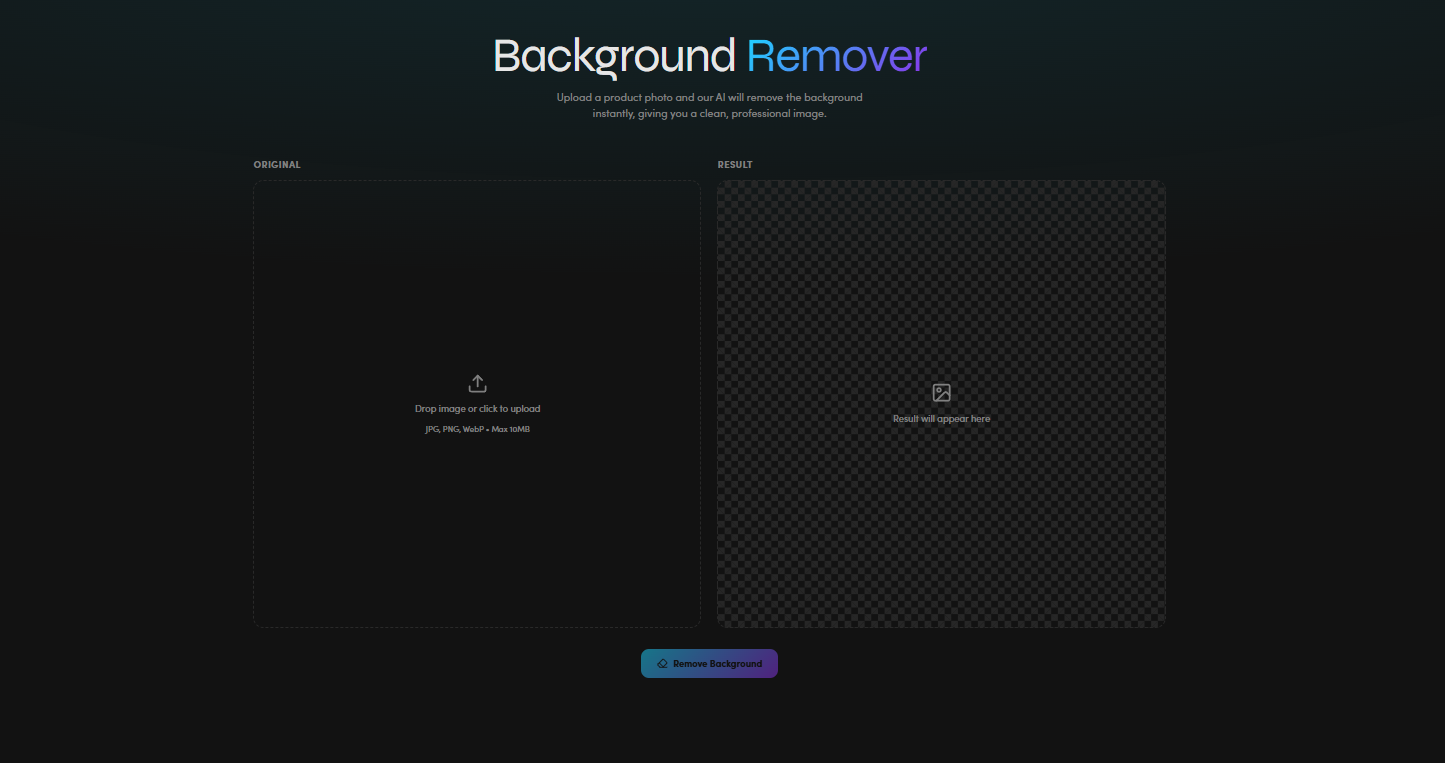
Simfa treats background removal as part of a broader visual editing workflow. Not just a standalone utility. Rather than just cutting subjects from an image, this tool helps users quickly transform visuals. With its background-removal feature, users can achieve a clean, professional image in a few clicks. But Simfa takes it one step further. It offers multiple staging presets for electronics, fashion, food and beverage, furniture, and jewelry. It features over 10 dynamic backgrounds. This prepares content for reuse across campaigns and formats.
Key Features:
- Subject isolation and image cleanup at speed
- Efficient for creative repurposing workflows
- Producing visual variations through batch generation and templates
Pricing:
- Free Package
- Starter Package – $15 per month
- Plus Package – $23 per month
- Simfa+ Package – $99 per month
Real Use Case:
Fashion teams can use Simfa to remove studio backgrounds from apparel photography. Then they can place the subject on an urban night scene, a jungle retreat, or a minimalist concrete room to create seasonal mockups without organizing additional shoots.
Pixelbin
Within this list of AI tools for background removal, Pixelbin focuses heavily on automation and image optimization at scale. This option can accurately and consistently detect objects and cleanly cut them from the background. Using smart AI, it’s able to maintain actual edges, lighting, and shadows. Aside from removing the background, creators can also change it using basic presets or custom images and can enter prompts to render themed backdrops. Pixelbin is a trouble-free solution that helps creatives seeking polished visuals for ads, presentations, websites, or social media.
Key Features:
- Bulk background removal workflows
- Multiple file format support
- Masking and retouching
Pricing:
- Free Package
- Creator Package – $10 per month
- Lite Package – $20 per month
- Pro Package – $60 per month
Real Use Case:
Pixelbin helps e-commerce teams to process tons of product images for online listings. Like a clothing retailer using it to automatically remove inconsistent studio backgrounds before publishing on marketplaces.
Adobe Express
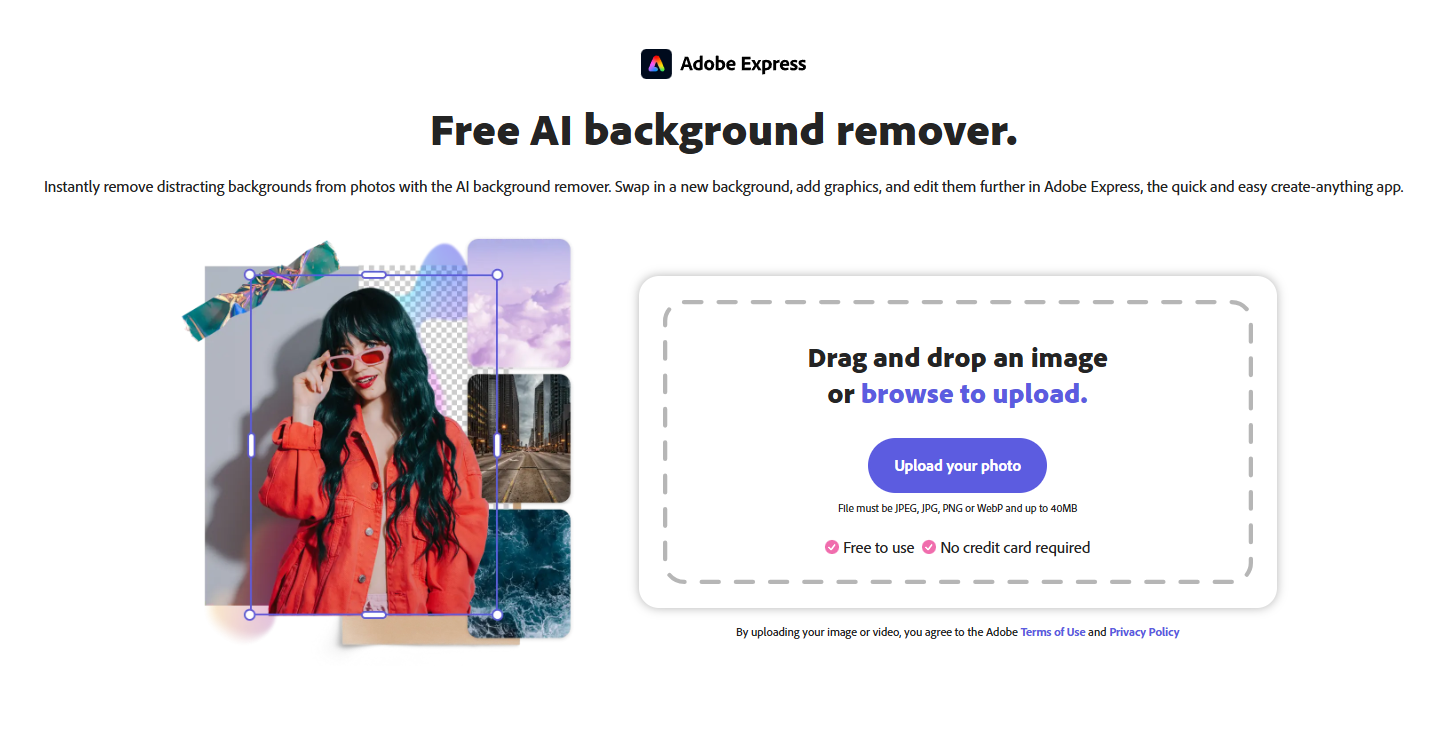
Adobe Express shines where Photoshop falls apart. It brings background removal into a more accessible environment. All without requiring professional editing experience. Its offering for what users can do immediately afterward is also promising. After cutting the background, creators can use it to add graphic elements or filters using Adobe templates and stock design assets. Adobe Express helps users of all skill levels produce impactful content. Compared to Photoshop, it’s the quick and easy create-anything option.
Key Features:
- Quick editing and customizable add-ons with a minimal learning curve
- Strong for social posts, flyers, and presentations
- Easy transition from cutout to finished design
Pricing:
- Free Package
- Premium Package – $9.99 per month
Real Use Case:
Event organizers can build posters and branded announcements instantly with Adobe Express. This tool lets them isolate subjects or products and paste them onto campaign graphics.
Remove BG
One of the most notable AI tools for background removal is Remove BG. Its strength lies in simplicity and speed. With a single click, this tool removes the background with impeccable accuracy. It works well with products, people, animals, cars, and digital graphics. And without writing any prompts, users can also generate custom backdrops. Remove BG delivers top-tier results for car listings, e-commerce catalogs, and professional headshots.
Key Features:
- Reliable subject detection for common image types
- Integration or plug-in use with Zapier, Figma, and Photoshop
- Bulk editing of up to 500 images
Pricing:
- Free Package
- Pay-as-you-go Package – $3 to $1,699 per month
- Lite Package – $9 per month
- Pro Package – $39 per month
- Volume+ Package – $89 to $5,450 per month
Real Use Case:
Remove BG allows Amazon or Etsy sellers to prepare product photos for platforms that require white backgrounds. It makes workflows more efficient for those who market on different platforms.
Claid AI
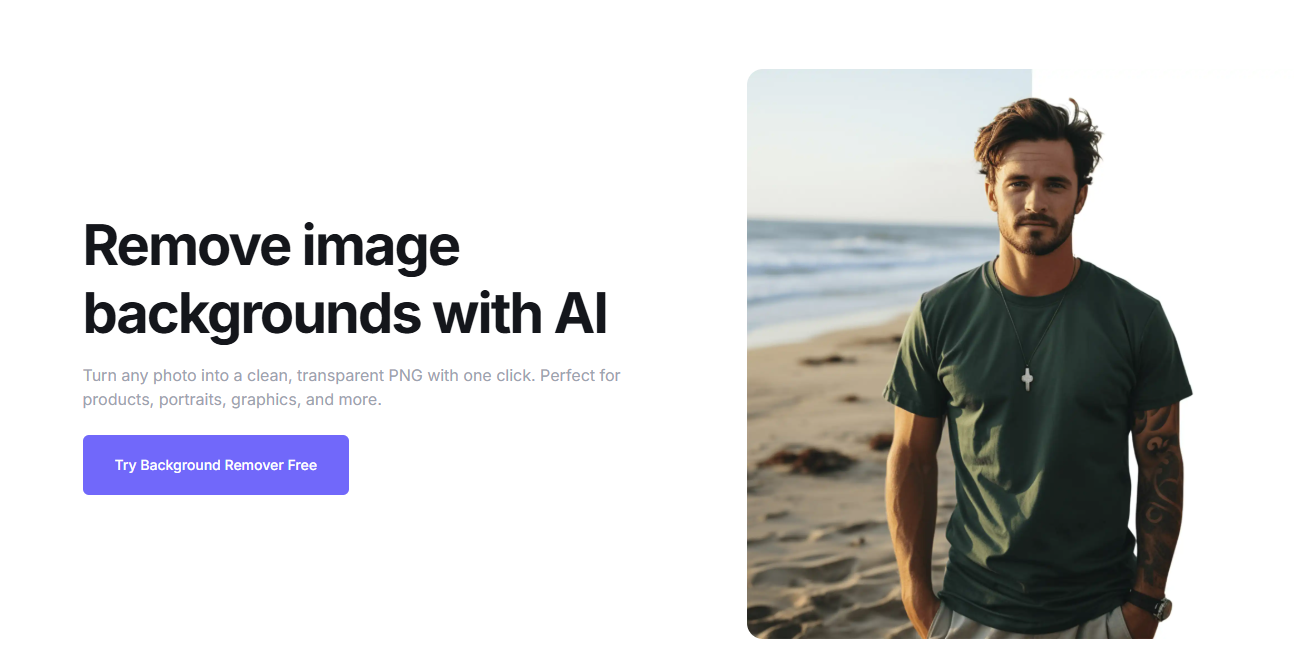
Claid AI specializes in removing product backgrounds. Using its advanced AI technology, it preserves details. Like product edges and hair strands. Its smart workflow also ensures that no problems are encountered, even with complex shapes and fuzzy textures. While Claid focuses on products, this tool also works for portraits, fashion, cars, and marketing assets. Plus, this option allows resizing and repositioning to meet platform requirements, making it perfect for conversion-focused content.
Key Features:
- Product-focused image enhancement
- Hands-on control of every detail
- Customizable editing for varied looks
Pricing:
- Free Trial
- Essentials Package – $15 per month
- Pro Package – $49 per month
- Business Package – Custom Pricing
Real Use Case:
Claid AI can help online retailers convert casual product photos into polished storefront assets. It produces images that directly impact sales.
Choosing the Top AI Tools for Background Removal in 2026
When selecting among the leading AI tools for background removal, don’t just focus on which saves time. Because they all do. All five on the list help creators move faster, support high-volume production, and deliver accessibility.
Focus your criteria on how the tool reshapes the process of visual content creation. The best AI background removal tool offers AI-powered accuracy and creativity, as well as a cost-effective solution. In other words, the right choice depends on what happens after the background disappears.

