


Off days are real. No matter how talented and hardworking you are, there will be days when you’re not able to perform at the usual standard. It happens to the best of us. And when it comes to work, giving in is the fastest route to failure or losing a job. But how do people overcome this, and why does it seem that others get more work done in the same number of hours? The answer is AI tools for productivity.
Research. Writing. Calendar management. Editing. Administrative work. These can easily result in busy hours and endless stress. That’s why more professionals are turning to AI tools. A recent survey even showed that smart technology saves up to 5 hours a week.
With hundreds of options in the market, using them all isn’t advisable. Besides, more tools don’t necessarily lead to better productivity. So this guide explores a curated selection that addresses different aspects of productivity.
Top Five Best AI Tools for Productivity
ChatGPT
OpenAI’s ChatGPT has become one of the most well-rounded AI tools for productivity. This chatbot is the usual go-to for brainstorming, coding, data analysis, image generation, planning, summarization, research, and writing. It’s essentially a powerhouse for all productivity needs. Users can tap to ChatGPT to ask questions, generate ideas, or automate repetitive tasks. The secret is entering good prompts. Once users manage to do that, the tool can understand context across conversations. Then it’s easier to handle different responsibilities.
Key Features:
- Regularly updated models for more advanced reasoning
- Custom GPTs for specialized workflows
- Accessing an AI assistant with a wide range of features
Pricing:
- Free Plan
- Go Package – $8 per month
- Plus Package – $20 per month
- Pro Package – $100 per month
Real Use Case:
Cutting manual work and speeding up project turnarounds is made easy with ChatGPT. Marketing managers can use it to draft campaign ideas, summarize competitor research, create social media copy, and refine client proposals.
Zapier Agents
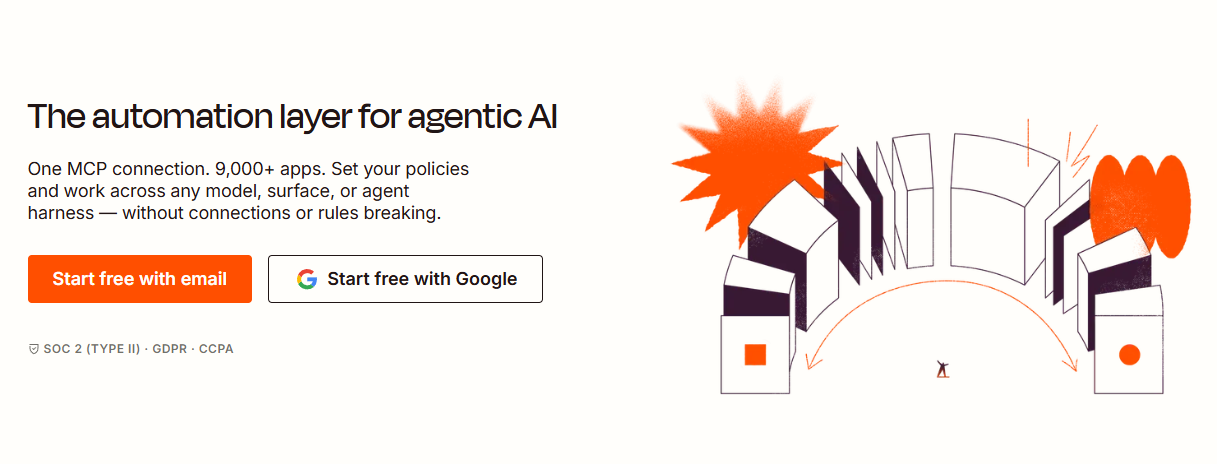
Automating every workflow? That’s what Zapier Agents is for. Other AI tools for productivity bring the power of AI to the table. This platform lets AI agents complete multi-step tasks across thousands of connected apps. That means they don’t just respond to prompts. They can automatically retrieve information, trigger workflows, update records, and perform actions. Analyzing data. Drafting emails. Handling requests. Preparing reports. Scoring leads. Zapier provides a faster, more efficient way to delegate work.
Key Features:
- Built-in visibility monitoring to track every model call
- Connecting any AI to more than 9,000 apps
- No-code setup using natural language
Pricing:
- Free Plan
- Starter Package – $12 per month
- Business Package – $18 per month
- Enterprise Package – $22 per month (annual billing only)
Real Use Case:
Zapier Agents erase the need for tedious manual coordination. When a customer submits a website inquiry, sales teams can use it to automatically notify account managers, update CRM records, or prepare follow-up emails.
Reclaim AI
Reclaim AI hands calendar work to AI agents. With 12 powerful products, teams go from reactive scheduling to proactive time optimization. Users can benefit from its features that intelligently protect focus time, optimize meetings, and prevent disruptions during the workweek. No more manual planning. Reclaim also offers recommendations and allows previews before taking action. Plus, it can automatically adjust events to maintain productivity as schedules change.
Key Features:
- Previewing every action before it goes live
- Automatic focus time and habit planning
- Work syncing from Asana, ClickUp, Google Calendar, and more
Pricing:
- Free Plan
- Professional Package – $29.99 per month
- Team Package – $103.50 per month
- Enterprise Package – Custom Pricing
Real Use Case:
Freelance consultants can benefit from Reclaim’s AI scheduling, Focus time protection, and Team OOO Calendars. These tools, alongside many others, can automatically reserve uninterrupted work sessions while still accommodating client meetings. It makes it easier to balance multiple clients.
Descript
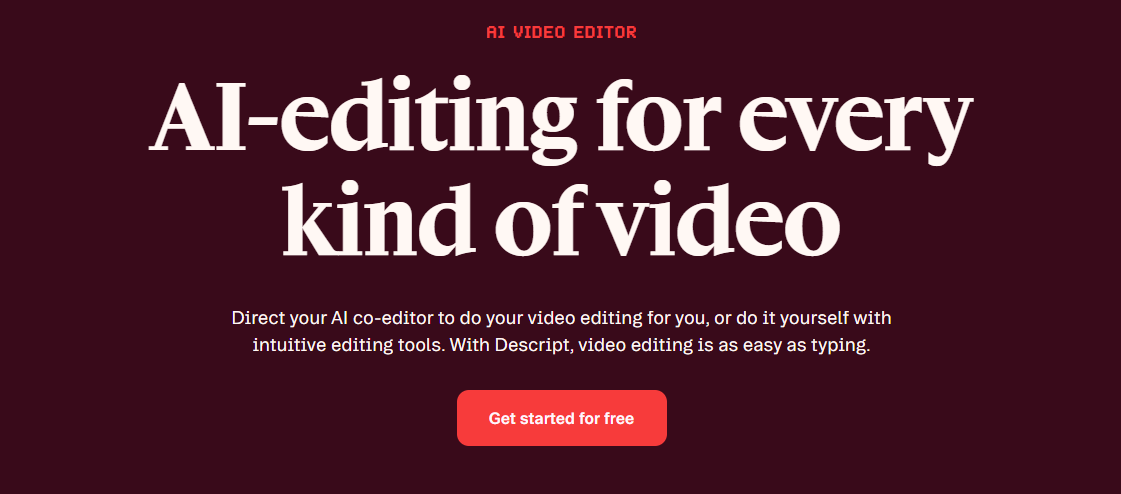
Editing audio and video content is Descript’s specialty. Featuring a text-based workflow, creators can just tweak the text script. No need to learn complex traditional software. Beyond this, it’s also packed with AI tools for transcribing, generating AI voices, screen recording, and creating subtitles. All inside one platform. Its standout offering is the AI agent called Underlord. Creators can use it to basically automate anything Descript can do that would otherwise require heavy human intervention.
Key Features:
- Automatic audio cleanup and filler word removal
- Precise control over every audio and visual detail
- Intuitive and beginner-friendly timeline editing
Pricing:
- Free Package
- Hobbyist Package – $24 per month
- Creator Package – $35 per month
- Business Package – $65 per month
- Enterprise Package – Custom Pricing
Real Use Case:
Editors bombarded with several editing backlogs can speed things up with Descript. For instance, they can use the transcript editing feature to quickly remove filler words, update incorrect statements, and generate captions. Publishing episodes would then be on time since there’s no need to manually adjust audio waveforms.
Otter
Otter focuses on one of the biggest workplace productivity challenges — meetings. It offers an advanced feature called OtterPilot. This allows users to let AI record conversations, produce searchable transcripts, identify speakers, summarize discussions, and capture action items. Employees would also find the chat layer extremely helpful. They can ask about anything, and it pulls in information from actual data. That means content, follow-ups, and reports remain factual.
Key Features:
- Automatic meeting transcription and summaries
- Zoom, Teams, Google Meet, and Slack integration
- Real-time transcription with speaker diarization
Pricing:
- Free Package
- Pro Package – $16.99 per month
- Business Package – $30 per month
- Enterprise Package – Custom Pricing
Real Use Case:
Product development teams can automatically document brainstorming sessions with Otter. It makes it easier to revisit feature discussions, assign responsibilities, and track decisions. That often leads to faster production stages.
Choosing the Smartest AI Tools for Productivity in 2026
Everyone gets the same 24 hours in a day. So the question comes down to how much you can do and how you do it. Even during off days. That’s what the AI tools for productivity on this list address. It’s not just about doing more work. They make sure you spend less time on repetitive tasks.
However, it’s worth noting that they won’t do your job. They’re designed to let you do them more efficiently and better. ChatGPT speeds up knowledge work and content creation. Zapier Agents automate repetitive business processes. Reclaim AI offers intelligent scheduling. Descript accelerates multimedia production. Otter eliminates manual note-taking.
Know your goals. Pick the tool. When doing so, prioritize ease of use and proven track record. That way, you’re sure to land on the best pick that helps users save time, stay organized, and accomplish more every day.
Learn how to sustain productivity even better with our guides on AI tools for SEO content, music creation, and writing.

