

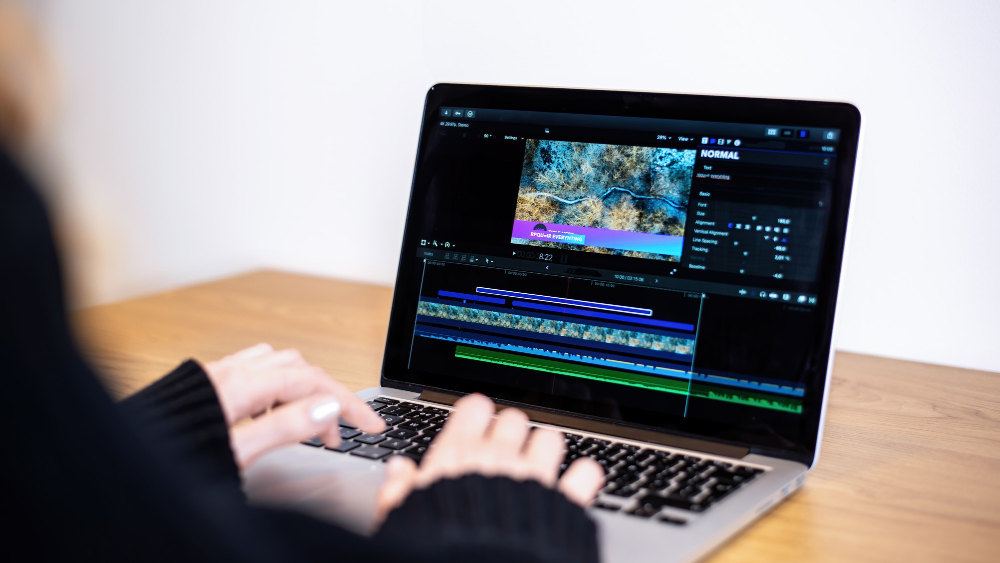
If you post every day, the thing that matters in a clipping tool isn’t clip quality, it’s how many minutes you can process a month and how much you have to fix afterwards. A tool that produces beautiful clips but caps you at three hours of upload is useless for a daily schedule, and a tool that gives you unlimited processing but needs ten minutes of correction per clip has just given you a part-time job.
The category has converged on the same core feature set: automatic moment detection, vertical reframing with speaker tracking, auto-captions, and a virality score of some kind. Where tools genuinely differ is on processing limits, caption accuracy in your specific accent and vocabulary, how much control you get over the crop, and whether the export pipeline fits how you actually post.
Processing Limits Are the Real Constraint for Daily Posting
Most plans meter upload minutes rather than clips produced, and that distinction matters enormously. A ninety-minute podcast episode consumes ninety minutes of your allowance whether it yields three good clips or twelve. Entry tiers commonly sit around one hundred to three hundred minutes a month, which is two or three long episodes, and creators posting daily from long-form source material burn through that in the first ten days.
Work out your actual monthly source volume before you look at prices. A podcaster recording two hours a week needs about five hundred minutes monthly. A streamer with four-hour sessions needs several thousand and should be looking at unlimited or high-cap plans, which typically start somewhere around fifty to a hundred dollars a month rather than the twenty-dollar entry tier that gets advertised.
Then check what happens when you hit the cap. Some tools stop processing until the next cycle, some let you buy overflow minutes, and a few throttle you into a queue that adds hours to turnaround. For daily posting, a queue is the worst of the three, because the whole point is clipping this morning’s recording this morning.
Also check reprocessing. If you upload the same episode twice because the first pass missed something, most tools charge you the minutes again, which quietly doubles your consumption on any source you care about.
Caption Accuracy Is Where Most Time Actually Goes
Auto-captions are the feature everyone assumes is solved, and it isn’t. Accuracy for clear American English in a quiet room is genuinely high, often quoted around ninety-five percent, but that figure collapses in predictable ways: strong regional accents, technical vocabulary, brand names, crosstalk between two speakers, and any background noise.
Ninety-five percent sounds excellent until you do the arithmetic on a sixty-second clip, which contains roughly 150 spoken words, meaning seven or eight errors per clip. On ten clips a day that’s seventy corrections, and each one requires finding the word, clicking in, retyping and re-rendering. This single factor separates tools that save you an hour a day from tools that cost you one.
Test with your worst-case source material during the trial, not your best. Your loudest episode, your fastest guest, the segment full of jargon. And check whether the tool builds a custom dictionary, since being able to teach it your product names and recurring terminology once, permanently, is worth more than a few points of baseline accuracy.
Non-English creators should be especially careful here. Support for major European languages is generally solid, and quality drops noticeably for less common languages and for code-switching, which is common for creators who mix English technical terms into another language.
Reframing Control and What the Crop Actually Does
Automatic speaker tracking crops a horizontal recording into vertical by following whoever is talking. It works well for a single presenter and gets unreliable with two or more people, particularly when they overlap or when someone gestures out of frame.
The thing worth checking is manual override. Can you lock the crop to a fixed position for a segment, use a split-screen layout for two speakers, or adjust the tracking sensitivity? Tools that only offer automatic cropping will occasionally produce a clip that whips between faces mid-sentence, which is unwatchable and unfixable without going elsewhere.
Screen-share content is the other common failure. If your source includes slides, a code editor or a demo, automatic vertical cropping usually destroys it, because a full-width screen recording cropped to 9:16 becomes illegible. Tools that offer a stacked layout (speaker on top, screen below) handle this and tools that don’t will force you into a separate editor.
Comparisons in this space go stale fast, and the differences between individual products shift with every release, so it’s worth reading something current on how Opus Clip compares to other tools rather than relying on a feature table from a year ago. What was a clear leader eighteen months ago is often mid-pack now.
What Changes by Creator Type and Content Format
Podcasters have the easiest case: consistent audio, fixed framing, two speakers at most. Almost any tool handles this, so optimise for caption accuracy and monthly minutes rather than reframing sophistication.
Streamers have the hardest case, because sessions run four to eight hours, the interesting moments are sparse, and the source includes gameplay footage that automatic cropping mangles. Look for tools with generous or unlimited processing and reaction-based moment detection rather than transcript-based, since the best stream moments often contain no useful speech at all.
Educators and B2B creators live or die on screen-share handling and terminology accuracy, and they usually get more from a slightly slower workflow with better control than from a fast automatic one.
Solo talking-head creators posting daily short-form arguably don’t need a clipping tool at all, since they’re already filming vertically at the right length. The value there is captions and batch export, which is a much cheaper problem to solve.
Budget-wise, if you’re posting daily and monetising, spending fifty to a hundred a month here is straightforwardly worth it against the editing hours it replaces. If you’re pre-monetisation, free tiers with watermarks are viable for a while, though a watermark on a clip does affect how it’s perceived, and industry data on short-form performance consistently favours content that looks native to the platform over content that looks like output from a tool.
The number worth tracking once you’ve chosen is minutes of your own time per published clip, not clips generated per hour. Time yourself honestly for a week, including caption fixes, crop corrections and re-exports, and you’ll usually find one part of the pipeline eating most of it. That’s the thing to solve, and it’s rarely the thing the vendor’s marketing page is about, because the tool that wins for a daily poster is the one that’s least annoying at volume rather than the one that produces the best single clip.

