

Last month I talked to a friend who told me she spent almost two hours trying to reschedule a dentist appointment, update her insurance form, and plan a weekend trip. None of it was hard. It was just a lot of clicking.
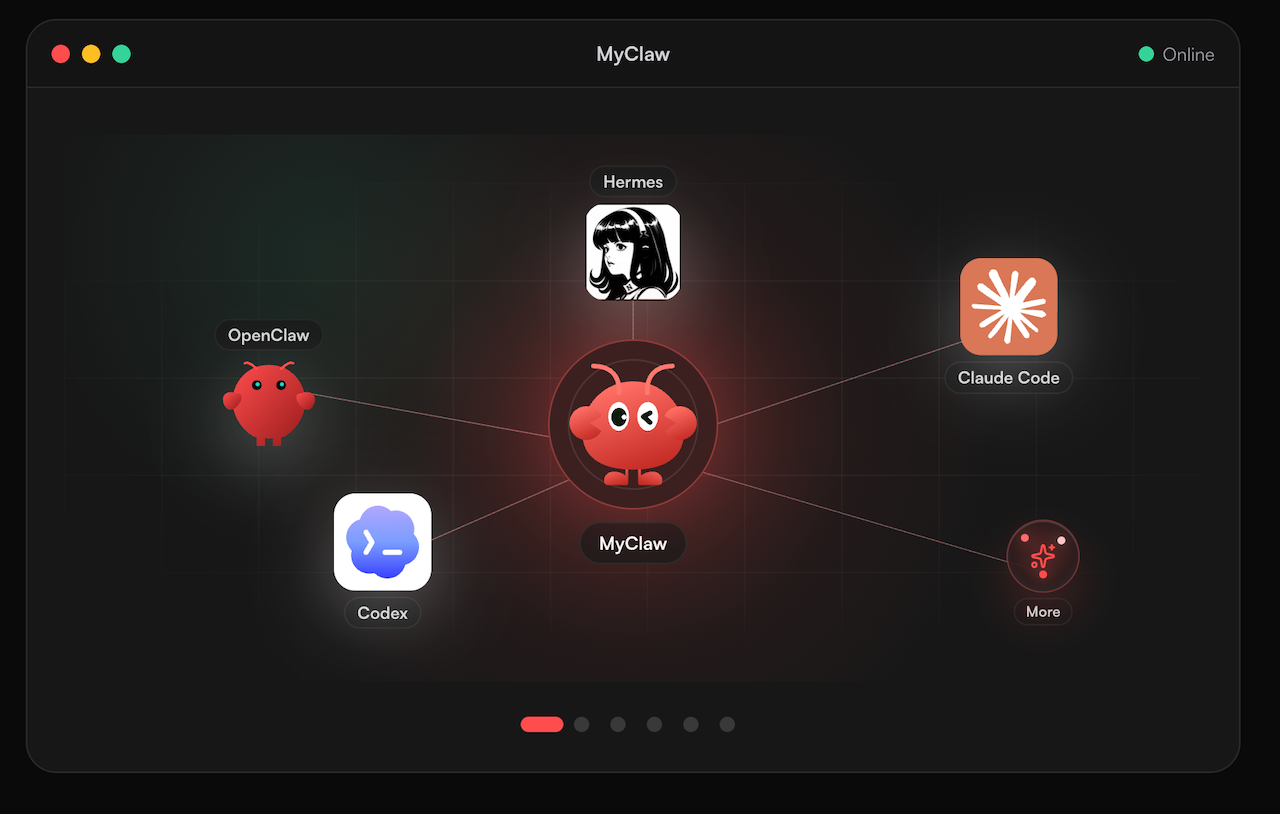
That’s the problem Meta’s new personal AI agent, Muse, wants to fix. Muse launched in September 2026, and it’s built to do tasks for you, not just answer questions. If you’re curious how this new wave of agents works, MyClaw is another place to see where the idea is heading.
But “hand it all to the AI” is bad advice. Some jobs are perfect for an agent. Others need your own eyes. Here’s a simple way to tell the difference.
First, a Quick Look at What Muse Actually Is
Muse is a personal AI agent from Meta, powered by its Muse Spark model. It’s rolling out in the US on iOS, Android, the web, and WhatsApp. You chat with it like you would with a friend, but it can go further than talking. Meta says it can send emails, book travel, and fill out online forms.
It can also keep working after you close the app, and it remembers useful details you share. That memory is what makes it feel personal, and it’s also why you should be picky about what you share.
5 Tasks Worth Handing Off
1. Writing and sending routine emails
You know the ones: following up on an invoice, asking a landlord about a repair, replying to a “just checking in” message. These take ten minutes each, and they add up fast. Tell Muse what you want to say and let it draft the message. Read it, tweak it, then send it.
2. Planning a trip
Travel planning is full of tabs, comparisons, and small decisions. Give Muse your dates, budget, and the vibe you want. It can research options and work through the booking steps while you get on with your day. You still make the final call on flights and hotels, but the legwork is done.
3. Filling out forms
Nobody enjoys typing the same address and phone number into the fifth form of the week. Because Muse can open a browser and fill in fields, this is exactly the kind of dull job an agent is good at.
4. Researching something you’re curious about
Say you’re thinking about getting a tattoo and you don’t know where to start. You could ask Muse to gather ideas, find a few well-reviewed studios near you, and draft a message to book a consultation. For design inspiration before you decide, a guide on arm tattoos for men can help you narrow down styles first. Then your agent handles the boring parts, like comparing artists and writing the booking email.
5. Tracking long-running goals
Want to save for a trip, learn a language, or plan a move? Muse can build a plan and keep working on it over time. It can also suggest ideas without being asked, which is handy when you’ve gone quiet on a goal you care about.

3 Tasks You Should Keep for Yourself
1. Anything with serious money attached
Meta says Muse is the first AI agent covered by Stripe’s warranties and return policy if it makes a purchasing mistake. That’s a good safety net. Still, a safety net isn’t a reason to let an agent buy a laptop or pay a big bill without you looking first. Approve the final step yourself.
2. Sensitive or emotional conversations
Telling a boss you’re quitting, replying to a friend who’s having a hard time, or writing an apology: these matter because they come from you. An agent can help you find the words, but you should be the one who sends them.
3. Anything you can’t undo
Deleting files, canceling an account, signing a contract. If the action can’t be reversed, slow down. Meta itself says the agent “will sometimes make mistakes,” so treat anything permanent as your job.
How to Stay Safe While You Delegate
Handing work to an agent means giving it access. A few habits make that much safer.
Understand the built-in protections
Meta says Muse runs on its own dedicated virtual machine, so your data stays separate from other people’s. A security agent called Sentinel controls internet access, and your passwords and payment details are stored in a way that Muse itself can’t see. Those are real design choices, and they’re worth knowing about.
Add your own habits
- Start with low-risk jobs. Drafts and research first, bookings and payments later.
- Read before you approve. It takes ten seconds and saves a lot of headaches.
- Check your privacy settings. Meta may use conversations to train its models, but you can opt out.
- Don’t overshare. Just because Muse can remember something doesn’t mean it needs to.
Muse is also for adults only, so it isn’t something to set up for a teenager.
A Simple Test for Any Task
When you’re not sure whether to delegate, ask yourself three questions:
- Is it repetitive? If yes, it’s a good candidate.
- Can I check the result quickly? If yes, go ahead.
- Would a mistake be easy to fix? If yes, you’re safe to hand it over.
If you answer “no” to the last two, keep the task. That small filter will keep you out of trouble far better than any feature list.
Where Personal Agents Are Headed
Meta isn’t the only company building this. OpenAI has Operator, and Google has Gemini Spark for background tasks. Meta also plans to bring Muse to its AI glasses, which means your agent could follow you off the screen and into daily life.
That’s exciting, but it also raises the bar for trust. The agents worth keeping will be the ones that are clear about what they’re doing, ask before taking big steps, and own up when something goes wrong.
The Bottom Line
A personal AI agent works best when you treat it like a smart new assistant. Hand it the dull, repeatable jobs. Keep the high-stakes, personal, and permanent ones for yourself. Check its work, especially in the first few weeks.
Try one small task with Muse this week, maybe that email you’ve been putting off. If it saves you twenty minutes and you feel good about the result, you’ve found your first real use for an AI agent. If not, you’ve lost nothing but a few minutes. Either way, you’ll know far more than you did before.

