

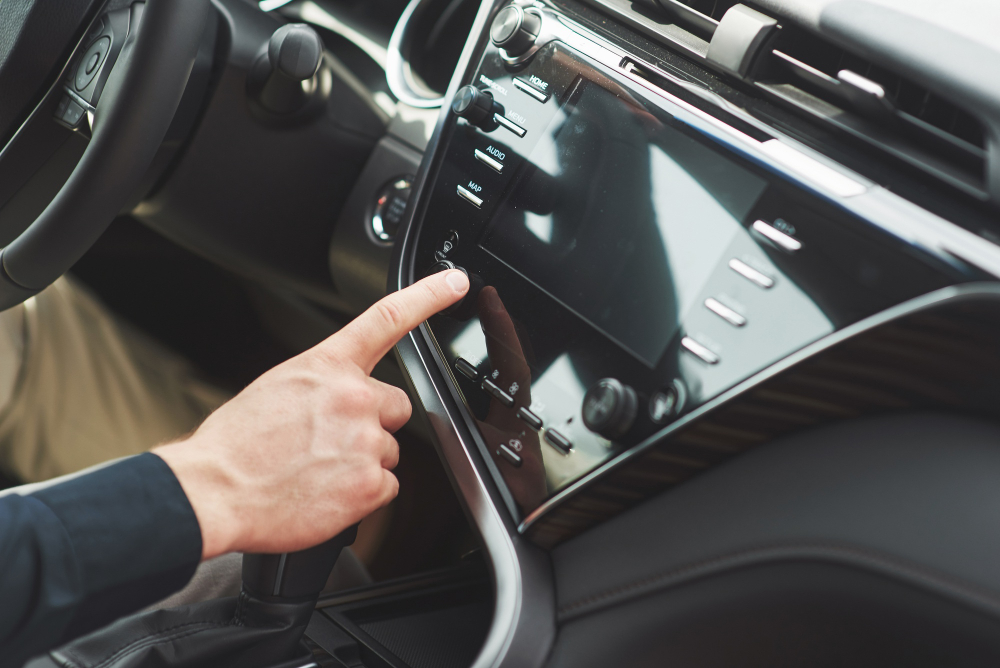
My father has a 2012 Corolla and he never changed the stereo, he says the old one is fine and he does not want any new touch screen. Every month he goes to our village which is around three hours drive, and on the way he listens to naats, old songs of Noor Jehan and Mehdi Hassan and some bayans of our local maulana sahab. Last month he gave me his USB and a paper with a list written by hand and said “beta isko theek kar do, aadhi cheezen chalti hi nahi”.
So I checked the USB on my laptop and the files were all mixed. My brother had put some songs from his iPhone and they were M4A, my father had saved many WhatsApp voice notes from his friends which were OPUS, and my uncle had sent him bayans as MP4 videos on WhatsApp. The stereo was only playing the MP3 files and on all others it was writing “unsupported file” on the small screen.
I used the mp3 converter from Convertio and it changed all the M4A, OPUS and MP4 files into MP3 in the browser, and when we put the USB back the car stereo played every single file. It was not difficult but I made some mistakes in the start, so I am writing here what I did and what I learned from it.
Table of Contents
- Why the car stereo was not playing the files
- What type of files we had
- How I converted the files to MP3 in Convertio
- Which bitrate I used for what
- Mistakes which I made
- Final words
Why the Car Stereo Was Not Playing the Files
When my father bought this car, MP3 was the normal format for music and that is why the stereo was made for MP3. It does not know the new formats. I read on Wikipedia that MP3 was made mostly by the Fraunhofer Society in Germany and it became part of the MPEG standards, and it uses lossy compression so the file becomes very small. Maybe that is why even cheap speakers and old players still play MP3, because it is around for so many years.
The other files were not damaged, they were just in formats which his stereo does not understand. iPhone keeps songs in M4A, WhatsApp keeps voice notes in OPUS and the bayans were videos, so the sound was inside the MP4 with the picture. I tried to explain this to my father and he said “matlab gaane theek hain, gaadi purani hai”, and honestly that is the correct summary.
| In short: if your device is old, MP3 is the safest option. M4A, OPUS or FLAC can sound good but many car stereos will not play them. |
What Type of Files We Had
I wrote the file types on the same paper which my father gave me, so next time he knows. I am putting it here as a table also.
| Format | Where it came from | Problem in the car |
|---|---|---|
| M4A | My brother’s iPhone | Showing “unsupported file” |
| OPUS | WhatsApp voice notes | Not showing on the USB list at all |
| MP4 (video) | Bayans sent by my uncle | Stereo cannot play video files |
| WAV | One recording from a laptop | Playing, but very big file size |
| MP3 | After conversion | Playing fine on the stereo |
There was also one WAV file, a recording of a mehfil from a laptop, which was around one hour long. It was playing in the car but the size was more than 600 MB and the USB is only 8 GB, so I converted this one also.
How I Converted the Files to MP3 in Convertio
I did not want to touch his USB directly, so first I copied everything to my laptop. Then I opened the MP3 converter page and uploaded around ten files only for testing, few M4A, few OPUS and two of the MP4 videos. I uploaded from the laptop but there is also option for Google Drive, Dropbox and link.
I selected MP3 for all the files and pressed Convert. The small voice notes were ready very quickly, in seconds, and the videos took a bit more time because they were big. I downloaded them, played two or three on the laptop, then copied them on the USB and went to the car with my father to test. All ten were playing, he was very happy, so I did the rest of the files in two more rounds the same evening.
Before converting I also looked at some details on the page because these were my father’s personal voice notes also. The free limit is 1 GB for one file so the long videos were no problem. Convertio says uploaded files are removed from the servers right after conversion and the converted files are deleted in 24 hours. There is no account and no software to install, and the page says it supports more than 55 audio formats. There is a settings button also where you can change bitrate, sample rate and channels, and this was useful for me.
Which Bitrate I Used for What
Bitrate decides the quality and the size. More bitrate, better sound but bigger file. I did not use one bitrate for all files because the voice notes and the songs are not same.
| Bitrate | Approximate size for 1 minute | Good for |
|---|---|---|
| 96 kbps (mono) | Around 0.7 MB | Voice notes and bayans |
| 128 kbps | Around 1 MB | Normal listening in the car |
| 192 kbps | Around 1.4 MB | Songs and naats with music |
| 320 kbps | Around 2.4 MB | When you want the best MP3 quality |
The voice notes and bayans are only one person speaking, so I kept them at low bitrate in mono, and in the car I could not hear any difference. For normal songs and naats I used 192 kbps. For some of his favourite Mehdi Hassan songs which he plays again and again I used 320 kbps, just to be safe.
| Tip: first convert one or two files and test them on the same device. If a file is playing on your laptop it does not mean it will play on an old car stereo. |
Mistakes Which I Made
First mistake, after converting I deleted the original M4A and MP4 files from my laptop because my laptop space was full. After one week my brother asked for one bayan video to send to someone, and I did not have it anymore. I had to ask my uncle to send it again. So keep the originals for some time at least.
Second mistake was the names. WhatsApp voice notes have names like PTT-20260411-WA0007, and my father could not understand anything on the stereo screen. He called me from the car and asked “ye PTT kya hai”. After that I renamed all of them like “Bayan Juma” and “Naat 1”, “Naat 2”, and now he finds them easily.
One more thing, I converted one MP3 file again into MP3 at higher bitrate because I thought the sound will become better. It does not become better. What is lost in the first compression does not come back. If you want better quality, convert again from the original file.
Final Words
Now my father has around three hundred MP3 files on his USB in three folders, songs, naats and bayans, and he says the drive to the village does not feel long anymore. The original files I have saved on my laptop and Google Drive now, I learned my lesson.
If you also have an old car stereo or a simple speaker which only plays MP3, do not buy a new one. Just convert the files into MP3, choose the bitrate according to the audio, test one file first and do not delete the original files.

