

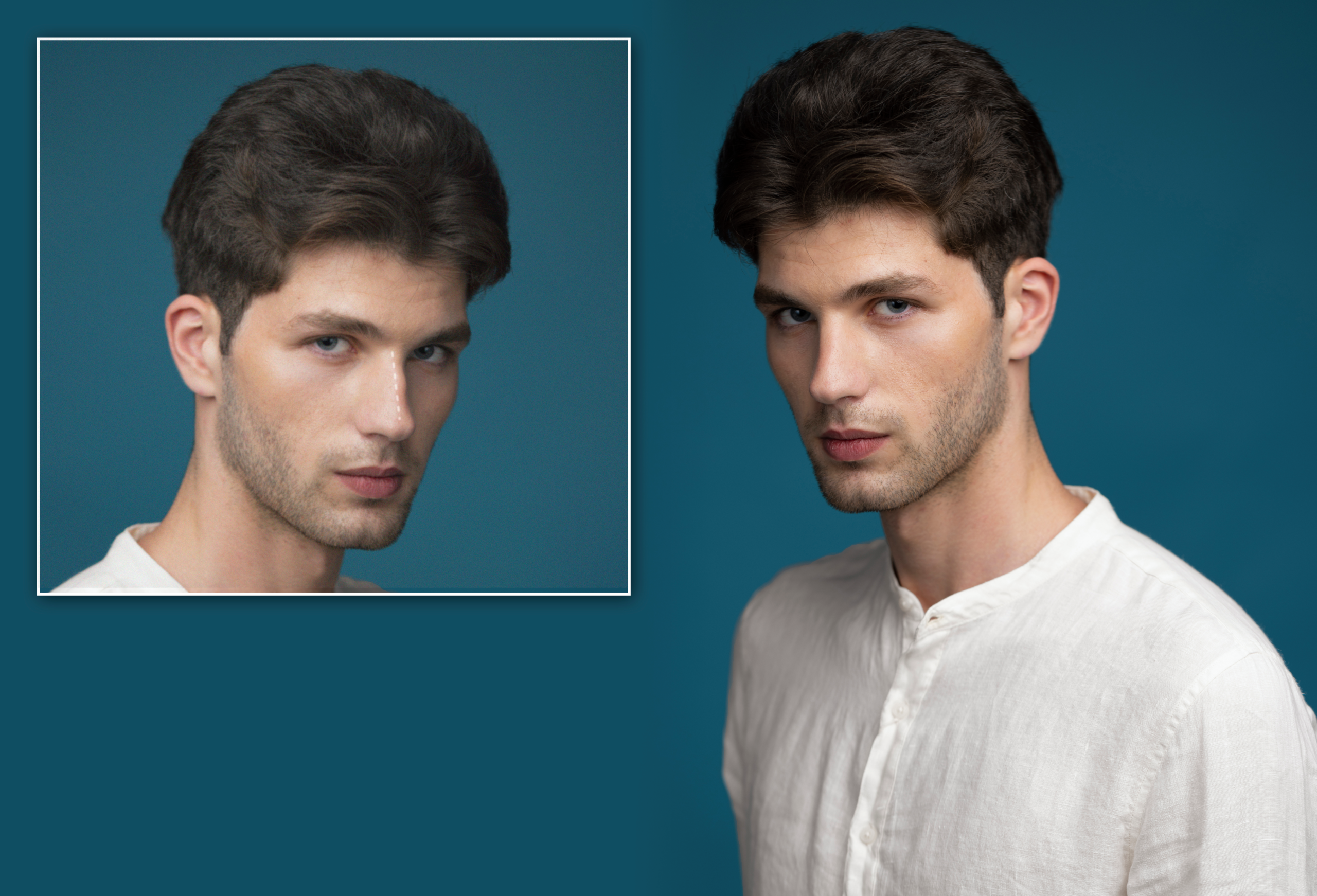
Around 8 billion people worldwide use smartphones. So, one might think that almost no one can’t take high-resolution photos. However, sometimes people still struggle with low-quality images. Maybe it’s an old product photo needed for a homepage banner. Perhaps a client wants print-ready assets from social media images. Or a concept image looked great until displayed on a larger screen. But even then, there’s no excuse for a low-resolution photo. AI tools for image upscaling are everywhere.
A recent Datareportal report showed that there are now over 6 billion internet users. So, accessing these online image upscalers is no longer the problem. It’s choosing the option that does more than stretch pixels. Analyzed patterns. Retained details. Improved edges. All five AI tools for image upscaling in this article deliver the features that help designers, marketers, and photographers.
Top Five Best AI Tools for Image Upscaling
Simfa
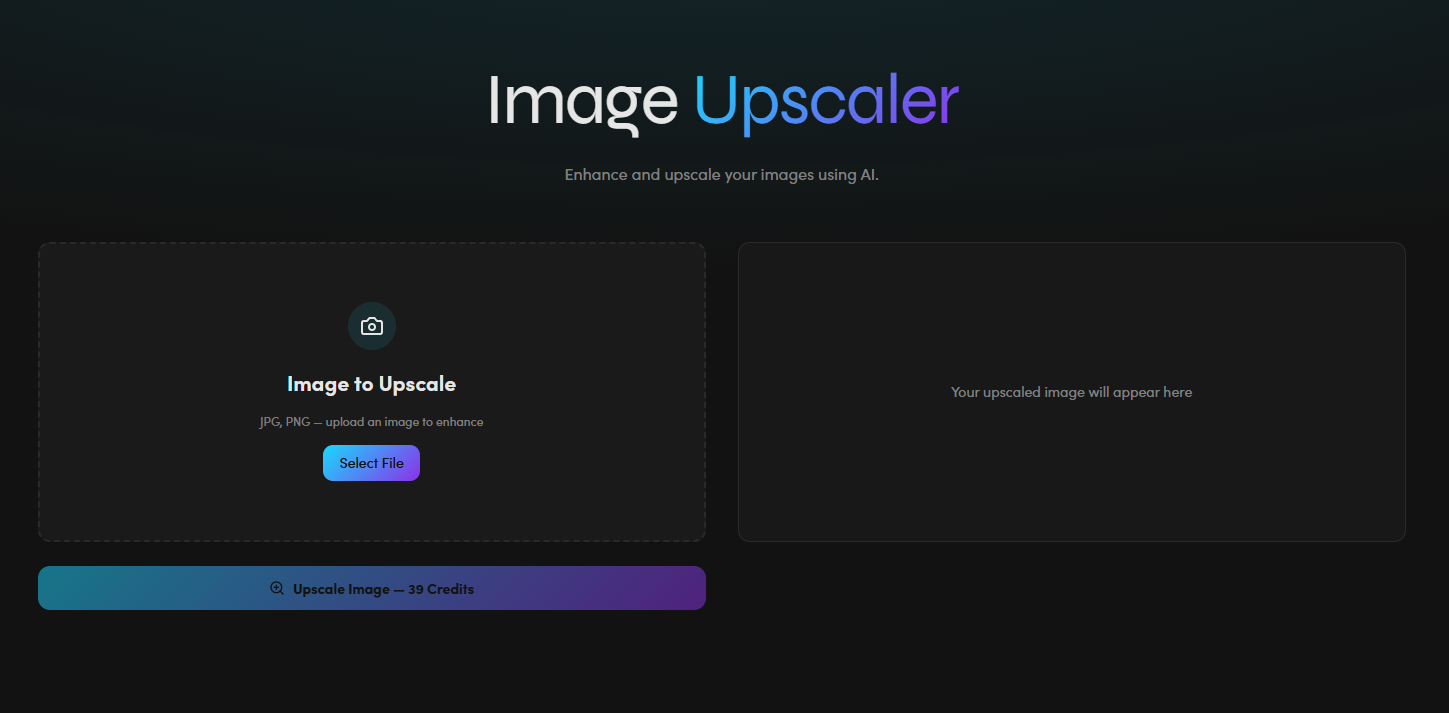
Simfa is one of the newer players in the upscaling market. But creators can expect to use it to turn bad photos into images of crystal-clear quality. Using intelligent algorithms, Simfa analyzes even the smallest details to deliver precise, refined results. This tool also allows for fast processing workflows. Its simple interface keeps it easy to use for beginners. This ensures accessibility and cuts technical barriers. All while continuing to adapt visuals for different formats and campaigns through other features in its broader suite of AI tools.
Key Features:
- Multiple file format support for flexible use cases
- Increasing image resolution without losing visual detail
- Creative assets for reuse across formats
Pricing:
- Free Package
- Starter Package – $15 per month
- Plus Package – $23 per month
- Simfa+ Package – $99 per month
- Enterprise Package – Custom Pricing
Real Use Case:
Startup online sellers can maximize Simfa to save resources on costly shoots and time-consuming edits. With the tool’s upscaling feature, they can enhance visuals more easily. This enables content repurposing and more engaging Amazon, eBay, or Etsy listings.
Upscale Media
For a workflow focused on cutting editing friction, Upscale Media is among the must-try AI tools for image upscaling. It enlarges and enhances image resolution in seconds thanks to its deep learning algorithms. Casual users. Professionals. E-commerce teams. Anyone can use Upscale Media to upscale images up to 8x with speed and precision. It even supports scalability. This option includes bulk processing and API integration. No wrestling with complex settings. Users only need to upload, process, and upscale.
Key Features:
- API integration for automation
- Sharper texture, more defined edges, and more accurate tones
- Support multiple file formats and batch transformation
Pricing:
- Free Package
- Subscription Package – $9.99 to $25.99 per month (depending on credits)
- One-time Payment Package – $9.99 to $84.99 per month (depending on credits)
Real Use Case:
Upscale Media matches how modern homebuyers decide when searching for options. So real estate agents can use it to enhance property photos. It helps create strong first impressions. This make them more appealing to potential buyers.
Adobe Firefly
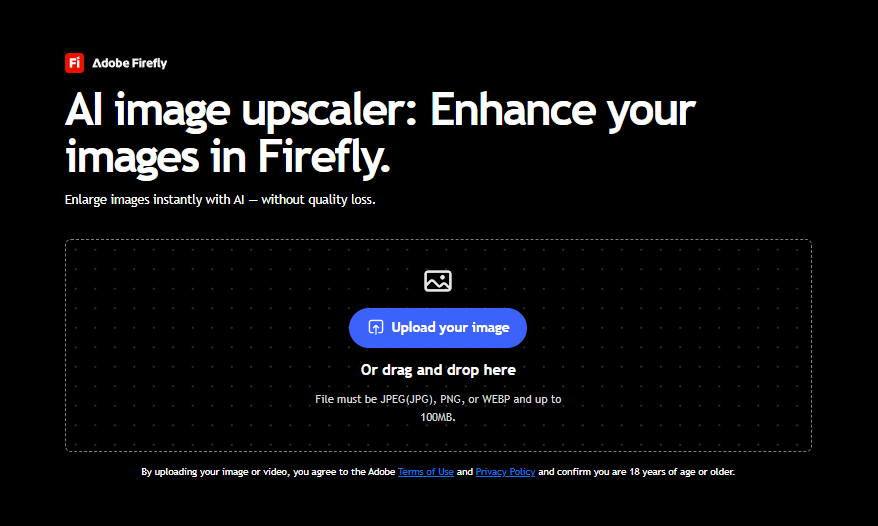
Adobe Firefly appeals to users seeking options recognized in professional environments. This popular Adobe app now also houses a generative upscale feature. It uses advanced AI to enlarge images without loss of quality. More than resizing, creators can use it to sharpen details and refine textures. It makes sure visuals maintain a professional look across all content. It’s also easy to use since it keeps users inside a familiar creative workflow.
Key Features:
- Enhancing images while maintaining clean composition
- Polished commercial content for successful marketing campaigns
- Clean edges and fine details that match professional design standards
Pricing:
- Free Package
- Standard Package – $9.99 per month
- Pro Package – $19.99 per month
- Pro Plus Package – $49.99 per month
- Premium Package – $199.99 per month
Real Use Case:
Families can use it to restore photos of their ancestors. Adobe Firefly can boost resolution and sharpen details for more usable imagery. Even with just old or scanned pictures.
DeepImage
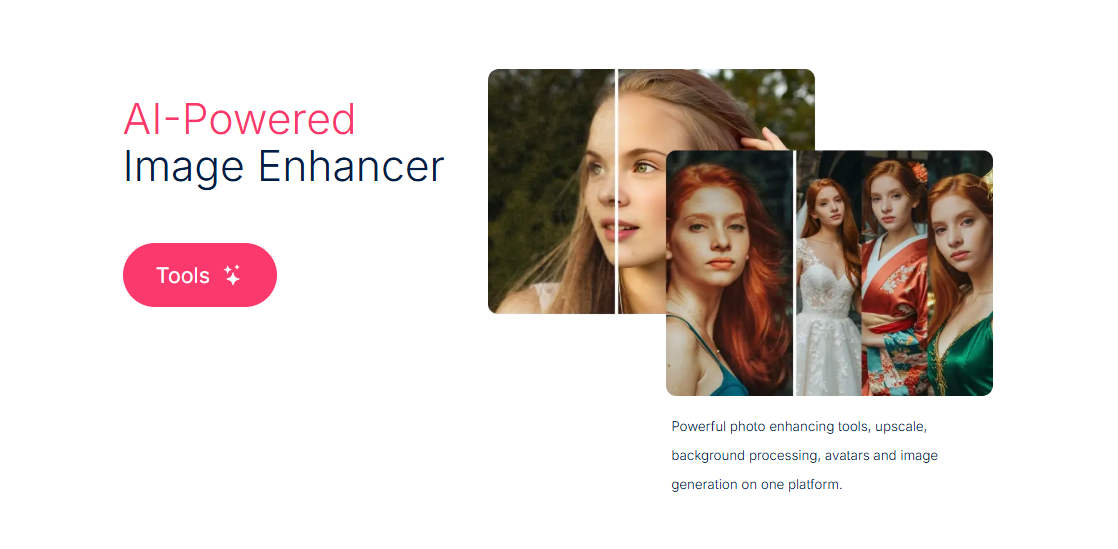
Out of all the AI tools for image upscaling on this list, DeepImage specializes in handling image-heavy operations. For one, it can upscale images and recover face details and edges. If the photo is too worn out, this tool is capable of producing new details based on the source’s context. DeepImage can also process 50 images at once and quickly fix ISO or low-light mistakes.
Key Features:
- Noise reduction for sharper images
- Upscaling with optimization and batch processing
- Preserved realistic tones and textures
Pricing:
- Free Package
- Subscription Package – $9 to $1,200 per month (depending on credits)
- Pay as You Go Package – $7.99 to $169.99 (depending on credits)
Real Use Case:
DeepImage can enlarge lifestyle photography with no sweat. This makes it easier for interior brands and furniture retailers to make banners and marketplace assets.
Nero AI
Nero AI caters to images that need more than basic enlargement. Its strength lies in heavy restoration and detail recovery. With smart optimization under the hood, it can examine colors, edges, and light. This allows it to add relevant pixels and turn blurry photos into sharper outputs. Using deep neural networks, Nero AI can keep detail and clarity at massive sizes. So creators can expect more efficient workflows for large print projects.
Key Features:
- Prioritizes clarity and cleaner reconstruction
- Improves images with 300+ DPI
- Single-click optimization and bulk processing
Pricing:
- Free Trial
- Standard Package – $6.95 to $65.95 per month (depending on credits)
- Business Package – Custom Pricing
Real Use Case:
Photo editors often deal with mixed-quality images from different sources. As such, Nero AI can help improve lower-resolution photos by upscaling photos with natural visual elements and refined detail.
Choosing the Smartest AI Tools for Image Upscaling in 2026
Low-quality photos are unacceptable by today’s content standards. And manual work with standard interpolation won’t keep up with fast-paced workflows. That’s why the best AI tools for image upscaling do more than enlarge files.
Image upscaling isn’t one-size-fits-all. But these suggested tools enlarge photos to pro-level quality with ease and efficiency. Simfa. Upscale Media. Adobe Firefly. DeepImage. Nero AI. Each one of them understands textures, edges, and tones. Not just pixels. So your choice should help extend the life and usability of visual content.

