


Watching a video takes just a couple of clicks. Making one takes time, money, and effort. However, that’s until AI video generators came into the picture and became more advanced. Not long ago, producing a professional-looking video meant renting equipment, hiring talent, and burning hours in editing. But what once required an entire production crew now only needs text prompts or image references.
It’s easy to see why many creators have adopted these AI tools. They’re cost-efficient. They produce high-quality results. Brands. Businesses. Editors. Filmmakers. Marketers. All types of content creators use them. In fact, recent statistics show that these tools have over 100 million active monthly users.
The challenge now is choosing the right one for your needs. With that in mind, this guide lists some of the leading AI video generators. Options that prioritize realistic motion, cinematic storytelling, and creator-friendly workflows.
Top Five Best AI Video Generators in 2026
Google Veo
Google Veo is a flagship AI video generation model from Google. It’s ideal for generating social media videos and ad creatives at speed and scale. With text or image prompts, creators can use it to make cinematic videos up to 4K quality. It also delivers scenes with believable motion and detailed environments. What’s more, Veo can match sound to visuals without losing context. These make sure that every output is immersive and highly realistic.
Key Features:
- Precise prompt adherence to deliver accurate results
- Synchronized video and dialogue
- Supports vertical and horizontal aspect ratios
Pricing:
- Free Package
- Google AI Pro Package – $19.99 per month
- Enterprise Package – Custom Pricing
Real Use Case:
Advertising agencies can use Google Veo to visualize commercials. Like a digital ad for an automotive company that showcases concept videos of a future vehicle. Not needing to build a physical prototype.
Kling AI
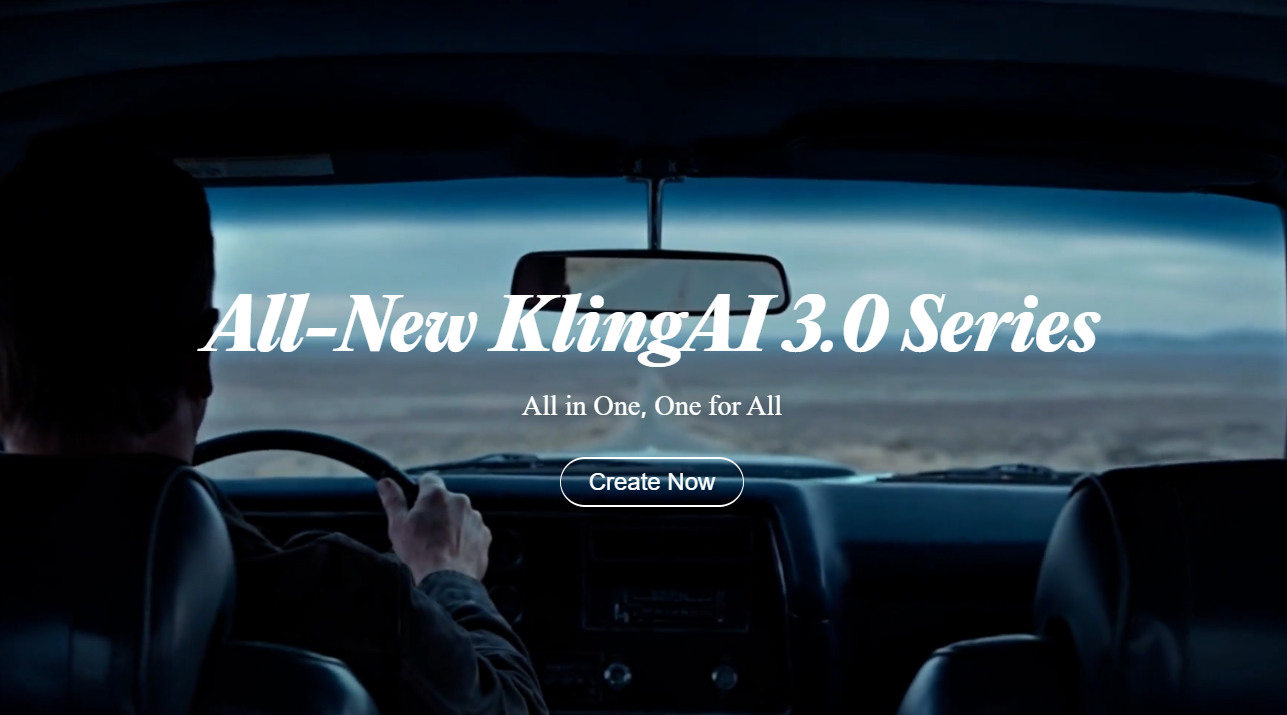
Kling AI has gained recognition for creating videos with expressive characters, dynamic camera work, and natural movement. It now has an all-in-one reference feature. This builds on image-to-video generation, enabling users to add elements to improve stabilization. Heightened control is also added through storyboard capabilities. It allows for specific camera movement, framing, and narrative intent that aligns with a creator’s vision. Kling also shines in dialogue-driven content. It’s capable of assigning voice to characters and integrating accurate lip-syncing.
Key Features:
- 15-second multi-shot control
- Cinematic movement and camera motion
- Fast generation for instant iteration and experimentation
Pricing:
- Free Package
- Trial Package 1 – $14 for 30 days
- Trial Package 2 – $140 for 30 days
- 180-Day Package – $700 to $7,560 (depending on units)
- Business Package – Custom Pricing
Real Use Case:
Marketers can achieve more efficient A/B testing with Kling AI. Using a single image and a few motion reference clips, they can create different pacing styles. Like a slow fluid push-in or a more raw handheld feel.
Luma Dream Machine
Luma Dream Machine focuses on generating production-ready videos. It uses the next-generation video model Ray3 to deliver production-grade fidelity to AI video. Its highlights also include letting users modify the start and end frames for more controlled transitions. A single reference image can also be used to generate consistent characters across scenes. Luma excels at creating shots that feel fluid and naturally filmed. This makes videos appear less artificial.
Key Features:
- Creating realistic camera movements
- 16-bit high dynamic range generations
- Prompt-faithful video outputs
Pricing:
- Free Package
- Plus Package – $30 per month
- Pro Package – $90 per month
- Ultra Package – $300 per month
Real Use Case:
In-game cutscenes can be easily created with Luma Dream Machine. Cinematic designers can use it to generate high-octane car-chase videos that serve as character introductions in a racing game. It cuts the manual work needed for designing and animating.
Runway
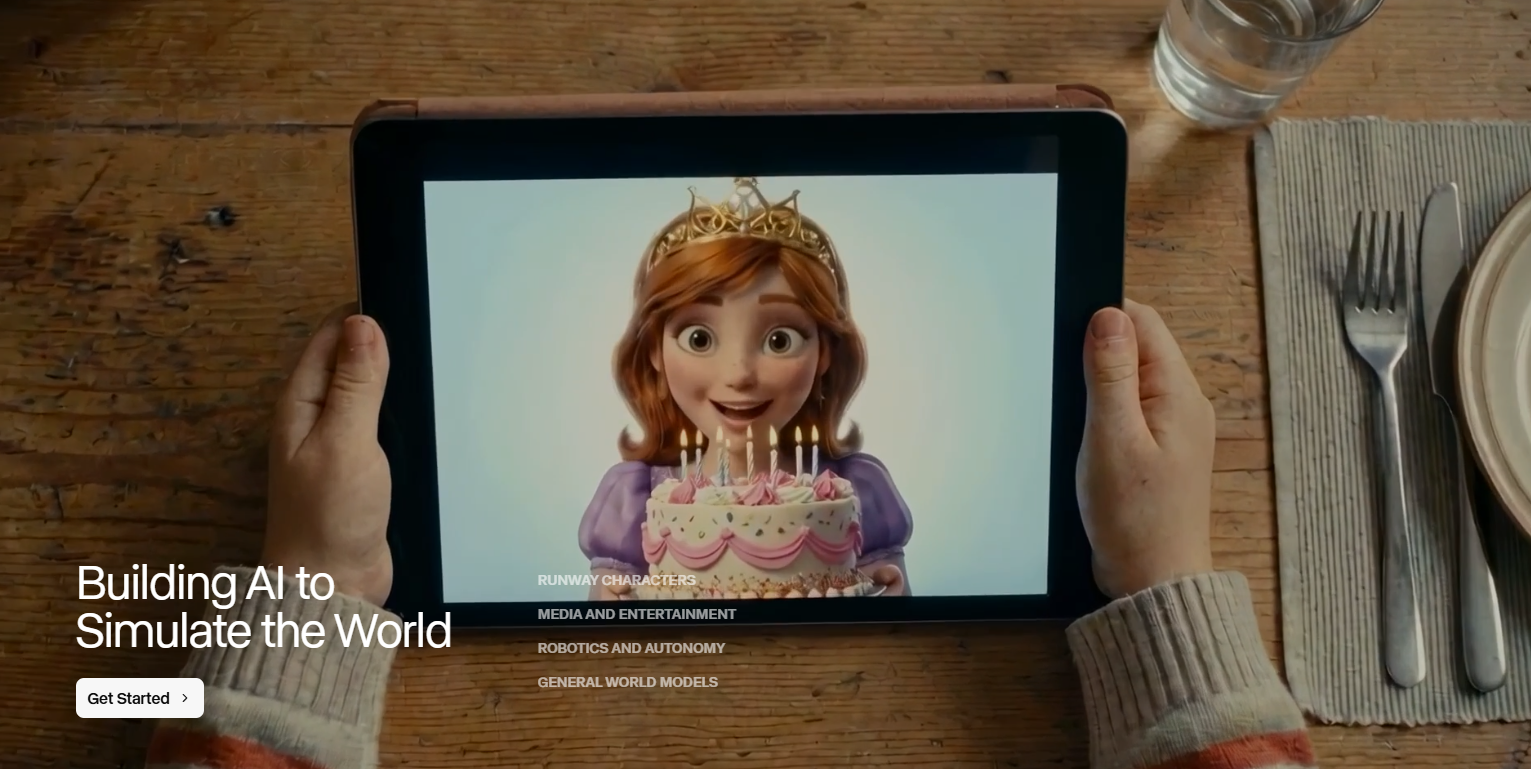
Runway mixes AI video generation with AI editing capabilities. So users can generate, edit, and extend footage within a unified workflow. For starters, it allows text and image prompts to produce videos with top-tier visual fidelity. It excels at delivering cinematic outputs with camera choreography and timed beats. At the same time, Runway can build on existing footage. Users can upload the video and request changes to any aspect. Like angles, lighting, and objects in a clip. It helps mix up shot variety and expand scenes.
Key Features:
- Hands-on control over every generation aspect
- Dedicated AI models for specific video tasks
- Scene expansion and workflow chaining
Pricing:
- Free Package
- Standard Package – $15 per month
- Pro Package – $35 per month
- Max Package – $95 per month
- Enterprise Package – Custom Pricing
Real Use Case:
Filmmakers can benefit from Runway’s features during pre- and post-production. Actually, Lionsgate has entered a partnership with the AI tool. They deem it helpful in supporting their current film production operations. The emphasis is on achieving opportunities for capital-efficient content creation.
OpenAI Sora
OpenAI Sora represents one of the most advanced approaches to AI-generated video. It can generate highly detailed videos. All while maintaining scene consistency based on prompts, coherent storytelling throughout 1-minute sequences, and overall visual quality. Available through ChatGPT, it can produce complex scenes. Shots that feature many characters, different motion styles, and detailed environments. And it doesn’t just adhere to prompts. It does so with an in-depth understanding of real-world context.
Key Features:
- Generating entire complex multi-scene videos at once
- World understanding and physics simulation
- Maintains narrative consistency
Pricing:
- Free Plan
- Plus Package – $20 per month
- Pro Package – $200 per month
Real Use Case:
Social media creators can use OpenAI Sora to insert themselves into AI-generated videos. Through the Cameos feature, users are allowed to use their digital likeness in the actual content.
Choosing the Top AI Video Generators Right Now
Nothing beats producing videos without the hassle of traditional production. With the best AI video generators, creators can move beyond simply making moving images. They’ll be able to transform ideas into compelling visual stories. In an instant and efficient method.
All five recommendations on this list push the boundaries of AI-powered storytelling through complex and visually coherent videos. It’s up to you to determine which one suits your projects. But each of these options can be used for marketing campaigns, social media posts, or filmmaking-related content. So the decision comes down to the story you ought to tell. Not just the video you need to make.

