


Truth be told. Microsoft’s PowerPoint is still an industry standard for creating decks. Aside from being a pioneer, it continues to adapt its offerings to modern standards. However, it’s not exactly the most time-friendly pick. In fact, professionals lose 20 hours per week to creating PowerPoint presentations. Unfortunately, not everyone actually enjoys building slides at 11 p.m. before a 9 a.m. pitch. That’s exactly what the AI tools for building presentations were built to scratch.
Creating a presentation entails dealing with pages of notes, scattered ideas, and rough outlines. The weight of the job even doubles when you start adjusting fonts, aligning images, and rewriting bullet points. Too much work takes up time that could have been used to prepare the message itself.
That said, this guide breaks down the must-have AI tools that shorten preparation time while producing polished presentations that clearly communicate ideas.
Top Five Best AI Tools for Building Presentations
Canva
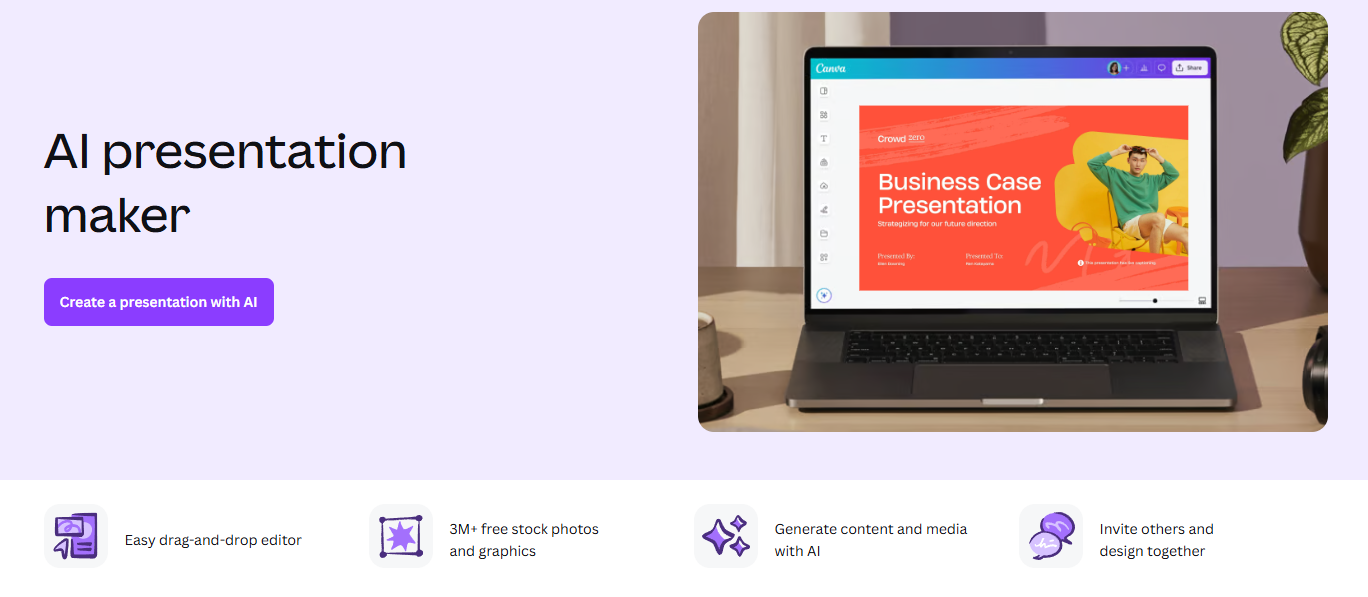
Any list of AI tools for building presentations wouldn’t be complete without Canva. And its AI presentation maker under Magic Design is why it belongs here. It’s capable of generating a slide deck from a prompt or pasted content. It returns an output with matching layouts, graphics, icons, and color palettes. Customization is also possible. Users can add subtle details while closely following branding guidelines. It delivers impactful presentations. No need for graphic design experience.
Key Features:
- Massive template and asset library
- Creating visually strong slide decks with a cohesive narrative
- Easy drag-and-drop editor
Pricing:
- Free Package
- Pro Package – $18 per month
- Business Package – $25 per month
Real Use Case:
Fashion startups can use Canva to get ready for an unscheduled retailer meeting. They can instantly build a polished pitch deck featuring all the essentials. Brand storytelling. Market statistics. Product mockups. Sales projections .
Gamma
Closely similar to Canva, Gamma also turns a prompt, outline, or uploaded document into a full pitch deck instantly. Before generating the presentations, users can first choose a theme or personalize branding. But instead of static slides, it uses a scrollable, web-native card format. Gamma even has an AI-assistant that users can direct with plain-language edits. Beyond these, its standout offering is the ability to add presenter notes and embedded live links.
Key Features:
- Delivers high-quality outputs using over 20 AI models
- Built-in analytics for monitoring deck performance and viewer engagement
- Real-time team collaboration with multiple-language support
Pricing:
- Free Package
- Plus Package – $12 per month
- Pro Package – $25 per month
- Ultra Package – $100 per month
Real Use Case:
Gamma’s automation allows consultants to get things done on time for a same-day client proposal. By just pasting in meeting notes, the tool instantly provides a structured, on-brand deck in minutes. There’s also no need to rebuild slides from scratch since an AI Agent can fine-tune the output.
SlidesAI
SlidesAI is another option for converting documents, notes, and prompts into presentations. The key differentiator is that it’s a lightweight add-on for ChatGPT, Google Slides, and PowerPoint. The seamless integration allows users to keep working where they already work. No switching. Because of this, there’s zero-friction drafting. It gets the blank-page problem solved. On top of that, users can further refine the output until the titles, summaries, visuals, and supporting content fit.
Key Features:
- Granular control over language, template, and tone
- More than 150 templates for consistency and speed
- Multiple-language support and translation
Pricing:
- Free Package
- Pro Package – $12 per month
- Premium Package – $25 per month
Real Use Case:
University teachers can use SlidesAI to save hours of preparation before a lecture. It can be turning lecture notes into a full lesson deck, a lesson plan into a slideshow, or a textbook chapter into a class discussion presentation.
Beautiful.ai
Among the AI tools for building presentations, Beautiful.ai is one of the few that offers multiple approaches to deck creation. The signature feature, Smart Slides, gives users a head start by delivering templates. It maintains balanced spacing, alignment, and typography whenever users add or remove content. Also, Beautiful.ai now has an AI presentation maker. Users can begin with any input and set the brand and styling before generating slides.
Key Features:
- Features over 300 auto-aligning layout templates
- Making on-brand presentations without struggling with design
- Setting brand colors, fonts, and logos for visual consistency
Pricing:
- Free Trial
- Pro Package – $14.50 per month
- Teams Package – $50 per month/user
- Enterprise Package – Custom Pricing
Real Use Case:
Beautiful.ai helps sales teams make executive presentations for potential clients. Teams can simply describe their deals, and the tool automates everything while maintaining branding consistency. This way, sales teams can focus on recommendations that win business.
Pitch
Pitch is built around collaboration. It allows multiple contributors to edit presentations simultaneously. When it comes to deck building, it also works using prompt inputs. There’s also a slide editor for control over design and placement. It even lets users include animations, custom fonts, and videos. What truly sets it apart are the Pitch Rooms and Viewer Analytics. This allows for a personalized client experience and tracking how viewers engage with presentations.
Key Features:
- Access to more than 100 presentation designs and templates
- Deck visitor data for smarter follow-ups
- AI agent for generating slides faster and stress-testing content
Pricing:
- Free Package
- Plus Package – $12 per month
- Team Package – $18 per month/seat
- Business Package – $24 per month/seat
- Enterprise Package – Custom Pricing
Real Use Case:
Founding teams can refine an investor deck together during a call with Pitch. Assigning slides to the owner of each section. Tracking which investors actually opened and lingered on the traction slide.
Choosing the Top AI Tools for Building Presentations in 2026
AI tools for building presentations have become so valuable. Canva, Gamma, SlidesAI, Beautiful.ai, and Pitch organize ideas, design layouts, suggest visuals, summarize content, and help teams collaborate without starting from a blank canvas.
But with tons of options in the market, having standards when choosing is a must. Because no single platform fits every presentation. Make sure your pick supports branding, produces factual content, allows collaboration, offers optional manual control, and more. After all, the goal is to eliminate repetitive work and create presentations people actually want to sit through. Less time designing. More time making an impact.

