


Some classroom practices just don’t hit the mark. Browsing through static slides. Passive listening. Repetitive reading. Traditional teaching methods often lose students to boredom and lack of interest. And online sessions can send that attention drifting even faster. Nowadays, students need a reason to participate. That’s where AI tools for interactive learning can change the dynamic.
In fact, a study found that using multiple interactive applications boosts student participation. As such, teachers can allow students to answer, compete, create, discuss, and receive feedback with the right choice of tools. All while the lesson unfolds.
Understanding that educators are driving the shift, this guide aims to provide a solid selection of AI tools that help build those experiences more easily. Options that turn a conventional lesson into one where students actively engage.
Top Five Best AI Tools for Interactive Learning
Curipod
Curipod is designed around interactive lessons. Teachers can use this platform to make presentations more engaging. They can fill it with polls, open-ended questions, multiple-choice questions, word clouds, drawings, and other activities. All it takes is a topic or an existing slide deck. Teachers run the lesson on the screen. Students participate using their own devices. What else? Curipod takes learning further with instant AI feedback. This allows students to get actionable insights in real time.
Key Features:
- Anonymity that allows students to participate freely
- Creating interactive lessons on any topic at any grade level
- Automated interactive touchpoints integration
Pricing:
- Free Package
- Premium Package – $24 per month
- School & District Package – Custom Pricing
- ELA Curriculum Alignment Package – Custom Pricing
Real Use Case:
Middle school science teachers can use Curipod to run a plate tectonics unit. At the same time, they can use it to ask students to sketch what deformation looks like. The AI reads the drawings and gives teachers a fuller picture of who actually understands the concept.
SchoolAI
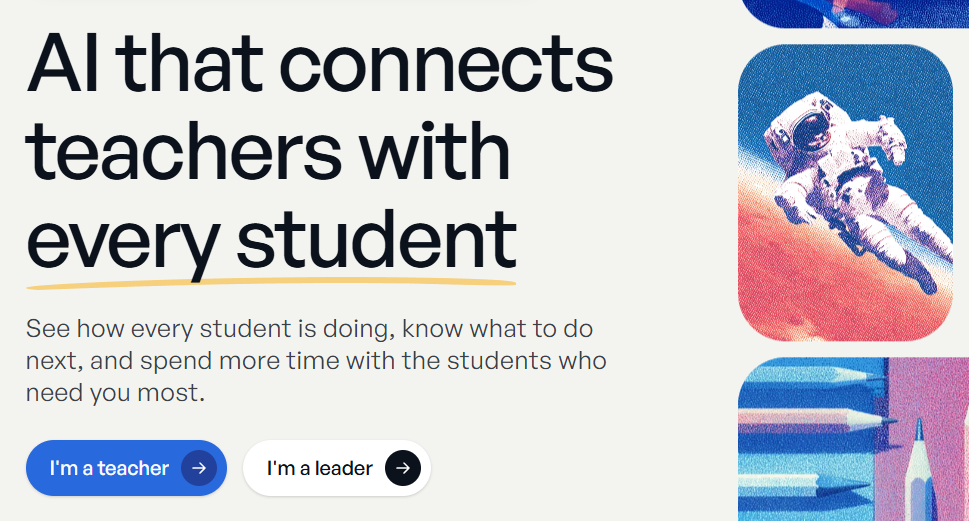
Building more transparent connections between teachers and students. That’s what SchoolAI offers. It comes with several AI products that help teachers build AI-powered learning experiences for specific subjects. Spaces lets educators customize lessons, activities, and guided interactions. Mission Control allows them to use AI to support differentiated instruction and monitor student engagement. In other words, students work at their own pace, and teachers see exactly what’s happening and what needs to be done.
Key Features:
- Focused AI apps for more engaging learning experiences
- Dedicated dashboard to closely monitor students’ strengths and gaps
- Learning that adapts to students
Pricing:
- Free Trial
- Pro Package – Custom Pricing
- Scale Package – Custom Pricing
Real Use Case:
SchoolAI allows English teachers to customize a Space where students submit essay drafts and get feedback questions. And through Mission Control, they can identify which students are stuck on thesis structure. This helps them decide who needs a targeted mini-lesson as a follow-up.
ClassPoint
ClassPoint lives directly inside PowerPoint. Teachers can use it to create interactive quizzes from slides and run the tests on the same platform. What separates it from the others is the multiple ways students can answer. It can be in the form of an image, video, drawing, audio recording, or text. For a more interactive experience, ClassPoint comes with gamification features. Badge earning. Awarding stars. Leaderboards. On top of that, there are presentation tools like a random name picker, a timer, draggable objects, and more.
Key Features:
- Making PowerPoint presentations more interactive
- Little to zero learning curve
- Support different languages
Pricing:
- Free Package
- Pro Package – $8 per month (annual billing)
- Premium Package – Custom Pricing
Real Use Case:
Chemistry teachers can build lecture slides in PowerPoint and use ClassPoint to add a fill-in-the-blank question right after introducing a new formula. A word cloud then asks students to describe the reaction in one word. One effective way to check comprehension mid-lecture.
Nearpod
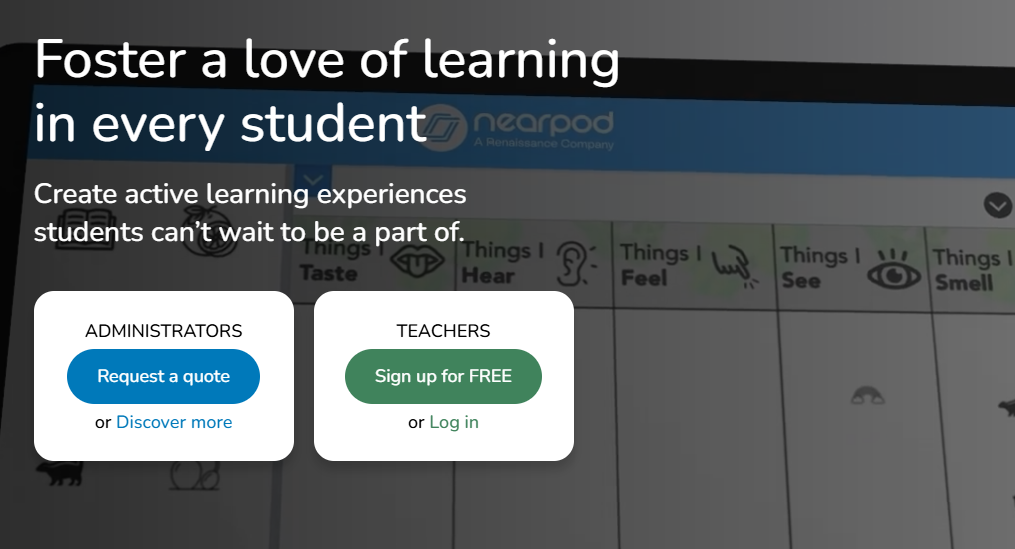
Delivering active learning experiences. That idea sits at the heart of Nearpod. This tool offers a feature called AI Create. In here, teachers will find a suite of tools that help them spend less time planning, turn up student engagement, and adapt to every classroom’s needs. It can automatically build lessons with activities, assessments, and gamified experiences. There’s even a question generator. It allows users to check students’ understanding on the fly.
Key Features:
- Outputs based on backward design and UDL Guidelines
- Turning ordinary lessons into interactive learning experiences
- Live responses and performance information
Pricing:
- Free Package
- Gold Package – $159 per year
- Platinum Package – $397 per year
- Schools & Districts Package – Custom Pricing
Real Use Case:
Nearpod can help elementary teachers introduce the water cycle. They can combine a labeling activity, multiple-choice questions, and a collaborative board. So students don’t just watch the lesson. They identify processes, answer questions, and share their thoughts.
Kahoot
Kahoot turns classroom participation into a game. This allows for interactive learning and real-time engagement. Among the many things it offers, teachers can use it to make engaging lessons, reviews, and quizzes from documents, handwritten notes, and websites. After generating course materials, Kahoot lets them run those as live activities. Students race to answer on their own devices while a shared screen keeps score in real time. Analytics are also available to help educators adjust their instruction.
Key Features:
- Advanced reports and progress tracking
- Turning course materials into engaging lessons and activities
- AI-powered flashcards and study sets
Pricing:
- Free Package
- Plus Bronze Package – $3 per month
- Plus Silver Package – $7 per month
- Plus Gold Package – $12 per month
- One Package – $19 per month
Real Use Case:
Identifying concepts that require further explanation before a big test is possible with Kahoot. Teachers can use it to have students compete in answering lesson-related questions while they watch the results closely.
Choosing the Leading AI Tools for Interactive Learning in 2026
Curipod, SchoolAI, ClassPoint, Nearpod, and Kahoot don’t just make a lesson more entertaining. These AI tools for interactive learning give students a reason to create, discuss, respond, and think. Things that keep them active while the lesson is happening.
But none of these tools takes the place of teachers. Their purpose is to move beyond the passive slide-and-lecture format. A method that makes it harder to sustain student attention and participation. Each option shows that. Curipod is useful for interactive discussions. SchoolAI creates AI-supported learning environments. ClassPoint adds interaction directly to PowerPoint. Nearpod transforms lessons into multimedia activities. Kahoot brings game-based participation into the classroom.
There’s no need to settle on one. You can use different tools for different moments in the learning process. Because together, they cover the full range of what interactive actually means in a modern classroom.

