

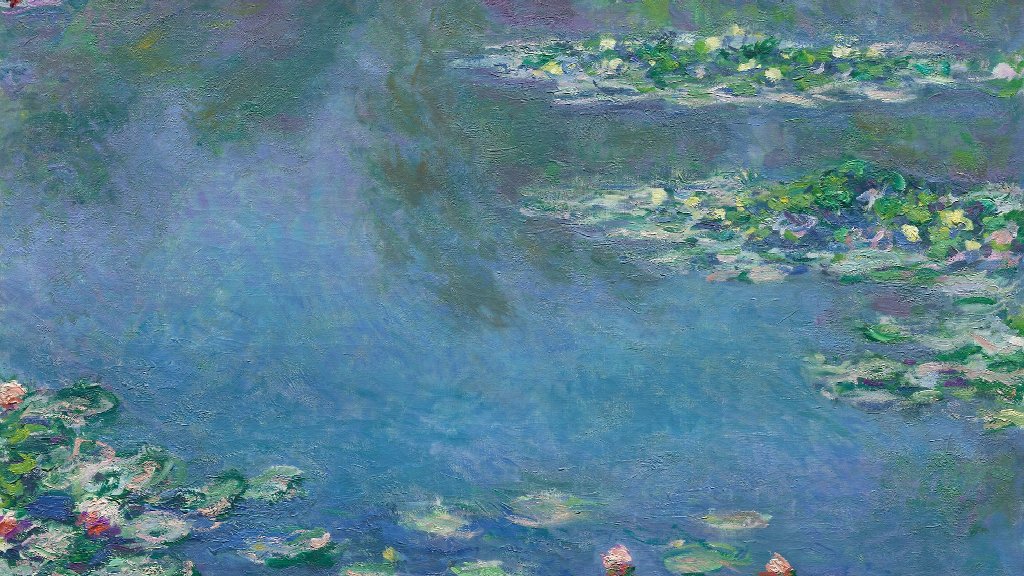
There’s a moment in front of a great painting when the scene seems about to move: the wind in a wheat field, a figure mid-turn, light about to shift. Artists have chased that feeling for centuries. Now some of them are taking it literally.
Across illustration, painting and photography, a growing number of artists are using AI image-to-video tools to add motion to work they’ve already finished. A watercolor sea that gently rolls. A portrait that blinks. A city at dusk where the streetlights flicker on. It’s usually a small change, and it raises big questions about authorship, craft and what exactly counts as the artwork.
Extension, Not Replacement
The artists getting the most interesting results treat AI motion as an extension of their practice, not a shortcut around it. The painting still has to be painted and the photograph still has to be taken. What changes is what happens afterwards.
That’s also why image-to-video, rather than text-to-video, is the mode most artists reach for. Text-to-video invents a scene from a prompt. Image-to-video starts from a finished piece and adds movement on top, so the composition and palette stay the artist’s own. Tools built this way, such as MixVio, describe the reference image as the anchor: subject, palette and style stay rooted in the original while motion and atmosphere are layered on.
Common uses include:
- Living portfolios. Animated versions of finished pieces for websites and social feeds, where motion stops the scroll.
- Exhibition companions. A screen beside a print showing the same piece breathing, inviting viewers back to the original.
- Process storytelling. Short films that move from sketch to final piece.
- Collaborations with musicians. Album art that becomes a visualizer, giving an illustrator’s work a second life in a release.
The Craft of Subtle Motion
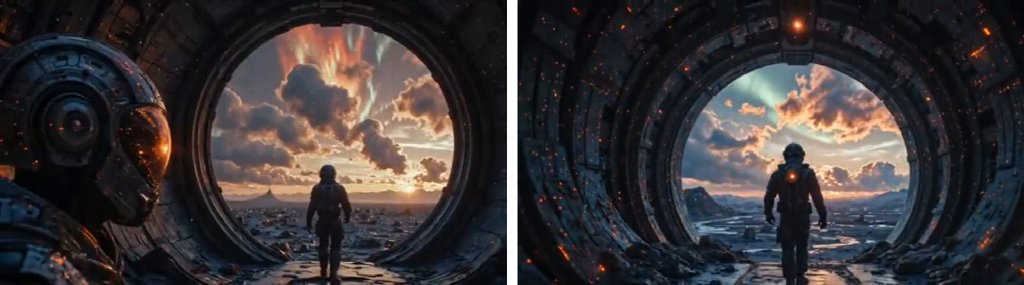
What separates thoughtful AI-animated art from a gimmick is restraint. The strongest pieces usually move less, not more.
Experienced artists describe the process as directing a very literal assistant. You upload the piece, then describe only the motion you want: “the lake surface ripples gently; clouds drift slowly right; everything else stays still.” Overambitious prompts tend to produce warped faces, melting architecture, or movement that fights the composition.
A few principles come up again and again:
- Animate what naturally moves: water, fabric, hair, smoke, light, foliage.
- Keep the camera calm. A slow push-in can deepen a piece. A dramatic sweep usually breaks it.
- Respect the medium. A good result keeps brush texture and paper grain readable.
- Curate hard. Generate several takes and keep one. Much of the authorship lives in that choice.
Which Tools Artists Are Trying
There’s no standard yet, and each tool interprets texture differently.
- Adobe Firefly appeals to artists already working in Photoshop and the wider Creative Cloud.
- Runway has had a following among visual artists for years and pairs generation with editing tools.
- Luma Dream Machine is often praised for smooth, natural motion.
- Multi-model workspaces let you test one piece on several engines. MixVio’s image-to-video tool, for example, can run the same image on Seedance, Kling, Veo or Gemini Omni Flash, so you can see which engine respects a particular painting’s surface. Uploads and results stay in a private workspace rather than a public feed, which matters to artists wary of unreleased work circulating early.
The Debates Worth Having
It would be dishonest to discuss AI and art without the tension. Many artists are rightly concerned about how models are trained, about style imitation, and about a flood of generated images devaluing human work.
Animating your own finished piece is a different act from generating an image in someone else’s style, but audiences can’t always tell the difference. Artists working this way often follow a few practices:
- Disclose the process. A label like “original painting, AI-assisted motion” builds trust.
- Only animate work you own or have permission to use. Animating another artist’s piece without consent is appropriation, not homage.
- Keep the original primary. The still is the artwork. The motion is an interpretation of it.
- Read the terms. Check whether a tool allows commercial use before selling or licensing a clip. Several platforms, MixVio among them, reserve commercial use for paid plans.
A Sample Creator Workflow
Here’s how an illustrator might prepare a new series:
- Finish the illustration and export a high-resolution file.
- Identify two or three elements that could plausibly move.
- Upload the piece and write a minimal motion prompt.
- Generate three to five takes and pick the one that best preserves the line work.
- Trim it to a seamless loop and add ambient sound if you want.
- Post the still and the motion version together, with a short note on the process.
The whole thing can take an hour, and most of that hour goes on judging, not generating.
Where This Goes Next
Motion has always tempted still artists. Think of the zoetrope, the cinemagraph and the animated GIF. AI image-to-video is the latest in that line, and like the others, its value depends entirely on the taste of the person using it.
For artists curious to try, start with a piece you know intimately. Decide what in it wants to move, animate only that, and see whether the result makes you look at your own work differently. If it does, that’s already worth something.

