

If this were the early 2000s, photo editing would mean hours of manual masking, color correction, and layer juggling. But it’s not the early 2000s. The AI image editing tools market has grown rapidly over the last several years. Casual creators. Professional designers. Both now adopt this modern approach. A VSCO survey showed that 34% of enthusiasts and 68% of professionals use AI in their creative workflows.
However, while there are numerous AI image editing tools available, not all deliver the same level of performance. And speed alone isn’t the real shift. The real change is control. Editors want tools that can rebuild backgrounds, remove objects cleanly, and even generate new visual directions while keeping everything looking realistic and natural.
This article shares the options that crush the balance between automation and creative control.
Top Five Best AI Image Editing Tools
Simfa
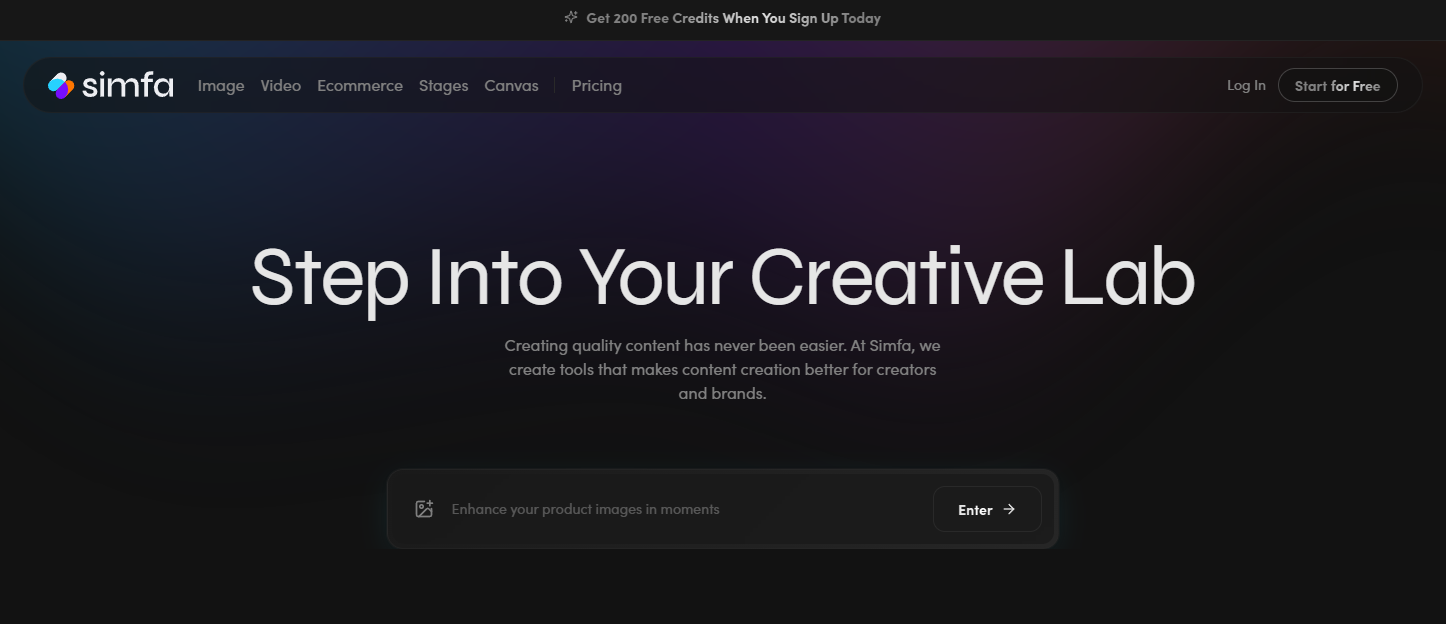
Simfa is built around fast visual transformation. So creators still get stunning visuals and editing control without the traditional layer-based editing. Editors can quickly rework an image’s style, composition, or mood through AI-driven edits. Its suite of tools includes image generation, face swapping, outfit swapping, background removal, and image upscaling. Businesses and brands can also benefit from its product enhancement and product stages. All presets align with multiple creative directions and allow minimal manual adjustment for more controlled results.
Key Features:
- Rapid image transformation and style variation
- Easy reworking of visuals without technical editing skills
Pricing:
- Free Package
- Starter Package – $15 per month
- Plus Package – $23 per month
- Simfa+ Package – $99 per month
Real Use Case:
Designers and marketers can shoot a single image and instantly generate multiple campaign versions using Simfa. With its presets, it simplifies visual production, enabling them to create a variety of mockups without reshooting.
Luminar Neo
One of the most established AI image editing tools is Luminar Neo. With over 24 AI-based tools, it’s especially popular among users who want strong results without complex manual editing. Luminar’s standout feature is the Sky AI. This lets users swap out an unpleasant sky with one of more than 30 presets. It also enables improvements to facial features, pixel refinement, golden-hour simulation, and other automatic photo enhancements while still giving users control over final adjustments.
Key Features:
- AI sky replacement and relighting
- Portrait enhancement and skin retouching
- Plug-in on Adobe apps for flexible editing
Pricing:
- Free Trial
- Desktop Package – $79 one-time payment
- Cross Device Package – $249 one-time payment
- Mac Package – $369 one-time payment
Real Use Case:
Luminar Neo helps photographers in post. Fix uneven lighting in outdoor shoots. Replace dull skies with dramatic sunsets. Enhance skin tones while keeping images natural. All is possible with Luminar’s presets and essential tools to correct color and exposure.
Fotor
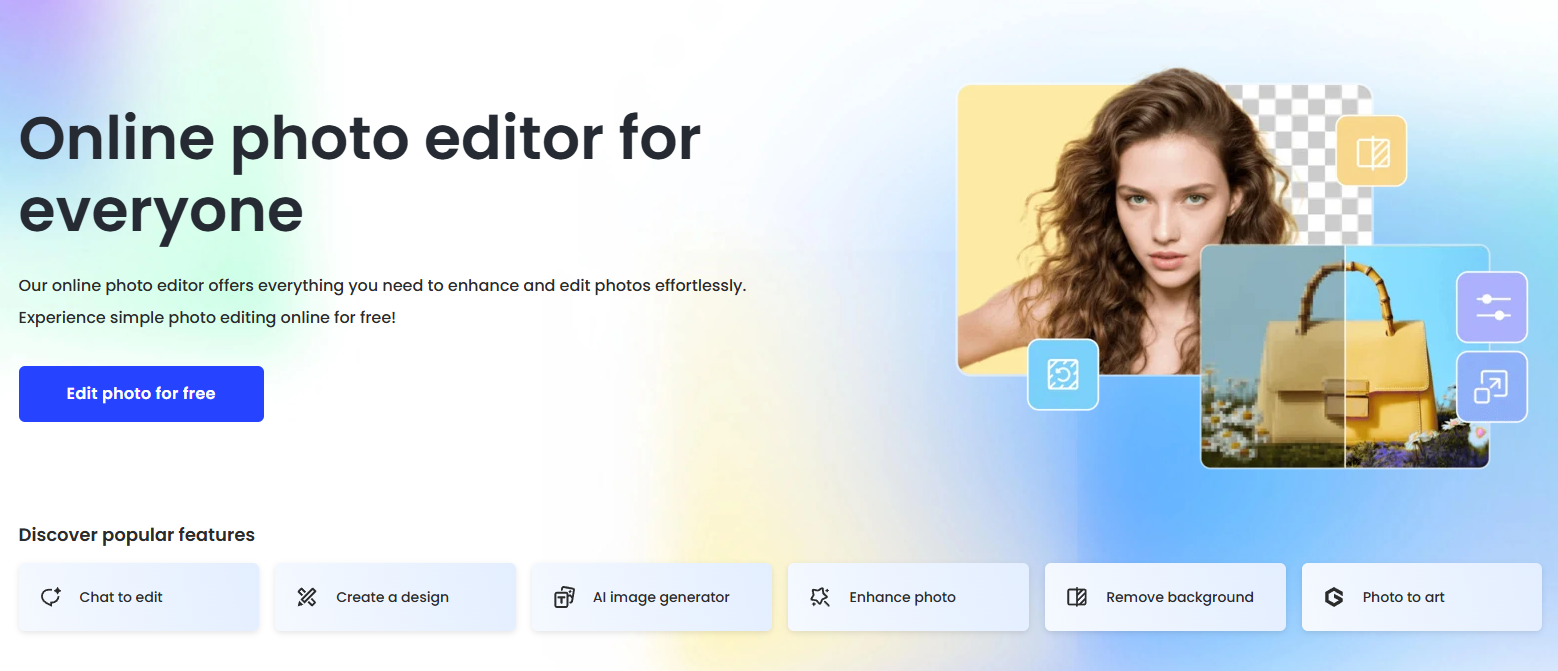
Fotor comes in as more of a browser-friendly AI image editor. Its combination of simplicity and useful automation features positions it as a practical option for bloggers, marketers, and social media creators. Beyond basic editing, editors can use this tool to adjust color balance, retouch portraits, tweak lighting, and upscale images. Creative designs are also feasible through its photo filters, AI effects, presets, and collage frames. Fotor basically does what Photoshop can, with a lower learning curve.
Key Features:
- One-click enhancements for fast editing
- Batch editing for efficiency and content scaling
- Powerful and easy-to-use
Pricing:
- Free Package
- Pro Package – $8.99 per month
- Pro+ Package – $19.99 per month
- Max Package – $39.99 to 399.99 per month
Real Use Case:
Small e-commerce sellers can use Fotor to clean up images, remove cluttered backgrounds, and generate polished product listings. It’s also great for resizing and repurposing visuals for different platforms.
Imagen AI
Among AI image editing tools on this list, Imagen AI takes a slightly different approach. It focuses on personalization. The tool moves beyond generic edits. It becomes smarter by learning a user’s editing style and applying it consistently across all images. Imagen AI features color correction, photo culling, automated masking, and more. It ensures editors cut tedious manual adjustments. Other creators’ editing profiles are also available for purchase.
Key Features:
- Style learning for consistent editing output
- Fast batch processing for large photo sets
- Consistent results in just a few clicks.
Pricing:
- Pay-as-you-go Package – $7 monthly base fee
- Limitless Package – $165 per month
Real Use Case:
Imagen AI allows wedding photographers to edit many photos in their signature style, maintaining consistent contrast and color grading across the entire gallery. Editors can even apply the styles of popular users to their work to achieve an even more professional look.
MagicHour AI
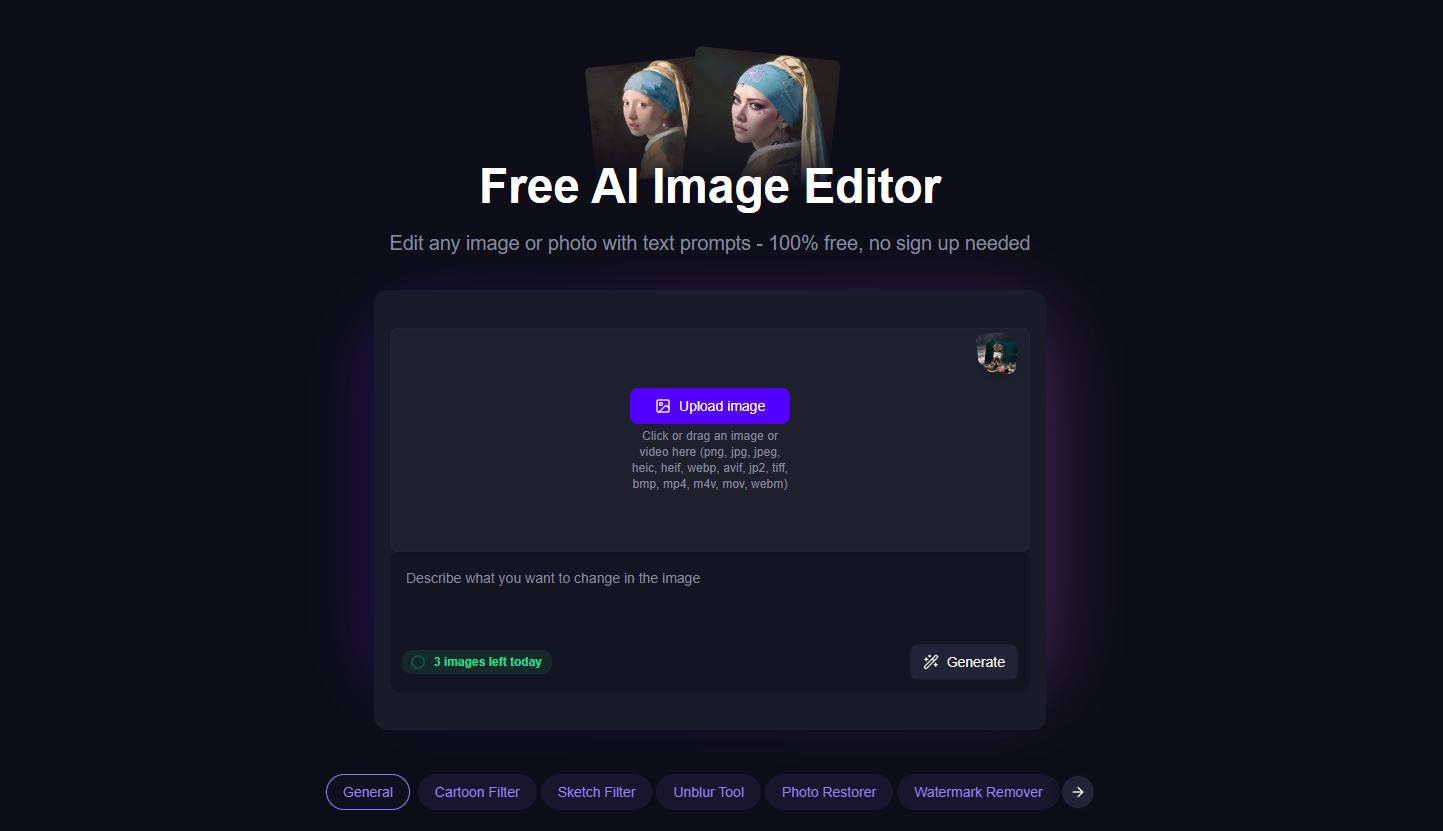
MagicHour AI focuses on creative visual enhancements and transformations. In most cases, it leans into stylized, content-ready outputs. This tool lets creators edit images using prompts or presets. MagicHour’s offering is essentially style experimentation. Editors can use it to apply various filters (anime, oil painting, aging), swap outfits, gender, or hairstyles, and remove visual elements.
Key Features:
- AI-driven visual enhancement and stylization
- Fast content-ready image generation and editing
Pricing:
- Free Package
- Creator Package – $15 per month
- Pro Package – $39 per month
- Business Package – $99 per month
Real Use Case:
Content creators can use MagicHour AI to turn dull photos into cinematic-style images for promotional reels, YouTube thumbnails, and other eye-catching campaign visuals.
Choosing the Best AI Image Editing Tools in 2026
AI image editing tools in 2026 are no longer just shortcuts. These options today can produce results that previously required technical skills and lots of manual input. What used to take a skilled editor half a day can now be done in minutes.
Each tool plays a different role depending on the workflow. Simfa banks on fast transformation and creative testing. Luminar Neo delivers professional-level photo enhancement. Fotor keeps editing simple and accessible. Imagen AI ensures consistency at scale. MagicHour AI leads on stylized visuals.
Don’t choose the most powerful tool on paper. Pick the one that clicks with your creative workload.

