


Creators can’t always just use AI video generators. Some projects call for actual shooting or filming. But that’s only half the job. Once the cameras stop rolling, the post-production work begins. And sometimes, using traditional editing software like Adobe Premiere and DaVinci Resolve is just overkill. Even with their newest additions of AI features. For content that needs flexibility and efficiency, full-pledged AI tools for video editing stand out.
Trimming clips. Adding captions. Adjusting colors. Making creative transformations. Hours disappear, as editing often takes longer than recording itself. But AI tools are changing that workflow. In fact, studies reveal that 56% of creators save over 30 minutes per video when using them.
That said, this guide rounds up some of the leading AI tools for video editing that let editors spend less time clicking through timelines.
Top Five Best AI Tools for Video Editing
Simfa
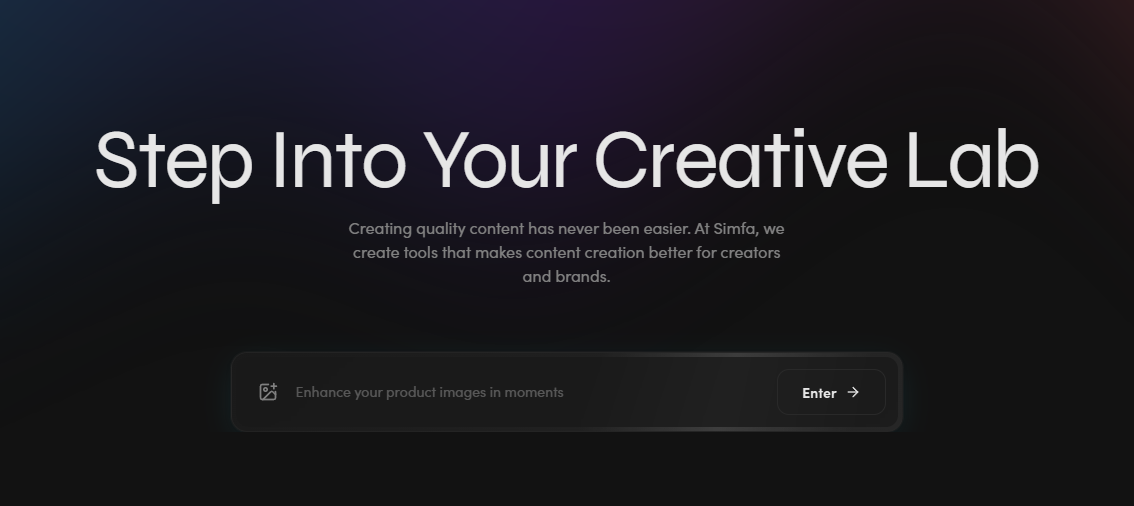
Simfa approaches video editing from a creative enhancement perspective. Centered on transformation, its primary offerings include face and outfit swaps for videos. This allows for reusability and scalability. As such, users can maximize one footage for different campaigns without reshoots. Simfa also provides automatic color grading. With several grading presets, editors can forget about complex Lumetri systems and quickly adjust tones and visual branding. It turns existing videos into new creative assets.
Key Features:
- Calibration-first process for source-faithful results
- Supports multiple file formats and up to 4K resolution
- Built-in trimmer for clips longer than 10 seconds
Pricing:
- Free Package
- Starter Package – $15 per month
- Plus Package – $23 per month
- Simfa+ Package – $99 per month
- Enterprise Package – Custom Pricing
Real Use Case:
Editors working on outfit swaps for videos can avoid time-consuming masking. They can simply use Simfa’s video outfit swap feature for multiple testing. This makes it easier to achieve several ad variations or campaign styles.
Descript
Editing footage like editing a document? That’s how Descript handles the workflow. So it’s mainly ideal for interviews, podcasts, talking heads, or any verbal-heavy clips. Users just need to upload their file and summon Descript to transcribe it. From there, they can delete or rearrange words in the transcript rather than cut clips on a traditional timeline. It also has an multi-purpose agent called Underlord. Creators can use this to automatically choose clips, switch between speakers, and more.
Key Features:
- Built-in audio studio for noise removal and voice enhancement
- Subtitle integration in one click
- AI Speech for realistic voice cloning
Pricing:
- Free Package
- Hobbyist Package – $24 per month
- Creator Package – $35 per month
- Business Package – $65 per month
- Enterprise Package – Custom Pricing
Real Use Case:
Popular podcasts like The Joe Rogan Experience typically go on for hours. But with Descript, editors can quickly remove dead air and repeated phrases. All without manually searching through lengthy recordings.
Opus Clip
Opus Clip focuses on content repurposing. Across AI tools for video editing, this option specializes in cutting long videos into mini, shareable clips. By analyzing every pixel and leveraging trend data, it can easily identify the most compelling moments in any video. It also optimizes outputs for social media use with captions and strong hooks. Through its AI object-tracking, Opus Clip can reframe videos while keeping subjects centered.
Key Features:
- Several templates for on-brand editing
- API integration for an automated video creation workflow
- Supports over 20 international languages
Pricing:
- Free Trial
- Starter Package – $15 per month
- Pro Package – $29 to $145 per month
- Business Package – Custom Pricing
Real Use Case:
Opus Clip can help fitness coaches like Kayla Itsines make the most out of their long-form content. It can transform a single workout session video into dozens of short clips that highlight specific exercises for different muscles.
Kapwing
Kapwing merges traditional editing with AI-powered productivity tools. Same power. Less learning curve. Initially, editors can tap into its dedicated online video editor that features an intuitive drag-and-drop timeline. For a full AI workflow, users can turn to its AI video editor, which handles complete editing pipelines via text prompts or AI tools. It also works well in transcribing, captioning, resizing, and more. With Kapwing, creators can expect professional-quality video content pipelines.
Key Features:
- Multiple generative AI and one-click editing tools
- Cloud-based solution that allows cross-device accessing and editing
- Support several video file formats
Pricing:
- Free Package
- Pro Package – $24 per month
- Business Package – $64 per month
- Enterprise Package – Custom Pricing
Real Use Case:
Marketing teams can use Kapwing to transform a product announcement into platform-specific versions. Its suite of editing tools helps keep campaigns consistent and brand standards across all videos.
Eddie AI
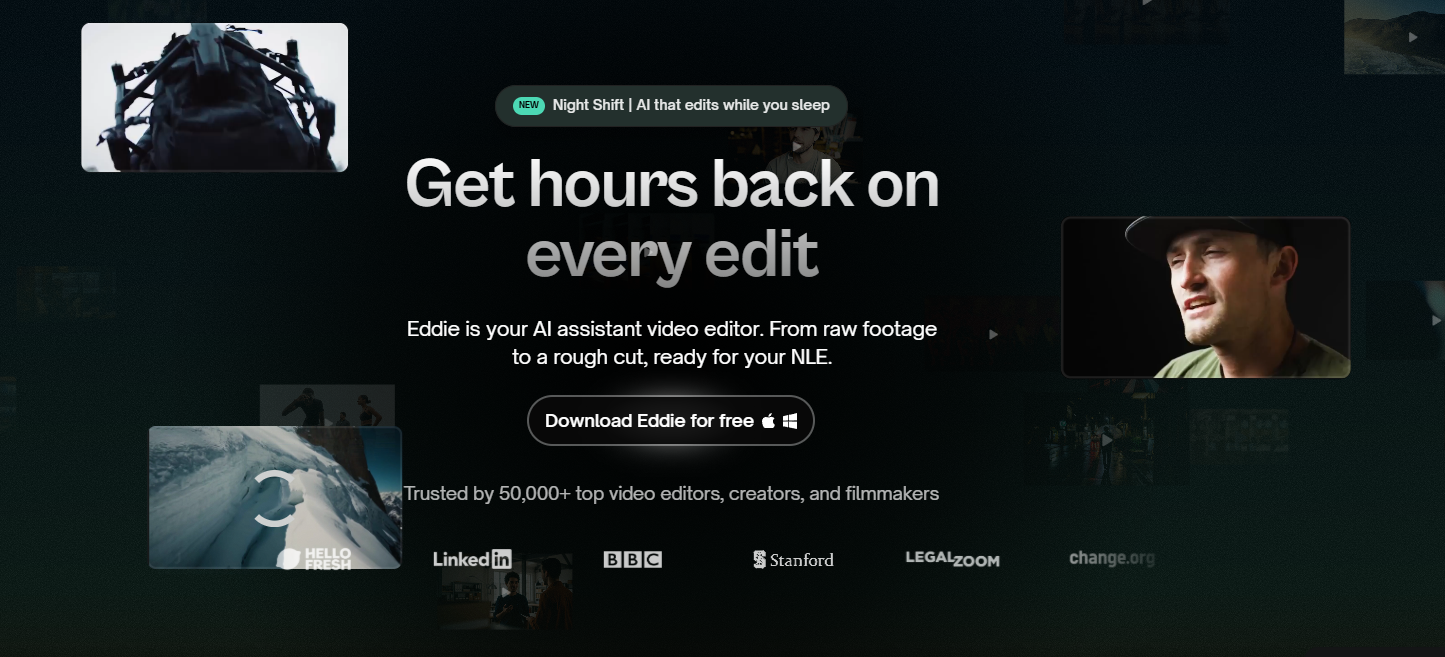
Eddie AI serves as an assistant editor. Using detailed prompts, editors can task this tool to make the first rough cut. It can also log footage for quick A and B roll identification. Its advanced AI model allows it to handle multi-cam setups with precision. That means it switches the clips based on who’s talking. What’s more, Eddie AI is compatible with professional video editing software. So users can use it to eliminate much of the repetitive assembly work before diving into their usual editing process. In short, it does all the heavy lifting.
Key Features:
- Night Shift feature for fully automated finished edit
- Dialogue-aware scene assembly
- Professional workflows with NLE integration
Pricing:
- Free Package
- Pro Package – $199 per month
- Pro+ Package – $399 per month
- Ultra Package – $1,499 per month
- Enterprise Package – Custom Pricing
Real Use Case:
Nature documentaries often involve hours of interview footage. Instead of a manual review, Eddie AI can help editors complete the initial sequence to form the overarching narrative.
Choosing the Smartest AI Tools for Video Editing in 2026
Traditional editing software and workflows are here to stay. They’re still the best for complex and long-form video projects. But since modern media consumption is centered on short-form content and more efficient workflows, these AI tools for video editing will become more and more part of the pipeline.
While the right choice depends on your workflow, all five automate repetitive tasks that slow editors down. Simfa, Descript, Opus Clip, Kapwing, and Eddie AI align well with today’s creative standards. With them, creators can spend more time refining the final story that connects with their audience.

