


Listening to an audio. Typing words. Individually, these tasks can be done without breaking a sweat. However, when combined and done for hours or days, it’s one of the easiest ways to catch a headache. In fact, a study shows that transcription can be psychologically draining due to its mundane, monotonous nature. But instead of giving up your weekend or hiring professionals, modern workflows focus on adopting AI tools for transcription.
That’s because with blogging, academic writing, copywriting, and other tasks, the real challenge starts after recording. Journalists replay interviews to find the perfect quote. Students pause lecture recordings every few seconds to catch key details. Business teams sift through long meetings searching for action items.
That said, this guide digs into the best choices for AI tools that turn transcription from a tedious manual process into an automated one that takes only minutes.
Top Five Best AI Tools for Transcription
Otter
Otter is one of the most recognizable AI tools for transcription. It’s mainly used for meetings and collaborative work. What makes it stand out is that users can set it to automatically join calls. This allows it to capture the full conversation and provide a complete transcript. There are also AI summaries that track takeaways and organize action items, thereby enhancing workflows. The output comes with timestamps and clear speaker diarization. It’s like having an assistant who never takes a day off.
Key Features:
- Multiple-language support and speaker separation in live transcription
- MCP Server for in-depth analysis and better workflows.
- Claude, Google Drive, Salesforce, Slack, and Zoom integration
Pricing:
- Free Package
- Pro Package – $16.99 per month
- Business Package – $30 per month
- Enterprise Package – Custom Pricing
Real Use Case:
Online course instructors can use Otter to automatically capture discussions or lectures. This helps them assist students who missed a meeting using AI-generated, searchable notes. So learners can catch up quickly by reviewing assigned tasks and discussion highlights.
Sonix
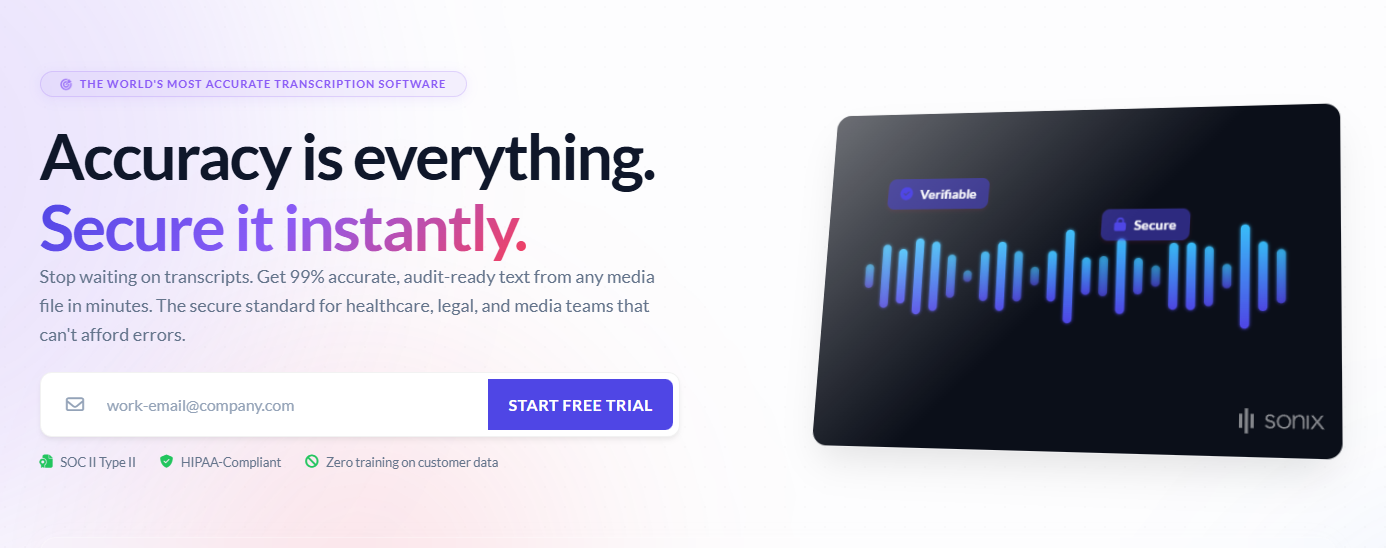
Compared to Otter, Sonix works on uploaded media. And it puts great emphasis on accuracy, making it ideal for serious projects. Beyond fast automated transcription, it comes with built-in editing, subtitle generation, translation, and collaborative tools. Sonix also provides structured insights. This includes AI summaries, topics, key statements, action items, and every essential metadata. What’s more, it supports more than 50 languages, multi-track audio, and filler word control.
Key Features:
- Identifying who said what and when through speaker-labeled, timestamped text
- Highly accurate speech-to-text at scale, even with difficult audio
- Sentiment Analysis feature for determining emotional tones
Pricing:
- Free Trial
- Pay As You Go Package – $10 per hour
- Core Package – $25 per month
- Advanced Package – $50 per month
- Pro Package – $80 per month
Real Use Case:
Sonix can help students speed up analysis and coding in their research projects. After conducting interviews or focus group discussions, they can leverage the multi-track support to quickly generate transcriptions with timestamps and speaker diarization.
Fireflies
Fireflies treats insights as important as the transcript itself. It’s also capable of joining and recording meeting conversations. This option automatically summarizes discussions, extracts action items, and integrates with CRM systems and productivity software. Also, Fireflies features AI-Powered Search and Conversation Intelligence. These two enable users to get answers to any question and uncover insights. Like key topics, keywords, action items, and important decisions.
Key Features:
- Post-call analytics with sentiment analysis and speaker talk-time
- Supports over 100 languages and has auto-language detection
- Turning every conversation into searchable records to track follow-ups
Pricing:
- Free Package
- Pro Package – $18 per month
- Business Package – $29 per month
- Enterprise Package – $39 per month (billed annually)
Real Use Case:
Sales teams can capture client discovery calls and automatically summarize customer requirements with Fireflies. This makes it easier for them to build client relationships thanks to less time needed for data entry.
Rev
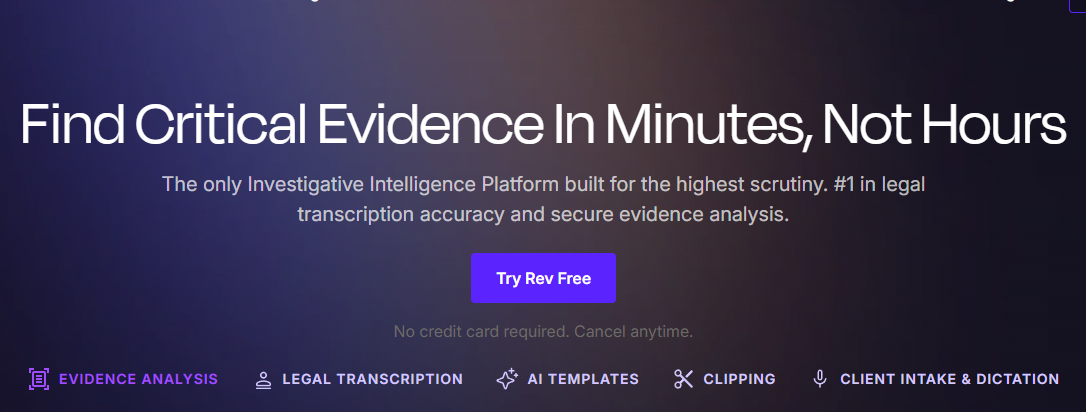
Among the AI tools for transcription on this list, Rev specializes in legal transcription and evidence analysis. For that, its pipeline features a hybrid model. For internal meetings or casual content creation note-taking, the AI transcriber option is the right pick. But for users who need the utmost accuracy. Like for clinical, financial, and legal files. Rev offers a human transcription and captioning tool that delivers outputs within a minimum of 2 hours. This tool also has an AI chatbot that users can ask questions to. Every answer is pulled from the original record. No AI guesses.
Key Features:
- Pre-built AI prompts for faster transcript analysis
- AI transcription and human review options (file-by-file basis)
- Making every recording searchable for top scrutiny
Pricing:
- Free Package
- Essentials Package – $29.99 per month
- Pro Package – $59.99 per month
- Unlimited Package – Custom Pricing
Real Use Case:
Criminal defense attorneys can easily spot inconsistencies in police reports or jail calls with Rev. With the precise transcript and source-faithful citations, they can draft robust motions and trial briefs. This can help in turning the case around.
Notta
Notta is an all-around tool for automated transcription. It has a bucketload of features intended for live transcription, meeting recording, file uploads, and real-time translation. And each one supports numerous languages. That means multilingual users and international teams can benefit from it. With advanced AI, Notta can also provide users with detailed insights. This includes action items, key decisions, and critical topics. No need to scan through lengthy meeting transcripts.
Key Features:
- Premade and customized prompts for personalized recaps
- Supports roughly 58 international languages
- Generating slides and infographics based on transcribed materials
Pricing:
- Free Package
- Pro Package – $13.99 per month
- Business Package – $27.99 per month
- Unlimited Package – Custom Pricing
Real Use Case:
International consulting firms can use Notta during virtual meetings. Built to support multilingual communication, it can easily make searchable transcripts for discussions involving clients from different countries.
Choosing the Smartest AI Tools for Transcription in 2026
Transcribing is probably one of the simplest but most infuriating tasks. Oftentimes, a single recording can take longer to review than it did to create. That’s why AI tools for transcription have become an essential part of modern workflows.
Whether you’re documenting meetings, editing podcasts, or conducting interviews, make sure that you pick based on how you capture, review, and use conversations every day. Nonetheless, Otter, Sonix, Fireflies, Rev, and Notta dramatically reduce the workload. They make recordings easier to search, summarize, and turn into actionable information.

