


Every teacher knows the drill. Sunday, laptop open, and coffee gone cold. It’s almost midnight, but tomorrow’s lesson still needs objectives, activities, materials, differentiation, and an assessment. However, building every piece from scratch eats hours they don’t have. And besides being time-consuming, the weight of an educator’s job can actually take a toll on them. A study found that the teaching profession is associated with excessive workload, which affects overall occupational well-being. The good news is that there are now AI tools for lesson plans that take some of the pressure off their shoulders.
Rather than looking at an empty page, teachers can use AI tools to get a topic, objective, and grade level, and receive a workable starting point. But don’t worry about adding the hassle of finding the right tools to your to-do list. This guide already provides a list of options that solve a specific planning headache.
Top Five Best AI Tools for Lesson Plans
MagicSchool AI
MagicSchool AI is a complete AI operating system for education. It lightens the work of students, and more especially, teachers. It comes with a whopping over 80 tools for educators. One standout offering is the lesson plan generator. Teachers can customize the output to match the curriculum, instructional goals, and subject matter. It returns with objectives, warm-up, direct instruction, guided practice, independent work, and assessment. Lesson plans that are tailored to align with educational standards and students’ needs.
Key Features:
- Creating comprehensive lesson plans
- Built-in tools for worksheets, quizzes, presentations, and rubrics
- Diverse set of AI tools for educators
Pricing:
- Free Package
- Plus Package – $12.99 per month
- Enterprise Package – Custom Pricing
Real Use Case:
2nd-grade teachers can use MagicSchool AI to get a structured initial plan. One with objectives, activities, and assessment ideas. This lets them focus on tightening the pacing rather than starting from zero.
Brisk Teaching
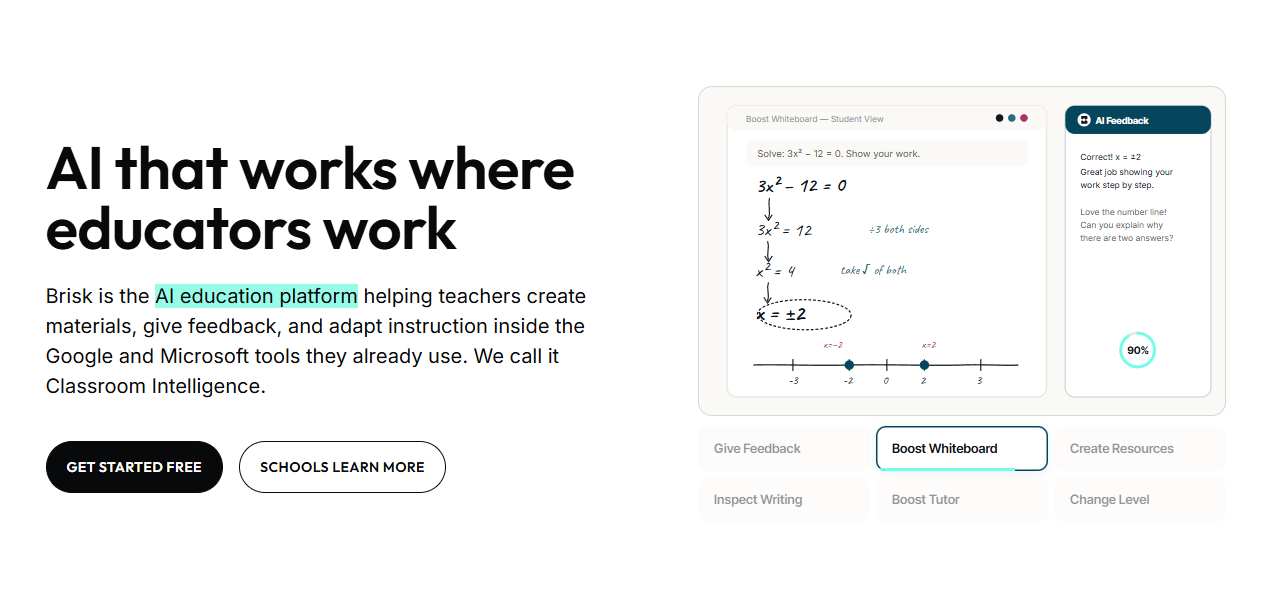
Brisk Teaching lives as a Chrome and Edge extension inside Google and Microsoft tools. This all-in-one AI teaching platform equips users with a lesson-plan generator with a powerful chat companion. Teachers can enter prompts describing the grade level, subject, special requirements, and topic. The output is complete with activities, assessments, objectives, and timing. More than that, it has a bucket of tools for giving students feedback, changing reading levels, checking writing, and adapting instruction.
Key Features:
- Granular control over language and lesson length
- Dedicated features for admin and teaching tasks
- Offers more than 30 AI tools
Pricing:
- Free Package
- Premium Package – Custom Pricing
- Intelligence Package – Custom Pricing
Real Use Case:
Google educators can take advantage of Brisk Teaching’s AI Chrome extension. It makes it easier for them to generate and manage instructional materials without the need to jump between apps.
Eduaide
Eduaide is built specifically for K-12 teachers. The tool’s selling point is that it leans into guided workflows. Not just open prompting. All it needs are a defined curriculum, objectives, sources, and standards. Its embedded AI tools for lesson planning provide users with a first draft. But the process doesn’t end with generation. Teachers gain access to a workspace to refine further the language, pacing, complexity, and visual supports, making the lesson plan more student-ready.
Key Features:
- Suite of tools for making supporting materials
- Source-faithful planning assistant that helps improve and prepare lesson plans
- Differentiation and scaffolding options
Pricing:
- Free Package
- Pro Package – $5.99 per month
- Schools & Districts Package – Custom Pricing
Real Use Case:
Building materials from disjointed sources and tailoring them to unique student needs is a hassle for middle school teachers. But with Eduaide, they can quickly produce a lesson plan that reflects the teacher’s expertise and the students’ conditions.
Education Copilot
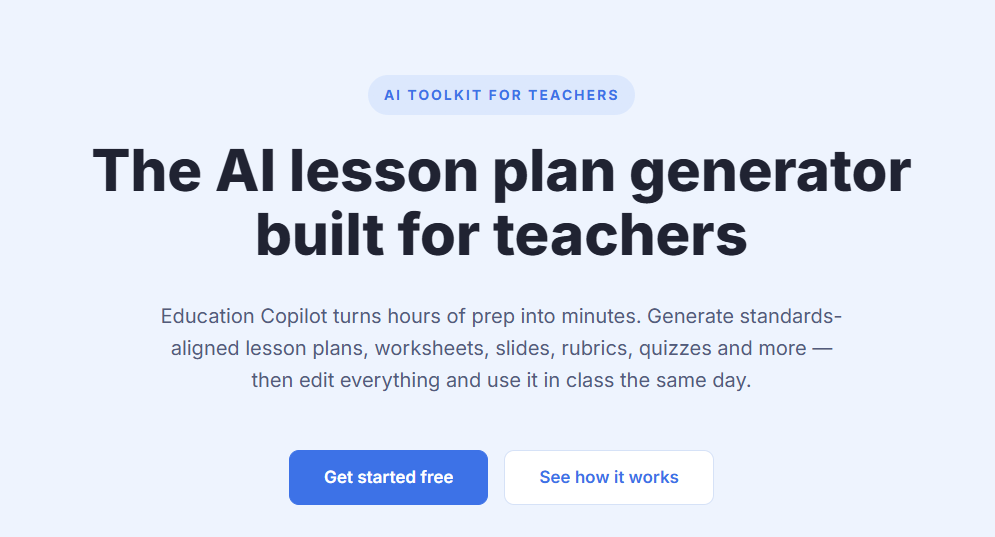
Education Copilot has AI tools for lesson plans at its core. Its lesson-plan generator can create standards-aligned plans from a short description, subject, grade level, and standard. Since it’s not one of those general-purpose chatbots, the outputs are in a consistent format, built to be handed off. Not just used solo. And not only can teachers edit the output, but they can also use the same platform to create quizzes, rubrics, slides, and worksheets.
Key Features:
- Lesson plans with clean and predictable formatting
- AI-generated templates and resources for different classroom needs
- AI IEP & Differentiation Helper and AI Newsletter & Email Writer
Pricing:
- Free Package
- Pro Package – $12 per month
Real Use Case:
Unexpected absence can cause workloads to pile up. With the help of Education Copilot, educators can generate a full day’s lesson plan. Complete with objectives, activities, materials list, and assessment. It turns a messy subplan into a few minutes of editing.
Khanmigo
Khanmigo approaches lesson planning through the Khan Academy ecosystem. As an AI-powered teaching assistant, it generates standards-aligned plans tied directly to Khan Academy’s content library. Teachers can also leverage several tools to make objectives, activities, and assessment questions in one go. Khanmigo even allows them to review student work. This allows for identifying areas where learners may need additional support.
Key Features:
- Generating differentiated lesson planning
- Student-work summaries and progress insights
- Making learning objectives, rubrics, and exit tickets
Pricing:
- Free Package
- For You Package – $4 per month
- For Families Package – $4 per month
- District Tools Package – Custom Pricing
Real Use Case:
Teachers building a lesson can use Khanmigo to generate a plan that is pre-linked to matching Khan Academy practice sets. This way, the in-class instruction and homework are already aligned without extra searching.
Choosing the Essential AI Tools for Lesson Plans in 2026
Teaching doesn’t just happen. It calls for structured preparation. Like entrepreneurs making business plans before launching marketing strategies. That’s why teachers can turn to AI tools for lesson plans. MagicSchool AI, Brisk Teaching, Eduaide, Education Copilot, and Khanmigo focus on creating a sequence that makes sense for students, the subjects, and the entire classroom.
When picking an AI tool, make sure it produces outputs that align with curriculum standards and the students in front of you. While teachers still decide what goes on in it, these tools take some of the heavy lifting out of lesson planning.
For teachers looking to take the next step, check out our list of AI tools for interactive learning.

