


The Three Little Pigs. Peter Pan. The Ugly Duckling. Popular bedtime stories are part of many kids’ lives. And they don’t just put a smile on their faces. A parenting resource explains that reading and storytelling support children’s cognitive development. The only problem? Stories end. And you can’t always have the time or imagination to invent a new adventure every night. Plus, the challenge of improvising when a kid asks, “Can I be in the story?” on the fly. But as luck would have it, AI tools for children’s stories can help you pull these off.
Looking closer, these AI tools turn a photo, a name, and a vague idea into a real (even illustrated) story in minutes. And to save you from poor picks, this guide lists the best choices that deliver a story that flows, illustrations that stay consistent, and a finished product that’s worth reading to children.
Top Five Best AI Tools for Children’s Stories
Lullaby
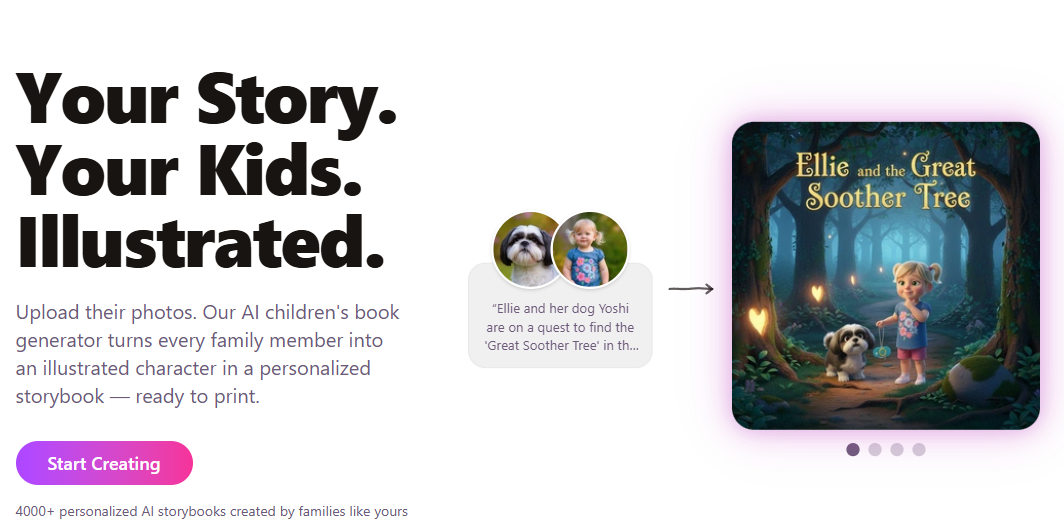
Lullaby is built around personalized stories featuring children as the main characters. And no, it doesn’t just use book templates and swap in names. The most popular offering is photo uploads, which allow personalization of characters and locations. A child can be the hero of the story. If photos are not available, descriptions do the job well, too. Users can also generate a new story from an idea or paste one they already have. In short, Lullaby delivers an original story, with character designs, page illustrations, and text.
Key Features:
- Supports multiple characters and custom locations
- Character outfits that match every moment and overall story
- Photo-to-cartoon characters with seven art styles
Pricing:
- Free Preview
- Digital Book Package – $14.99 per story
- Printed Book Package – $29.99 per story
Real Use Case:
Lullaby excels in multi-character family stories. As such, parents preparing a birthday surprise can create an adventure starring their child, their pet, and the family home.
LoveToRead
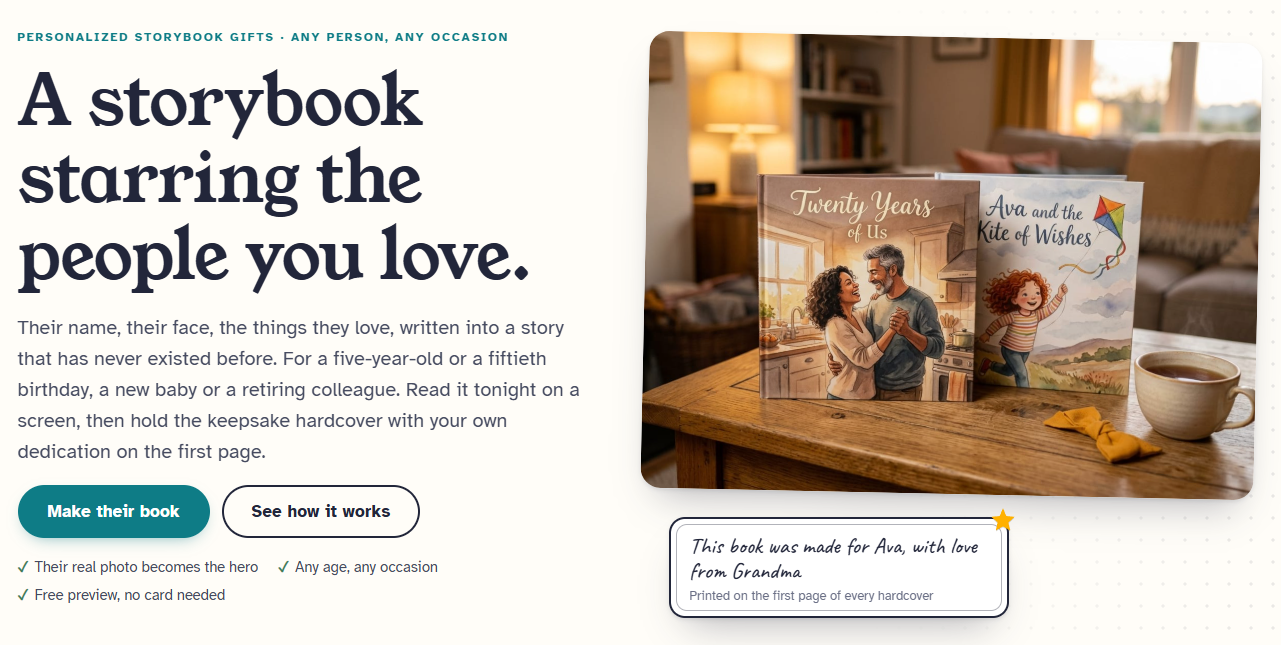
LoveToRead offers personalized storytelling with early reading support. Users describe the reader or listener’s age, name, and interests. Defining the occasion also helps make the story more personal. When it comes to generating the story, users have two ways to go about it. They could either give a story idea or let the AI do the heavy lifting. Uploading a photo or text description lets users personalize characters. They can even customize the designs in 8 different art styles. But that’s not all. The tool can tailor the story based on different reading levels.
Key Features:
- Dedicated free story library for quick reads
- Character library for reusing visuals in future stories
- Optional keepsake hardcover with dedication
Pricing:
- Free Preview
- Storyteller Package – $9.99 for 100 credits (about 14 stories)
- Dreamer Package – $19.99 for 225 credits (about 32 stories)
- Creator Package – $49.99 for 650 credits (about 93 stories)
Real Use Case:
Pre-K teachers can rely on LoveToRead to generate individualized stories for the class. Each one gives a student a story where they’re the main character, built around their own reading capabilities.
ToonyStory
ToonyStory brings so much to the table when it comes to children’s stories. The standout feature is its AI Story generator that offers an approachable process. Users upload a photo, and the AI transforms it into a story character. Then, they can choose from themes, genres, and reading levels to fully customize the story. What’s great about ToonyStory is that it still gives users control. Dedicated tools allow them to tweak illustrations and scenes using natural language prompts. What’s more, the tool carries these over to an illustrated book and a short animated video.
Key Features:
- Supports age-appropriate writing and multi-character stories
- Full scene-level control
- Consistent AI characters across story pages
Pricing:
- Free Trial
- Story Starter Package – $9.99 per month
- Family Unlimited Package – $19.99 per month
Real Use Case:
ToonyStory’s library of themes and genres allows parents to personalize a story around a kid’s interests. Like making the child the central character, where he meets dinosaurs and solves a problem.
KidzTale
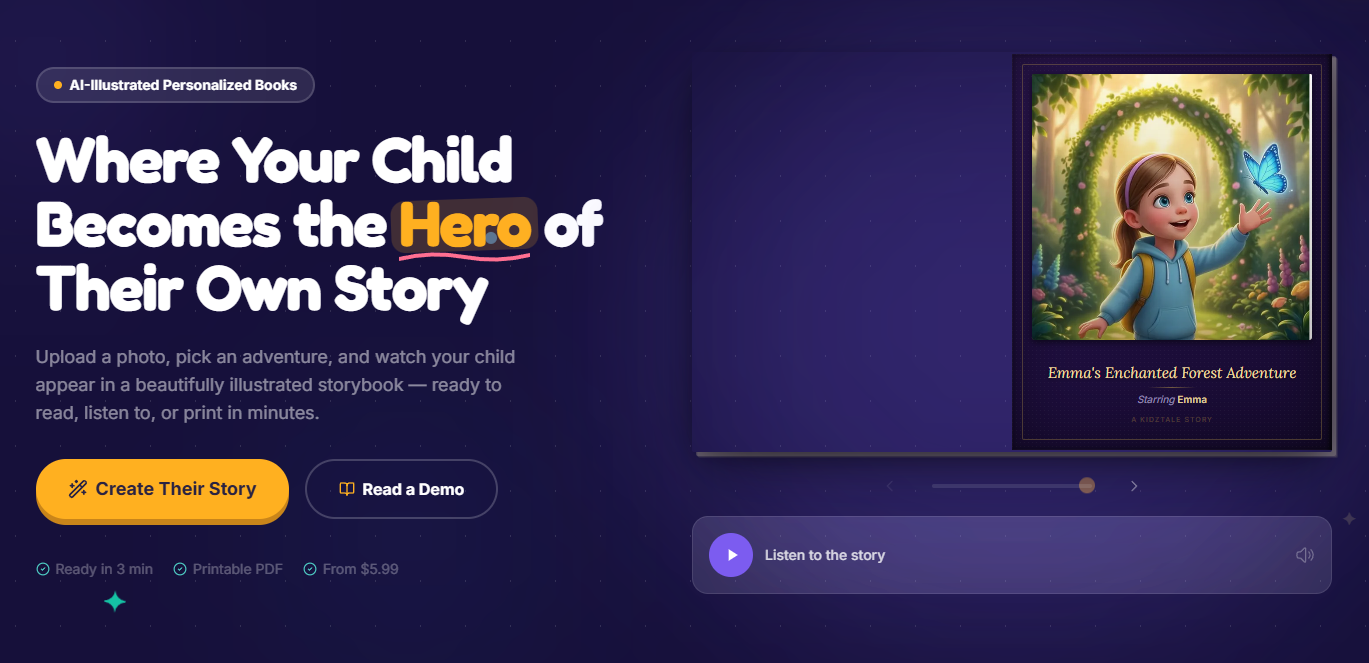
KidzTale is another tool that takes a personalized approach. However, it keeps the process particularly simple. Upload a child’s photo, select a theme, and pick an art style. In detail, KidzTale includes animal friends, dinosaur quests, fairy tales, magical forests, underwater worlds, and more. Beyond that, users can enter prompts to add additional story ideas. As for the visuals, they have the option to go for a Pixar, anime, cartoon, realistic, watercolor, or realistic look. To top it off, KidzTale’s stories can include audio narration and a printable PDF.
Key Features:
- Generate stories for children up to 8 years old
- Library of child-friendly story themes
- Customizable narrator voice
Pricing:
- No Free Package/Trial
- Single Story Package – $5.99 for 1 story
- Story Pack Package – $19.99 for 5 stories
- Story Lover Package – $34.99 for 10 stories
Real Use Case:
The first day of school can be intimidating for young children. But in an instant, KidzTale can help parents use its ready-made themes to make a personalized story about their own character facing the first day with confidence.
MyStoryBot
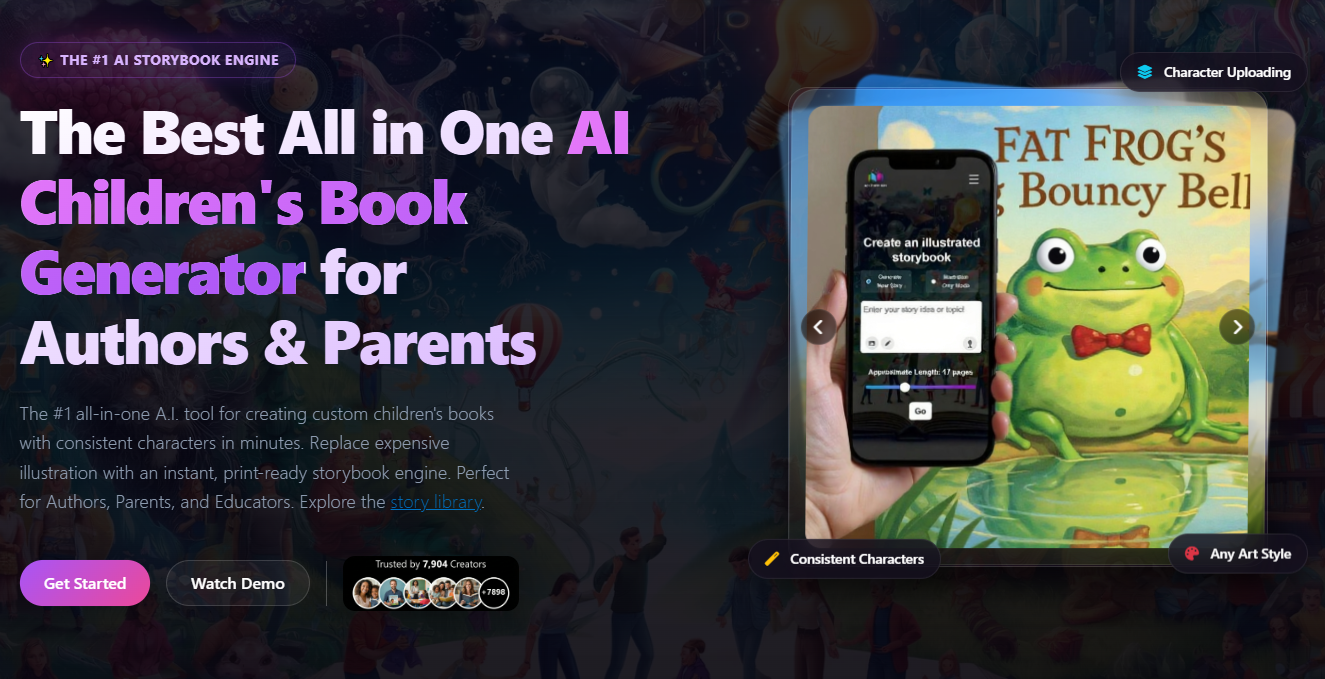
MyStoryBot positions itself as an all-in-one AI tool for children’s stories. The workflow starts with a prompt. Users specify the characters, plot, and setting. It also supports photo uploads to ensure character concept consistency. At the same time, they can set their desired story length. Afterward, MyStoryBot lets them head over to its AI illustrator to produce visuals that match the text. On top of these, it lets users polish the output to their liking. Tools are available to adjust the layout, enhance the illustrations, and edit the text.
Key Features:
- One-click export to PDF, EPUB, and video formats
- Art style switching to fit a story’s mood
- Royalty-free commercial use
Pricing:
- No Free Package/Trial
- Reader Package – $29 per month
- Author Package – $39 per month
- Pro Author Package – $115 per month
Real Use Case:
MyStoryBot helps parents with several children build recurring adventures featuring the same characters. This makes it easier to solve the “What happens next?” dilemma because now the story can be endless.
Choosing the Top AI Tools for Children’s Stories in 2026
Children’s stories don’t always have to come from a bookshelf. Sometimes, kids appreciate and benefit more when it’s tailored to them. That’s how AI tools for children’s stories are changing the narrative.
Some focus heavily on personalization. Others add educational features, narration, or even physical printing. The best choice depends on what you’re creating. Are you an author trying to publish a children’s book? Or are you a loving parent looking for something to level up bedtime stories? Either way, Lullaby, LoveToRead, ToonyStory, KidzTale, and MyStoryBot can help. One note before diving in: check each platform’s data and photo-retention policy, child safety and content filtering, and privacy policy.
For more ways to put AI to work, visit our articles on the best AI tools for copywriting and AI tools for book writing.

