


Popular celebrities. Intriguing topics. HD resolution. None of these would reach their full effect if the video is not understood by people from different language backgrounds. A tutorial that performs well in English may never reach viewers in Brazil, Japan, or Spain. All because they can’t understand it. In fact, data suggests that only about 1.49 billion people worldwide speak English. This means the majority of potential viewers are more likely to engage with content in another language. Unfortunately, hiring translators, voice actors, and video editors for every language isn’t realistic for most creators. Both in time and money. That’s why AI tools for video translation have become a practical solution.
Whether you’re creating tutorials, product demos, online courses, or marketing campaigns, the suggested AI tools in this article can surely reduce production time. They can help make multilingual content that captures audience attention and expands global reach.
Top Five Best AI Tools for Video Translation
HeyGen
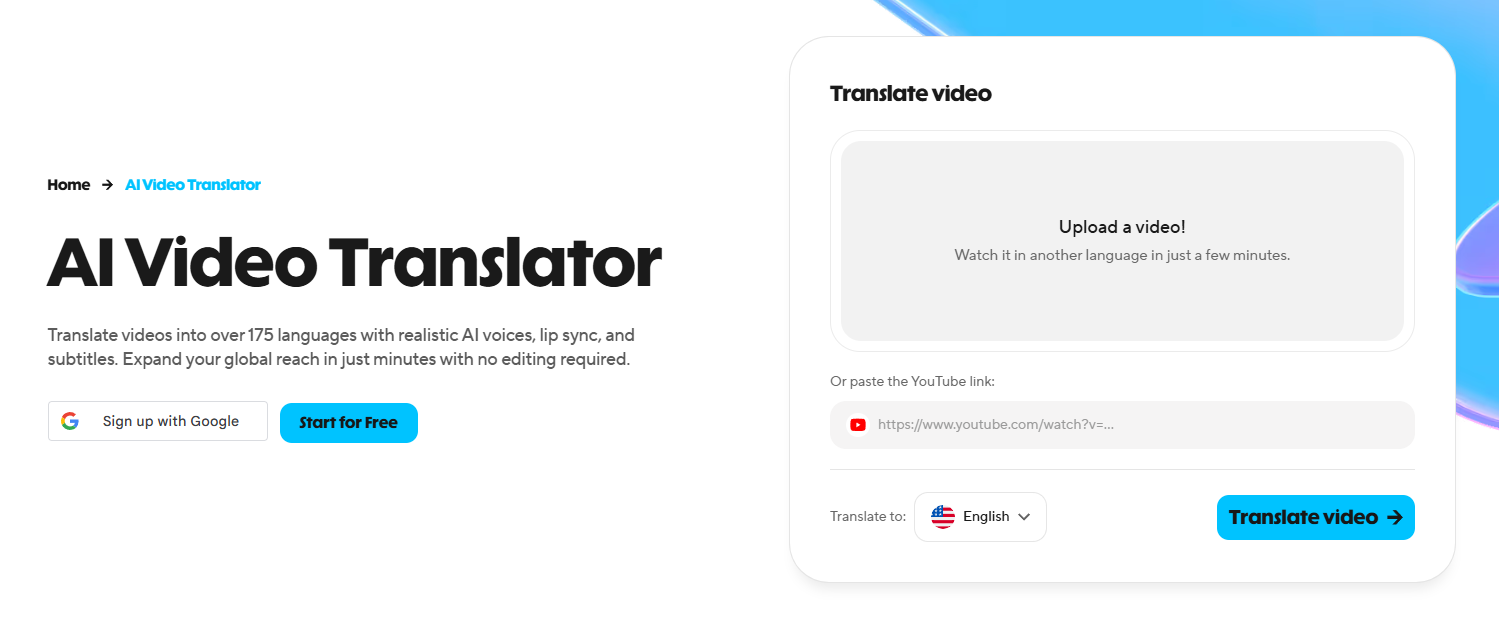
HeyGen has become one of the leading options in the market. All thanks to its built-in video translation tools. Front and center, it can adjust mouth movements to closely match the translated language. This helps videos appear as if they were recorded naturally for each audience. Users can also create AI avatars that speak different languages. For more customization, HeyGen offers subtitle integration and tone refinement. It even preserves the speaker’s original delivery, expressions, and style.
Key Features:
- Supports over 175 languages and dialects
- Translating a video in one click
- Brand glossary that supports forced translations and protected terms
Pricing:
- Free Package
- Creator Package – $29 per month
- Pro Package – $49 to $4,300 per month
Real Use Case:
A tech company launching a new smartphone internationally can benefit from HeyGen. It helps translate product demos into multiple languages. All while preserving the presenter’s voice and facial movements.
Rask AI
Coming in as a full-fledged video translator, Rask AI offers a bunch of AI tools that cater to multilingual video localization. Targeting international audiences, this tool can translate, dub, and lip-sync videos. It can also clone voices and adapt to accents and intonations. Likewise, Rask AI is capable of translating clips with multiple speakers and languages. It even comes with a subtitle generator and translator. Dubbing is also available, with background music and sound effects maintained.
Key Features:
- Supports more than 130 languages
- Translating long-form video content (up to 5 hours)
- Making and saving voice presets for efficiency and consistency
Pricing:
- Free Package
- Starter Package – $29 per month
- Creator Package – $89 per month
- Enterprise Package – Custom Pricing
Real Use Case:
Rask AI can translate an entire course library or training program into different languages. That means learners can expect consistency when it comes to voice, subtitles, and wording. Scaling multilingual content from a single source video.
Synthesia
Synthesia started with only AI avatar videos. But now, the platform’s strength lies in a suite of localization tools. Some of these are video translation and AI dubbing tools that convert videos into any language the user prefers. It’s capable of preserving a speaker’s voice. That means emotion, pacing, tone, and talking patterns are retained. Synthesia tops it off with accurate lip-sync. There’s an adaptive timing feature that tailors the output to the actual video duration.
Key Features:
- Supports over 160 languages
- AI presenters and avatars
- Batch translation processing and post-render editing
Pricing:
- Free Trial (for enterprise customers)
- Creator Package – $60 per month
- Creator Pro Package – $150 per month
- Business Package – $750 per month
- Enterprise Package – Custom Pricing
Real Use Case:
Multinational companies can provide a consistent, up-to-date onboarding experience for new hires across different languages in different offices using Synthesia. Its tools allow users to edit the script and regenerate the video. No need for reshoots.
Maestra AI
One of the many specialized AI tools for video translation is Maestra AI. It combines translation, transcription, subtitle generation, and dubbing. So users can look forward to an end-to-end localization workflow. All in one platform. With advanced AI, it can maintain context, meaning, and tone. Apart from voice cloning and lip-syncing, it offers a Live Voice Translation feature. Maestra AI allows users to translate speech in real time for meetings and streams.
Key Features:
- Supports more than 125 languages
- Microsoft Teams, OBS, vMix, and Zoom integration for instantaneous translation
- Two-way translation for conversations
Pricing:
- Free Trial
(Transcription)
- Pay As You Go Package – $12 per month
- Lite Package – $29 per month
- Basic Package – $49 per month
- Premium Package – $99 per month
(Subtitle)
- Pay As You Go Package – $12 per month
- Basic Package – $49 per month
- Premium Package – $99 per month
- Business Package – $199 per month
(Voiceover)
- Pay As You Go Package – $49 per month
- Basic Package – $99 per month
- Premium Package – $199 per month
- Business Package – $449 per month
Real Use Case:
Maestra AI can help media agencies assist clients in reaching social media audiences in any language. Through translated subtitles and dubbed versions, teams can grow a YouTube channel beyond the creator’s native language.
VEED
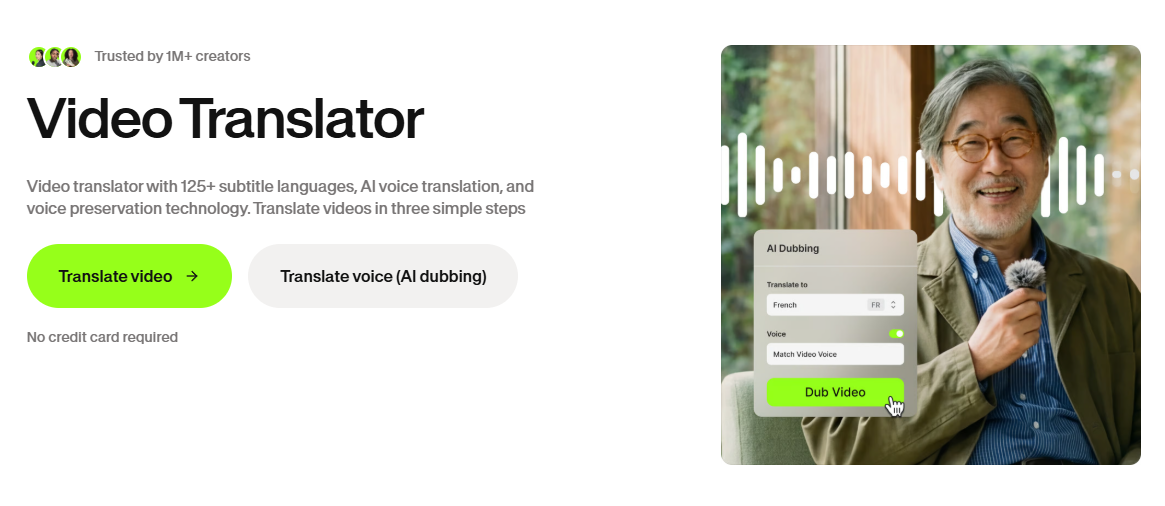
VEED offers a variety of AI tools for subtitles and translation. At the top is the video translator feature. Beyond translation, it ensures the audio preserves the speaker’s voice. But creators may also choose to use realistic AI voices from the platform’s library. More than that, users can opt to turn on lip-sync or keep the background audio. Access to automated subtitles is also available. VEED even lets creators resize, restyle, and trim captions.
Key Features:
- Supports over 125 languages
- Voice-matching technology for non-robotic audio outputs
- AI video translation with a browser-based editing suite
Pricing:
- Free Trial (for enterprise customers)
- Creator Package – $20 per month
- Pro Package – $44 per month
- Studio Package – $70 per month
- Enterprise Package – Custom Pricing
Real Use Case:
Marketing teams producing short-form videos for social media pages can streamline their workflow with VEED. They can use it to translate promotional clips into different languages while editing captions and branding.
Choosing the Top AI Tools for Video Translation in 2026
Most modern creative workflows largely revolve around realism and immersion. That’s why translating videos is no longer just about replacing one language with another. AI tools for video translation need to preserve tone, synchronize speech, generate subtitles, and streamline localization workflows.
HeyGen, Rask AI, Synthesia, Maestra AI, and VEED deliver all of that. No need to manually recreate videos from scratch. When choosing, accuracy, editing control, language range, lip-sync, and subtitle automation are among the standard features to look out for. Nonetheless, you won’t go wrong with any of these. They align with actual production workflows and do not balloon production costs. All while ensuring your message doesn’t get lost in translation.

