

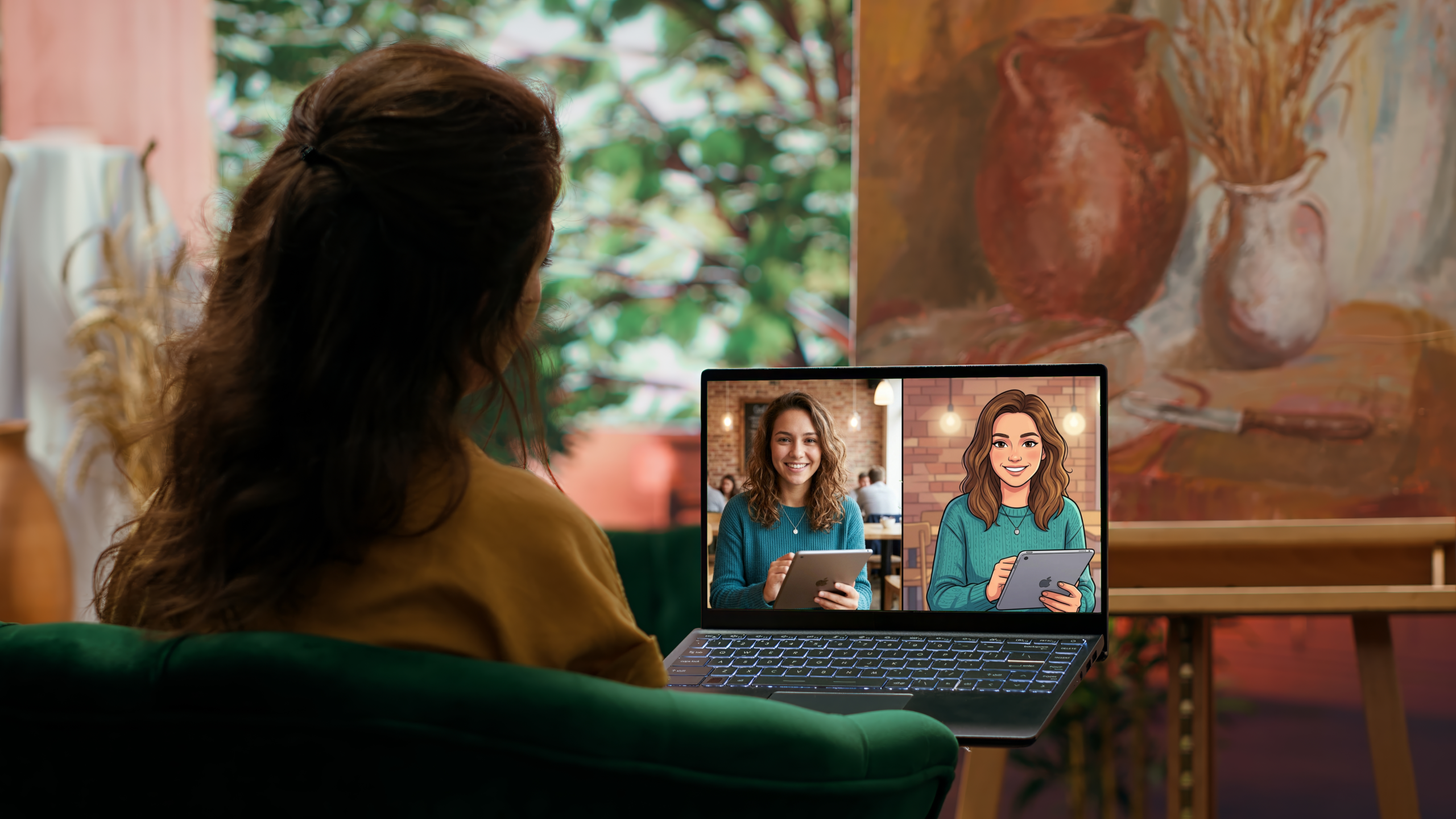
Classics like Mickey Mouse. Iconic titles like Looney Tunes. Modern shows like Rick and Morty. There’s no denying that cartoons are timeless. They hold a special place in the lives of millions of people. And that made cartoon visuals occupy a unique space in design. That’s part of why many creators now use AI tools for cartoon images. They can make an image feel more approachable. These tools also let visuals connect with audiences in a memorable way.
But it can be hard to pick the right AI tools for cartoon images. So this article lists a few options that go beyond novelty filters. AI tools that help create character illustrations, stylized portraits, and branded graphics for visual campaigns or personal use. Not just apps that flatten colors and exaggerate outlines.
Top Five Best AI Tools for Cartoon Images
Canva
Canva supports far beyond templates and presentations. This platform can now generate cartoon images using various methods. It houses the Cartoonify app. This allows users to convert any photo into a cartoon. Canva also has a Cartoonist feature. It lets creators generate unique cartoon images using text prompts. On top of that, there’s a Cartoon Filter app to produce more cartoon-style art. Customization is also possible. Canva allows users to add graphic elements (text, frames, and stickers) to make keepsakes, projects, or social media posts extra creative.
Key Features:
- Simple drag-and-drop interface for ease of use
- Eye-catching visuals without artistic skills or a design background
- Combining illustrations with layouts, text, and branding
Pricing:
- Free Package
- Pro Package – $18 per month
- Business Package – $25 per month
Real Use Case:
Content creators can rely on Canva’s tools for generating cartoon images. They can use them to build cartoon thumbnails, carousel posts, and event announcements directly inside the platform.
PixelBin
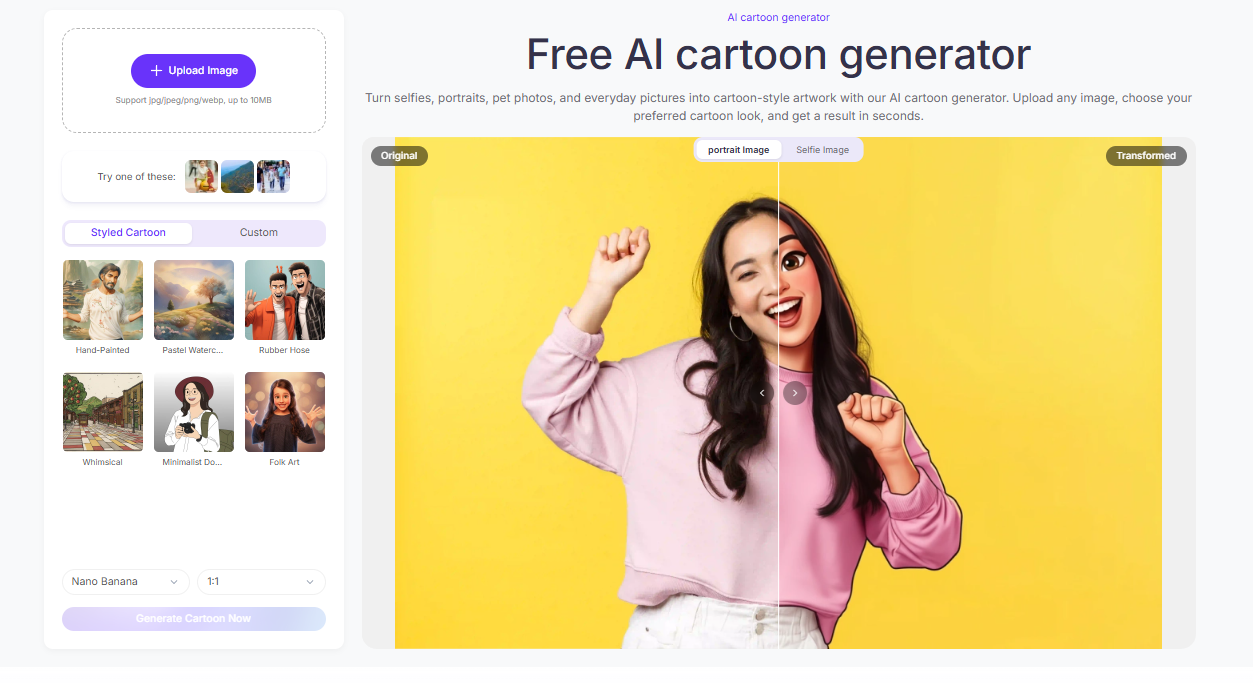
In the market filled with AI Tools for Cartoon Images, PixelBin approaches cartoon creation from a workflow perspective. It’s given that this tool turns pictures into high-resolution cartoon-style artwork. Users can choose from styled cartoon presets like whimsical and rubber hose or write prompts to achieve a desired cartoon style. But what makes it stand out are its refinement features. Creators can tweak brightness, colors, and contrast. They can also remove unwanted elements and replace the background.
Key Features:
- Maintaining a matching cartoon style across results
- Easy and fast to use for social media content
- Supporting scalable content workflows
Pricing:
- Free Package
- Creator Package – $10 per month
- Lite Package – $20 per month
- Pro Package – $60 per month
Real Use Case:
PixelBin’s usage goes beyond typical projects. It can be extremely beneficial for therapeutic and creative activities. Cartoon images can support art therapy, emotional expression, journaling, and creative outlets.
ImagetoCartoon
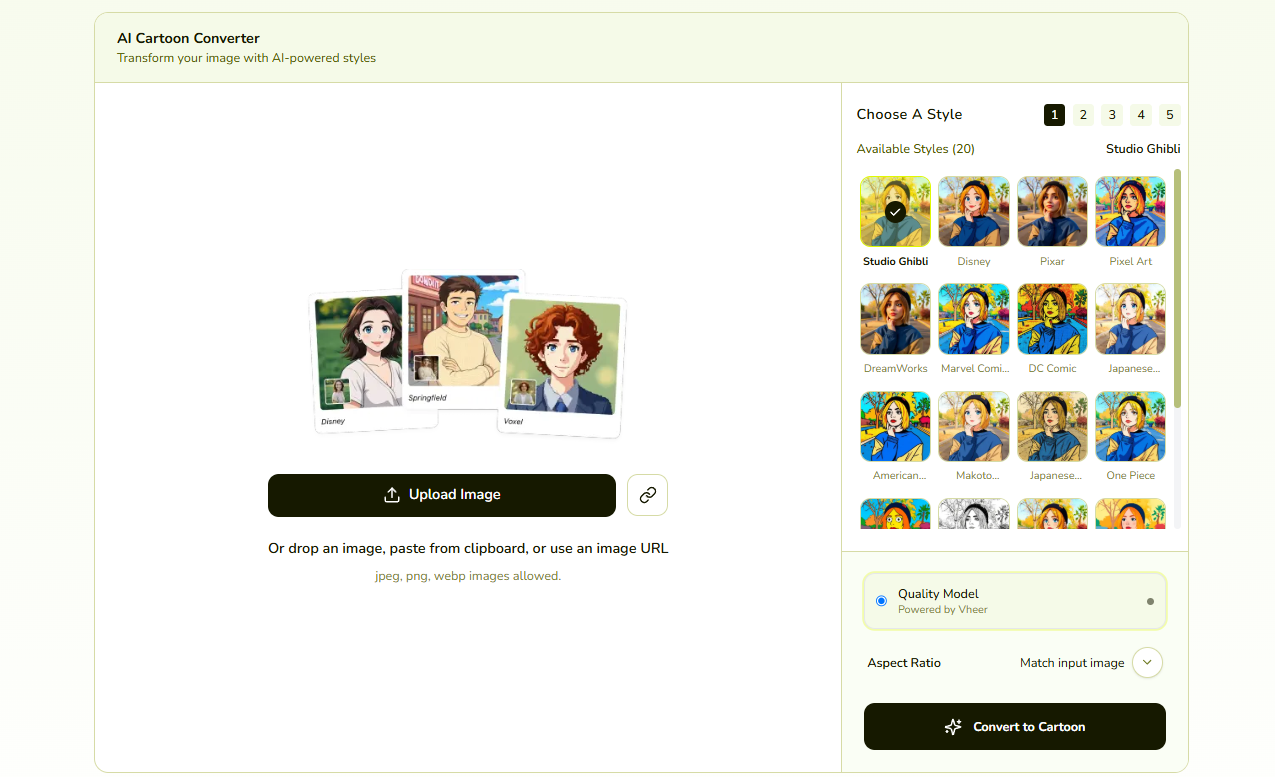
ImageToCartoon focuses on one core task. It converts images into cartoon-style illustrations while maintaining clean outlines. And does so without a price. This AI tool comes with a style library. So users can upload a photo and find the perfect cartoon look to match their vision. The options include 3D, anime, clay, pop art, and comic-inspired visuals. Creators can also avoid overly harsh outputs by adjusting the cartoon effect strength. Above all, it delivers fast, high-quality transformations. Results that are useful for any creative project.
Key Features:
- Creating avatar-style visuals quickly
- Vast cartoon-style library
- Multiple-face detection for group photos
Pricing:
- Free to use (No fees or sign-ups)
Real Use Case:
Event organizers can use ImageToCartoon to make affairs more fun and personalized. Such as creating cartoon-style attendee badges and illustrated invitations based on actual participant photos.
Picsart
Across the AI tools for cartoon images on this list, Picsart is one of the most popular and staple picks among users. It’s a very flexible tool for cartoon-style content. For one, it enables users to reinvent their photos into cartoon images of different styles. Like 3D characters from Pixar or anime-looking visuals. Picsart also has an AI cartoon character maker. Users just need to enter a prompt that describes their idea, from body type to specific poses, for precise renders. This option even offers a built-in editor. It supports users who want to create and adjust visuals in one environment.
Key Features:
- Experimenting with playful and expressive styles
- Saturation, exposure, background, text, and graphic elements tweaking
- Mixing cartoon effects with manual creative control
Pricing:
- Free Trial (Depending on account eligibility)
- Pro Package – $15 per month
- Ultra Package – $45 to $250 per month
- Enterprise Package – Custom Pricing
Real Use Case:
Picsart can help influencers transform lifestyle photos into cartoon campaigns and branded content. This allows them to make more creative and engaging promotional work in crowded feeds.
Cartoonize AI
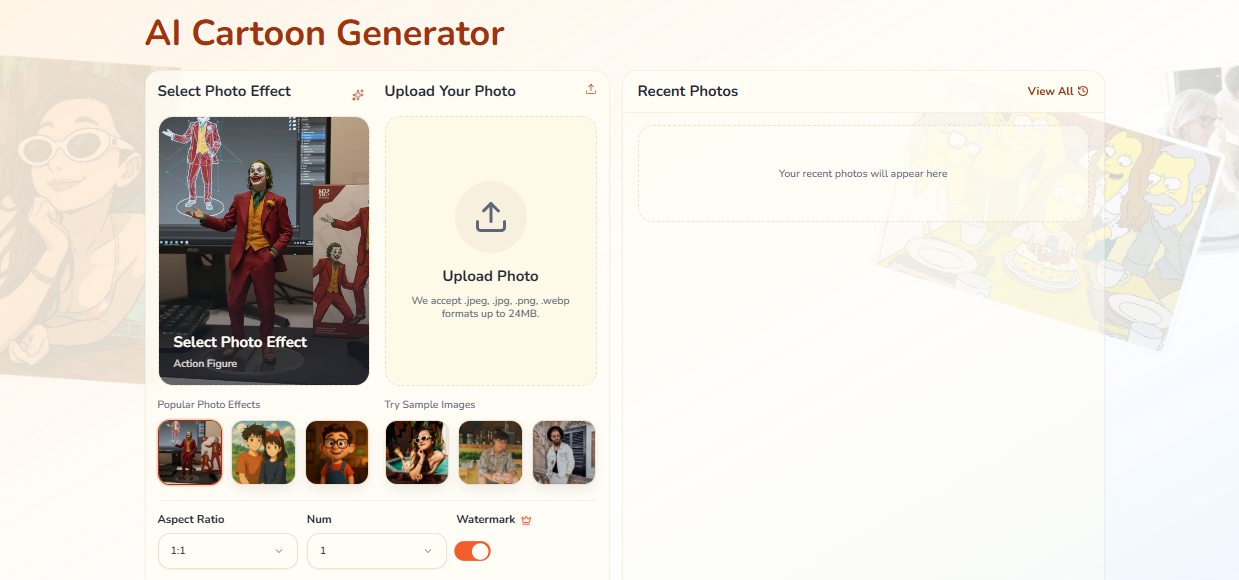
Cartoonize AI is built to convert dull photos into stylized cartoon visuals. Its appeal comes from creativity and precision. Users can turn their photo into various cartoon looks. It has over 38 options, including Studio Ghibli, pixel art, comics, The Simpsons, and others. But more than the artistic takes, it retains details through its advanced AI model. Cartoonize calibrates composition and notable features. It guarantees commercial-ready quality and lightning-fast generation.
Key Features:
- Applying cartoon effects while keeping the subject’s resemblance
- Stunning variations in less than a minute
- Preset library, aspect ratio adjustment, and a prompt-based feature for extra detail control
Pricing:
- Free Package
- Hobby Package – $19.99 per month
- Basic Package – $59.7 per month
- Plus Package – $89.55 per month
- Pro Package – $119.4 per month
Real Use Case:
Online sellers can boost their store engagement and sales by using Cartoonize AI. Particularly for generating playful storefront banners, themed content, or social media trends for promotional materials.
Choosing the Must-Try AI Tools for Cartoon Images Today
The top AI tools for cartoon images do more than apply filters. Canva. PixelBin. ImageToCartoon. Picsart. Cartoonize AI. All five recommended picks support different creative goals. They offer ease of use, a variety of styles, customization options, and flexible input types.
So the right tool depends more on what you want to create afterward. Even so, all these options deliver high-quality results while saving time and effort.

